




10 Best OCR App for Business in 2026: Features Compared
The receipts are not the problem. You already photograph them. There are forty in your camera roll, a shoebox under the desk, and an inbox folder called "expenses 2026". What is missing is a reliable path from that pile to a reconciled ledger entry with the right VAT figure, the right category and the right quarter attached.
That gap is where OCR stops being a scanning feature and starts being an accounting control. Many apps can turn an image into text. Fewer can turn a smudged petrol receipt into a categorised expense that reaches Xero or QuickBooks without someone retyping the total, guessing the nominal code or chasing the VAT.
The pressure to close that gap is real. HMRC research on Making Tax Digital for VAT found that 93% of VAT-mandated businesses reported using digital record-keeping through software, apps or spreadsheets, and 98% updated records covering transactions, invoices and receipts at least quarterly, according to HMRC's MTD research report. Storage is not the constraint. Flow is.
This list judges ten OCR apps on three things: capture, recognition and what remains after the scan. Capture means the app copes with real inputs, from phone photos to emailed PDFs. Recognition means merchant, date, total, tax, currency and, where needed, line items. After the scan is the decisive test: category, review, approval and a clean handoff into the ledger. Several entries here are excellent scanners. Only a few finish the job.
1. Snyp
Built for the handoff, not the scan.
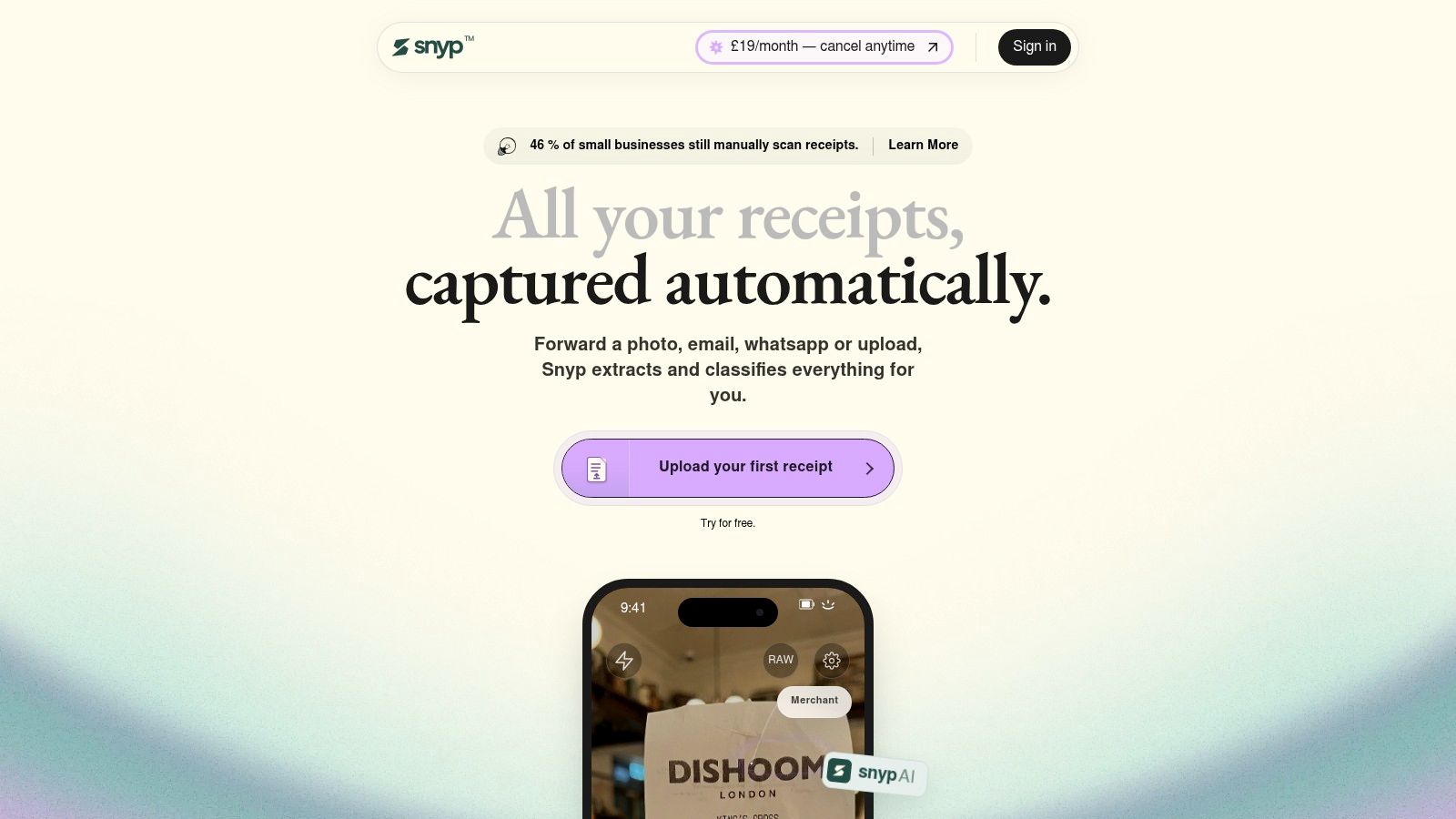
Most receipt apps assume you'll open the app, frame the shot and wait. That's the wrong moment to ask. Receipts reach you at a till, in a taxi, at a client's site. Snyp accepts the photo through WhatsApp, a forwarded email, or a drag-and-drop upload into the web dashboard, and the same engine processes every channel into one queue. Phone photos, PDFs and email receipts all land in the same place, so you're not reconciling three different inboxes later.
Then it does the part general scanners skip. The engine extracts merchant, amount, date, tax, currency and category, and where the document is an invoice it reads line items, hourly rates and disbursements rather than collapsing everything into one total. Each record gets its own review page with the original image beside the extracted fields. You can change the vendor, adjust the total, edit the category or add a note, and nothing syncs to Xero or QuickBooks until you're satisfied with it.
The habit that makes it work: forward the receipt the moment it's handed to you, then clear the review queue once a week on a laptop. Two minutes weekly beats a three-hour catch-up the night before a VAT return.
Category memory is the bit that compounds. Re-categorise a supermarket receipt once and future receipts from that vendor land in the same category, which is how manual work falls away across a quarter instead of staying flat.
The volume argument explains why this matters more than it sounds. Research cited by the British Independent Retailers Association put UK paper receipt production above 11 billion a year, more than 30 million a day, generating over 28,000 tonnes of CO2 equivalent, as set out on BIRA's paperless pledge page. Capture at the till, file in the cloud, don't touch it again.
Where it stops short
- Trial terms aren't published: the site lists a free trial but doesn't state its length, so confirm before you build a routine around it.
- Extraction isn't approval: you're still the one who decides a mixed personal and business purchase gets split.
- Pricing: plans start at £19/month on monthly billing, and you can cancel any time.
2. Adobe Scan
A free, competent scanner that stops at the document.
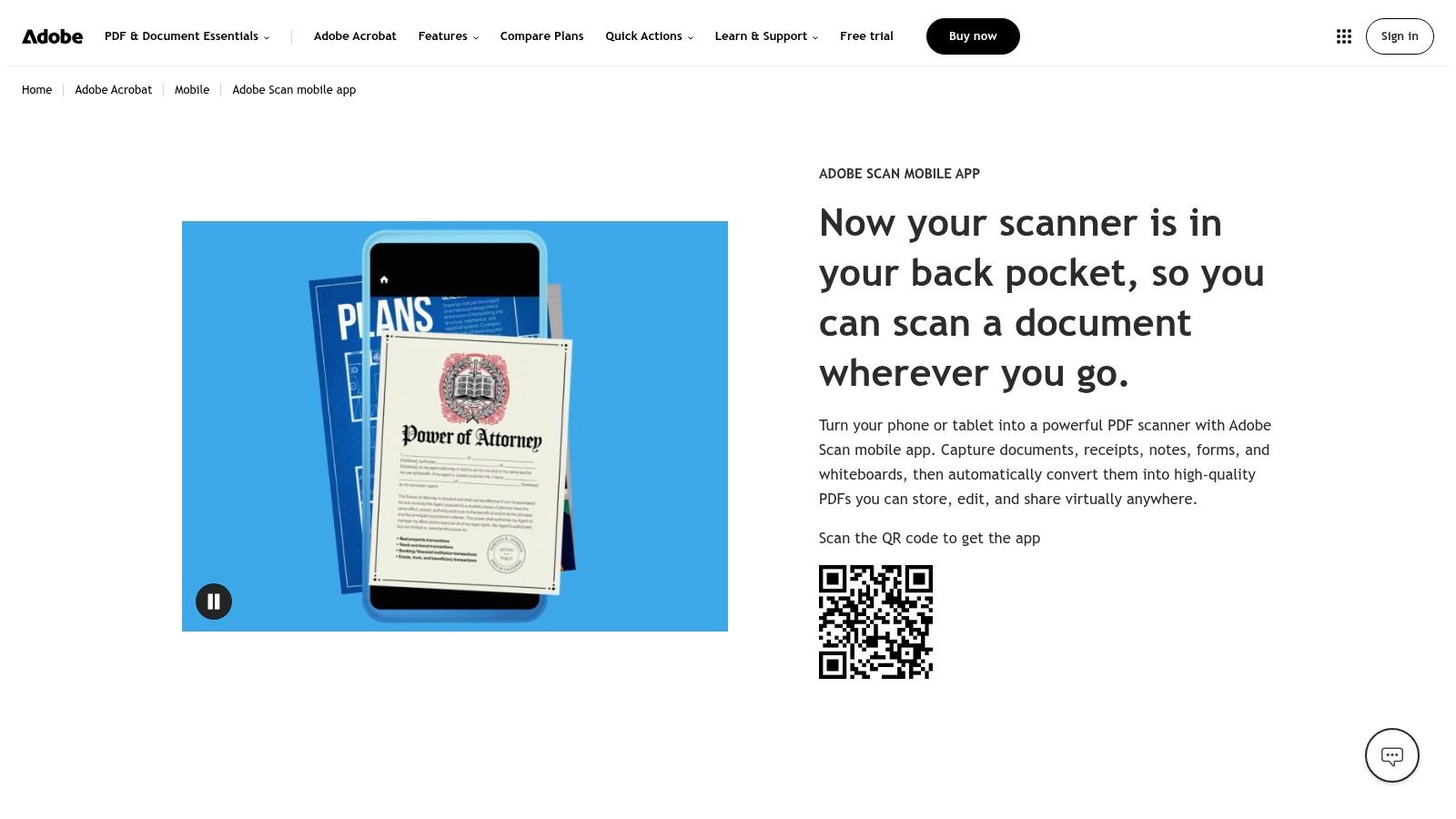
Adobe Scan does the mechanical part well. It finds the page edges, corrects shadows and skew, runs OCR so the PDF has a searchable text layer, and passes the file into Acrobat for editing or sharing. A contractor who needs a signed delivery note as a searchable PDF by Friday gets exactly that, on iOS or Android, without paying.
The catch is what happens afterwards. Adobe Scan produces a document, not an expense. There's no supplier field, no VAT split, no category, no route into Xero or QuickBooks.
Scanning capability itself is no longer the differentiator. The Department for Science, Innovation and Technology found that in 2024, 99% of UK businesses with at least 10 employees handled digitised data of some type. Almost everyone can digitise. What separates tools is what leaves the app once the file is saved.
What it leaves for you
- Manual keying: you'll retype supplier, date and total into your accounting software.
- Paid extras: editing, format conversion and document protection sit behind an Adobe subscription.
- Account tie-in: scans saved to Adobe's cloud are tied to an Adobe account, which matters if you ever change providers.
Practical rule: use Adobe Scan for documents you need to keep or send. Use something else for documents you need to account for.
3. Genius Scan
Batch capture and tidy PDFs, with OCR behind the paywall.
Genius Scan is a scanning app first and an OCR app second, and it's honest about that. The free tier has no scan limit and no watermark on exports, according to the developer, and it handles multi-page documents better than most free rivals. If your week involves twenty delivery notes and a shared Drive folder, this is the quickest route from paper to organised files. Exports go to Google Drive, OneDrive, Dropbox and Expensify.
The OCR sits in the paid plans. On those plans it indexes document contents, builds searchable PDFs and pulls out details such as addresses. That's useful for a folder of supplier contracts. It is not the same as extracting a total, a VAT amount and an expense category from a till receipt.
The scale of the market matters here. HMRC estimated that in 2023 to 2024 the UK had 5.2 million small businesses. Most are one or two people. For them, a free scanner with reliable exports is proportionate; a subscription scanner that still leaves the ledger work undone is not.
Where it earns a place
- Batch work: drag in a stack of pages and get one clean PDF out.
- Shared folders: exports land where your team already looks.
- Cheap discipline: no scan caps means no reason to skip a week.
Where it doesn't
- No OCR on the free plan: text search and copy are paid features.
- No accounting handoff: expense-reporting features aren't a Xero or QuickBooks integration.
- Cloud extras: automation and some destinations require a paid tier.
4. CamScanner
The widest toolkit, and the easiest place to mistake features for workflow.
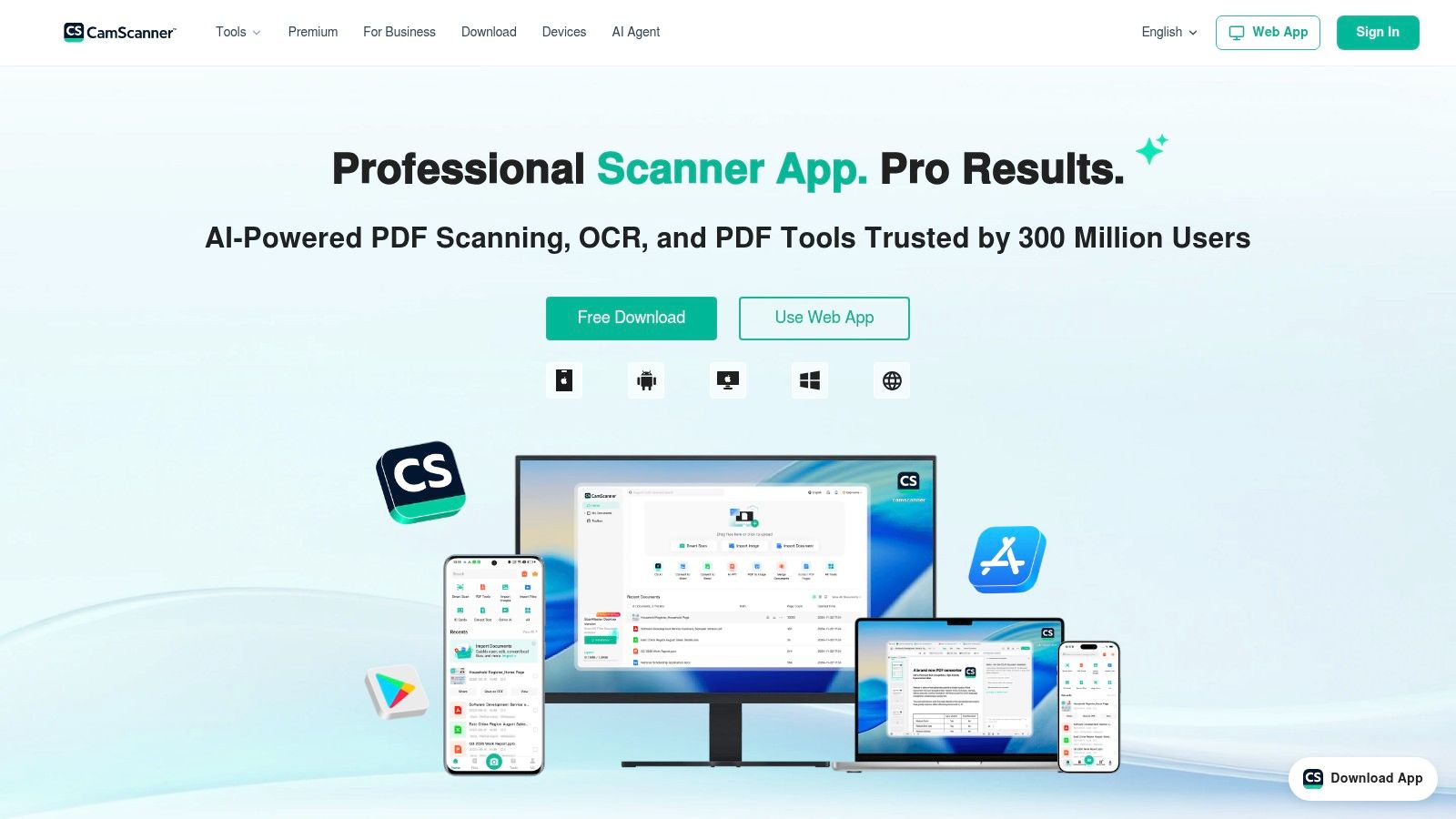
CamScanner is what people install when they want one app to do everything. It crops and straightens scans automatically, runs OCR for search and text extraction, edits and converts PDFs, handles e-signatures, and syncs across mobile, web and desktop. It copes with receipts, invoices and business cards without complaining.
The size of the category explains the feature sprawl. The UK optical character recognition market was estimated at around US$566.62 million in 2024, according to Market Research Future's UK OCR market report. A market that large rewards apps that look impressive on a download page. It doesn't reward apps that finish a bookkeeping task.
The bookkeeping gap
OCR text extraction gives you words. It doesn't give you a categorised expense with the VAT isolated and the correct nominal code attached. CamScanner's document modes are set up for scanning documents, not for classifying them.
A scanner that can edit a PDF still can't tell your accountant which quarter an expense belongs to.
There's a practical annoyance too. The free and paid features sit behind a boundary that isn't always obvious in the moment, and the Google Play listing shows ads and in-app purchases, so you can find yourself halfway through a batch when a prompt appears.
My view: keep CamScanner if you regularly handle contracts, forms and ID documents alongside receipts. Don't expect it to reduce the work you do in Xero.
5. SwiftScan AI
Good at documents in general, indifferent to receipts in particular.
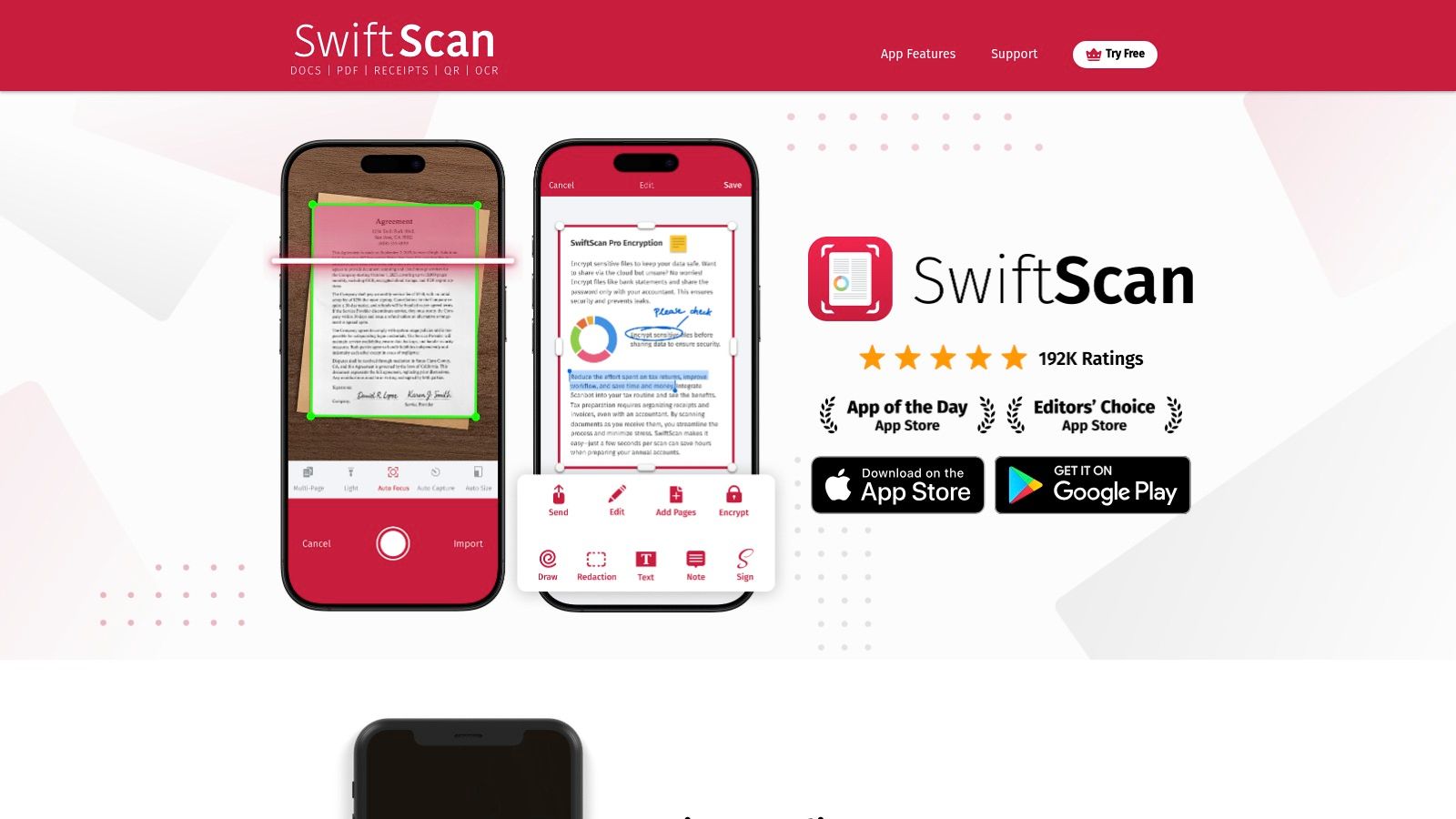
SwiftScan handles the full life of a scanned document rather than just the capture. Automatic detection, multi-page scanning, OCR for searching and copying text, PDF editing, encryption, and automatic uploads to cloud services. It's the sort of app that suits someone who scans whiteboards after a meeting, turns them into PDFs, and emails them from the same screen.
The AI additions, summarisation and translation among them, are aimed at people working across languages or wrestling with long documents. On a fuel receipt, they add nothing. OCR accuracy on a clean, flat page is fine; the app doesn't attempt to identify that the £68.40 total includes £11.40 of VAT, or that the expense belongs under motor expenses.
What to watch
- Subscription gating: OCR and most useful features require a paid tier.
- Platform drift: pricing and included features differ between the App Store and Google Play, so check the listing for the device you use.
- No reconciliation: there's no supplier matching, no duplicate detection, no accounting sync.
If you want a scanning app that also tidies and translates documents, this is a reasonable pick. If you want receipts in your books, it's the wrong category of tool, and no amount of PDF tooling changes that.
6. iScanner
Wide format support, and an export route worth understanding.
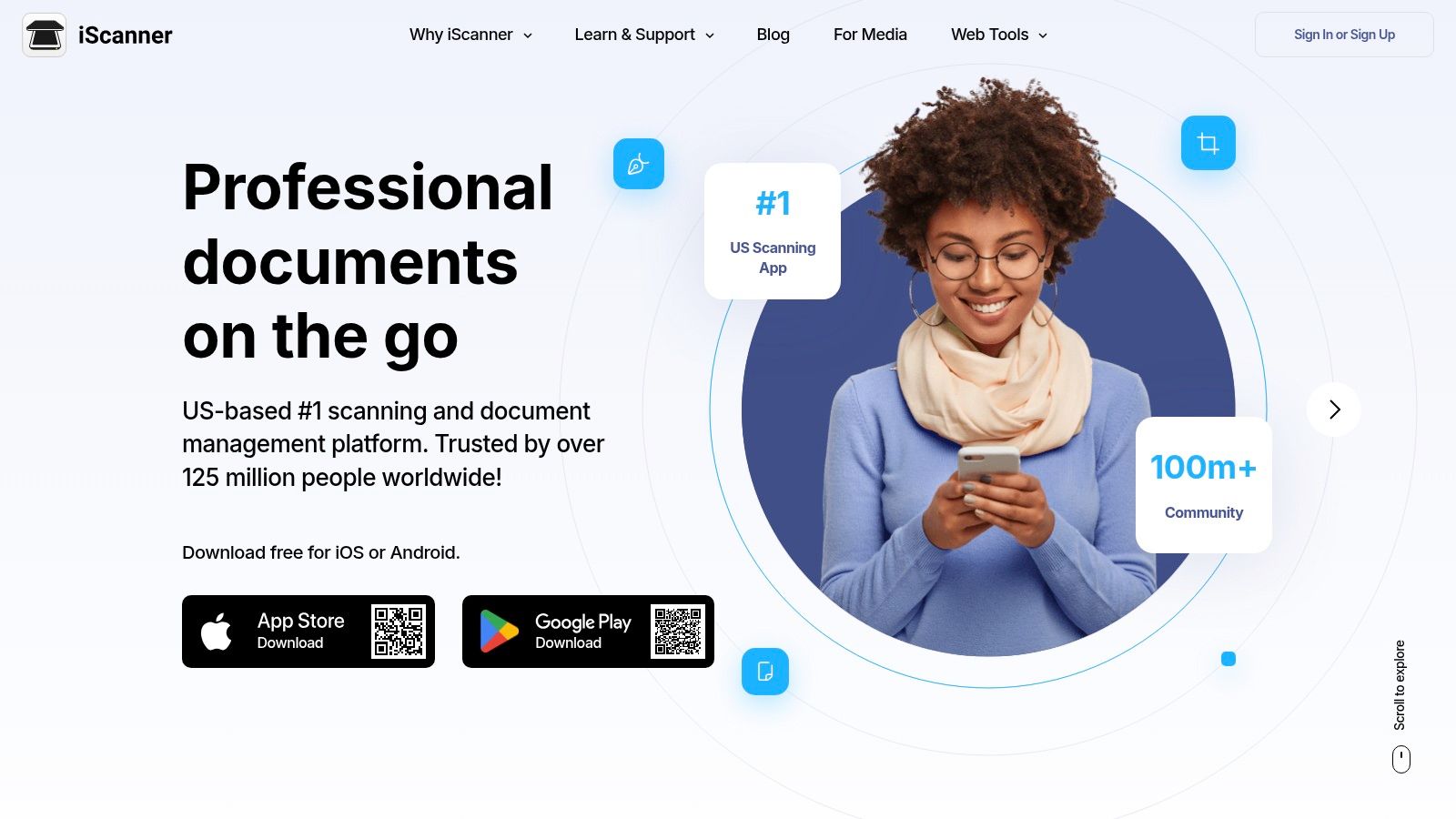
iScanner sits in the same bracket as CamScanner: a scanning and PDF utility that happens to include OCR. It recognises text in more than 20 languages according to its Google Play listing, applies automatic edge adjustment and image correction, and offers document modes for receipts, IDs and contracts. Signing, merging, splitting and editing PDFs are all handled in the app.
The export question
The interesting capability is format export. You can push a scan out as PDF, JPG, DOC, XLS or TXT, which means a receipt can end up in a spreadsheet if you want it there. That sounds like a shortcut to bookkeeping. In practice you're building the categorisation logic yourself, and a spreadsheet of extracted text isn't a ledger.
Two things to weigh before you rely on it:
- Subscription prompts: users report prompts during use and difficulty trying paid features before subscribing, which is awkward when you're mid-batch.
- Privacy disclosures: the app store listing shows data collection and sharing, so read it if you handle client documents.
Where it fits: a small office that needs one app for scanning, light PDF editing and occasional text extraction, and already has a bookkeeper handling the numbers.
7. QuickScan: PDF OCR Text Scanner
On-device processing for people who don't want their documents leaving the phone.
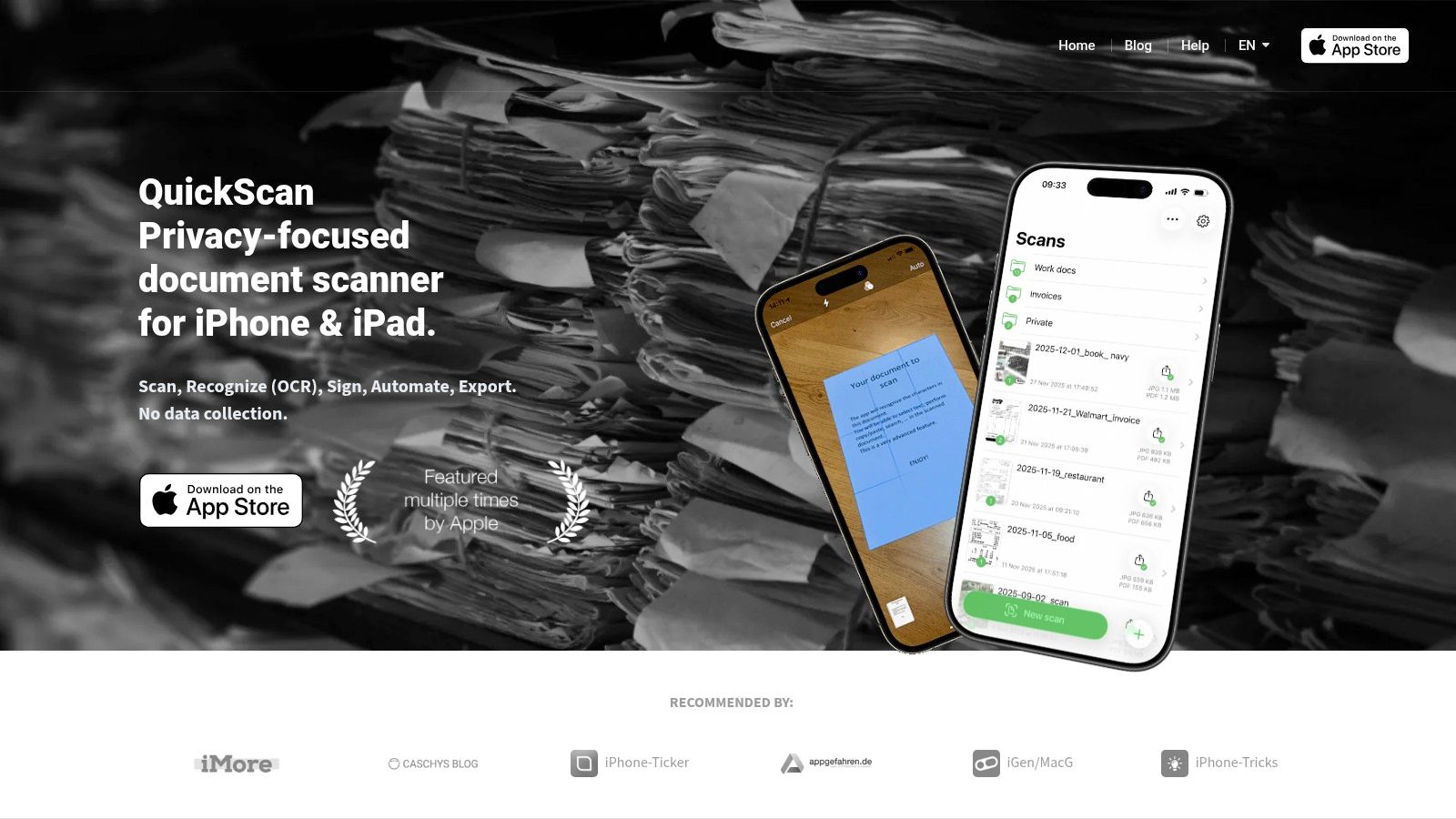
QuickScan is the quiet, focused option. It scans or imports documents, runs OCR on images and PDFs, produces searchable text layers, and automates file naming and exports. The developer says processing happens on the device, which is the reason to pick it over cloud-based rivals when you're scanning client contracts, payroll paperwork or anything under an NDA.
It's iPhone and iPad only. The UK App Store listing describes it as free with optional donations rather than a subscription that gates features, which is unusual in this category and worth noting if you're tired of yet another monthly charge.
Privacy versus pipeline
Local processing solves a confidentiality problem and creates a workflow problem. Nothing leaves the device, so nothing arrives in Xero either. You still need a route from a searchable PDF to a structured transaction, and that route is manual.
If you're regularly pulling figures out of PDFs rather than just making them searchable, it's worth understanding what structured extraction involves before you commit to a local-only tool: this guide to PDF data extraction covers how field-level capture differs from a text layer.
Verdict: the best choice here if confidentiality outranks automation. The worst if you were hoping the scan would end in a reconciled ledger.
8. ABBYY FineReader PDF for iOS
OCR as the main event, not an add-on.
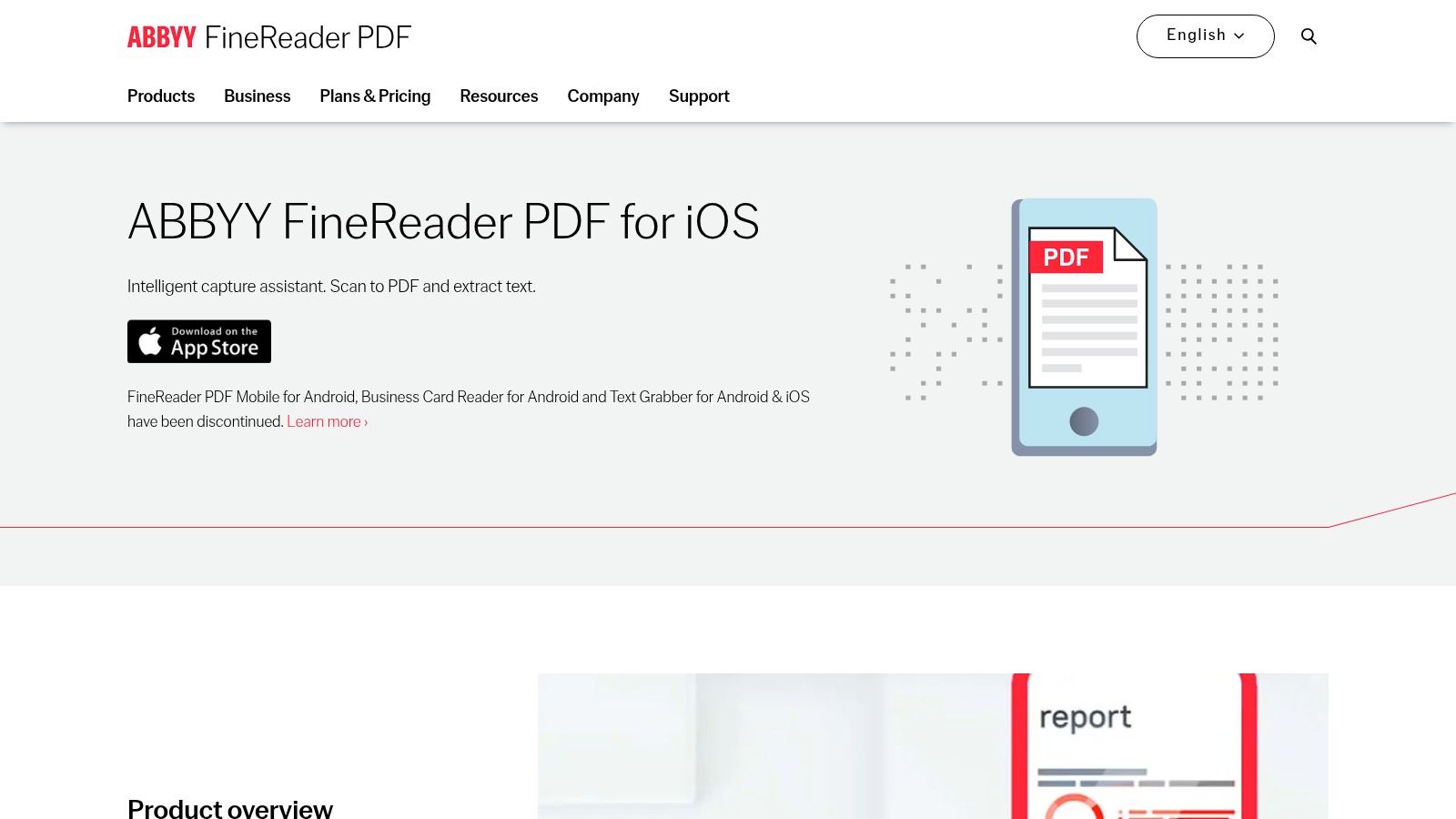
ABBYY has been in text recognition for decades, and it shows. FineReader scans to PDF and JPEG, extracts text using offline or online recognition, handles a large number of recognition languages, and includes text search and annotation. Its strength is volume and length: books, printed reports and long documents come through cleanly, with recognition that holds up on dense pages where lighter apps start dropping characters.
It is iOS only, because ABBYY says its Android mobile app has been discontinued. Plan accordingly if your team is mixed.
Judge fields, not characters
Recognition quality varies between engines, and the gap widens on bad input. A benchmark hosted by the University of Oxford, run across 18,568 processed documents and 51,304 requests with repeated English and Arabic scans and artificially introduced noise, found Google Document AI delivered the strongest overall results, while server-based processors substantially outperformed Tesseract on noisy documents, as recorded in the Oxford research archive.
Receipts are noisy by nature: thermal print fading, folds, shadows, low contrast, handwritten tips. Character accuracy in the abstract matters less than whether the total, VAT, date and supplier come out right. To compare engines on that basis rather than on marketing claims, this comparison of OCR software options is a sensible starting point.
Where it stops: strong recognition, no expense categorisation, no accounting sync. It converts documents. It doesn't classify them.
9. vFlat Scan
The book scanner, which is either exactly what you need or entirely beside the point.
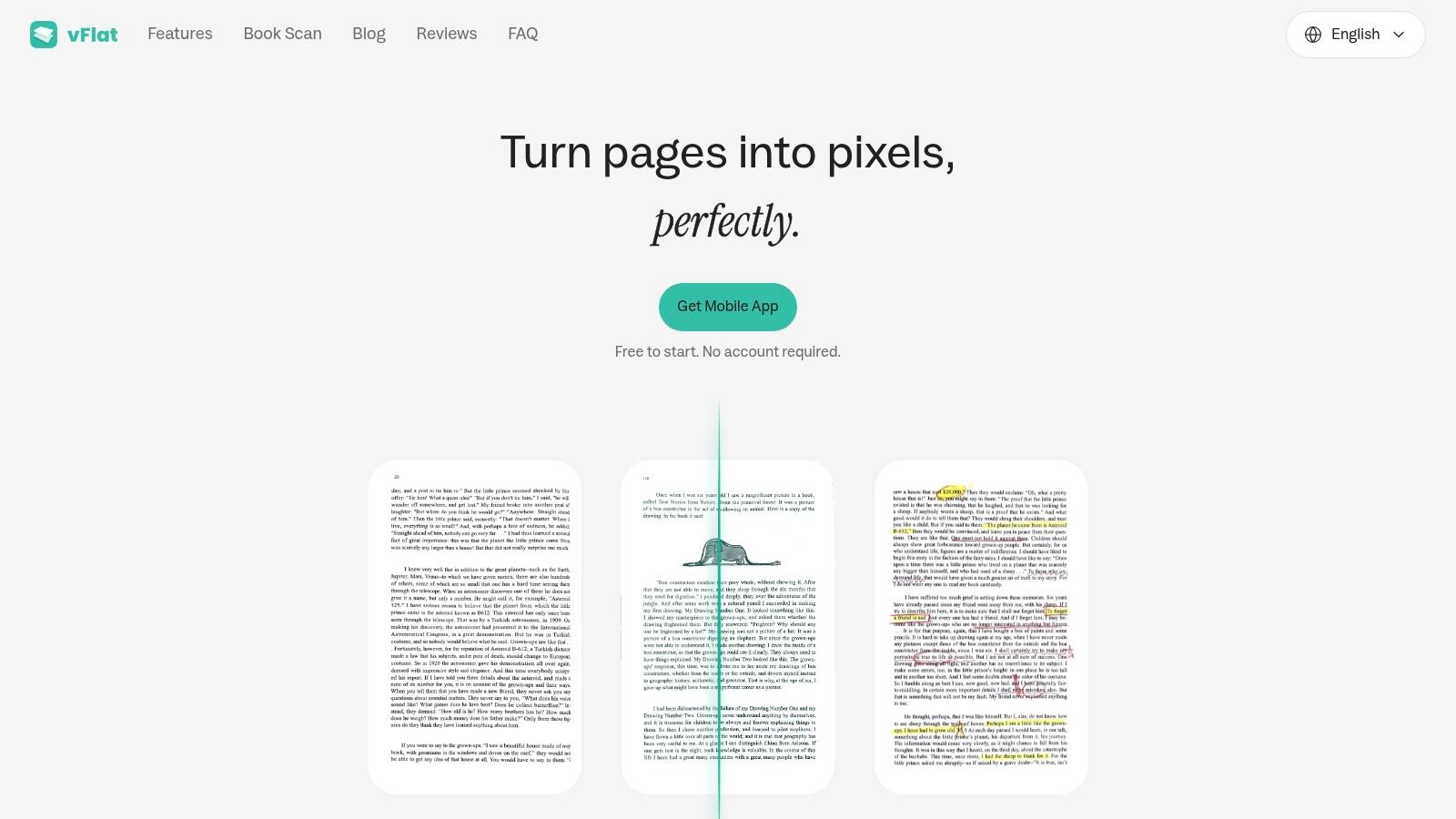
vFlat solves a problem most scanner apps ignore. Bound pages curve, so a photo of a book page is distorted and the text near the spine is unreadable. vFlat flattens the curve automatically, crops the page, cleans up shadows, and can strip handwritten marks from printed pages. It then runs OCR so the text can be copied, edited or searched, and exports to PDF, JPG, Word or TXT.
For a solicitor digitising reference volumes, an accountant archiving old ledgers, or anyone with a shelf of technical manuals, that's a real capability. Its Google Play listing shows a free scanner with no watermarks and OCR available, alongside in-app purchases.
Why it rarely wins for receipts
The strengths don't transfer. Receipt flattening isn't a problem anyone has, and the app's focus on page geometry means less attention to the fields that matter for expenses. Users also report occasional processing and cropping issues in recent reviews, which is tolerable on a book and irritating on a £200 receipt you need to claim.
My view: keep it in the toolkit if documents include bound material. Don't buy it as your expense capture tool.
10. Apple Notes and Live Text
Free, already on your phone, and one step short of useful.
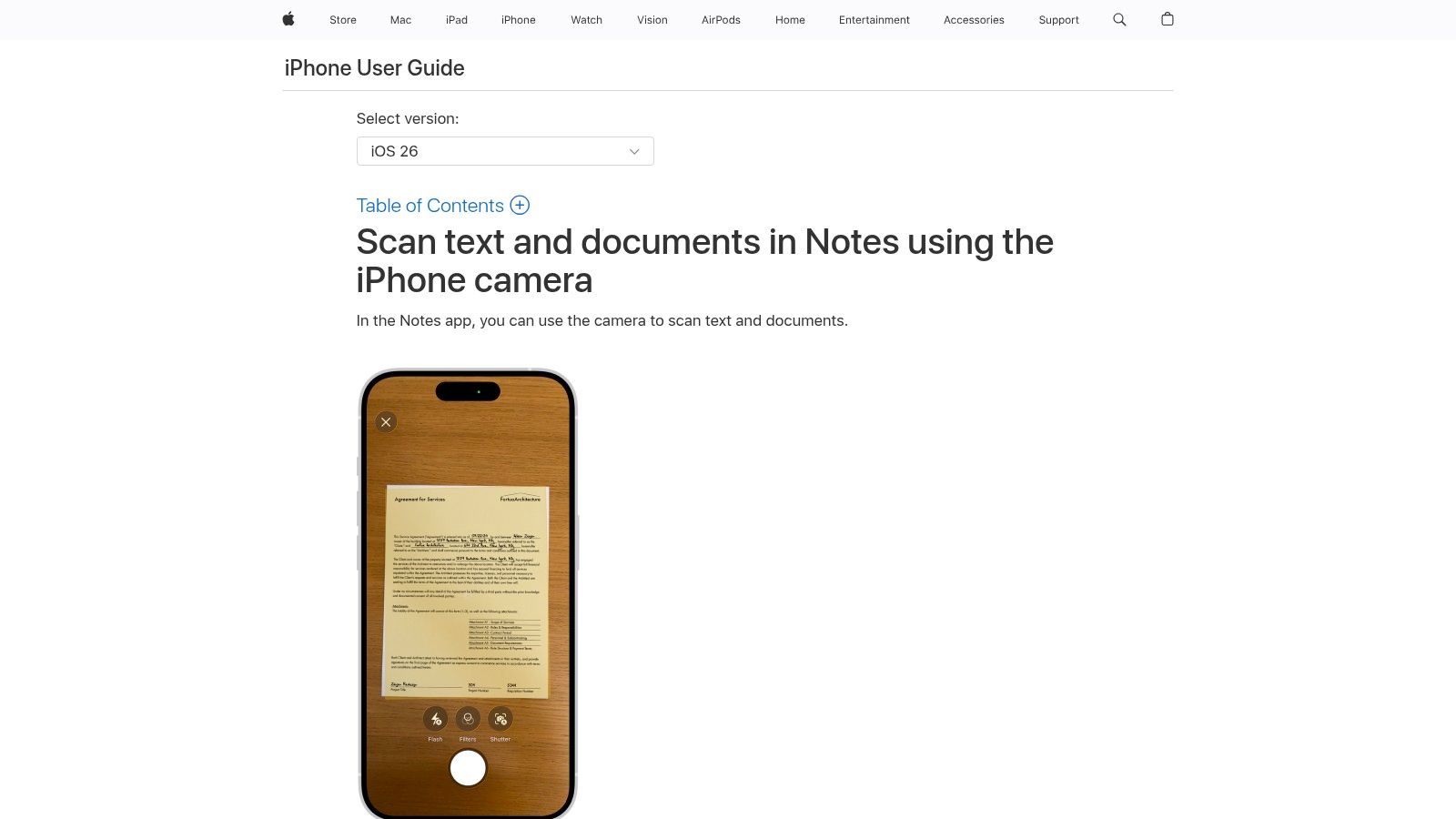
Notes scans multi-page documents straight to PDF, Live Text pulls text out of photos so you can copy, share or translate it, and scans become searchable inside Notes. There is no subscription, separate app or learning curve. For a one-off receipt you need to email to a client or attach to a message, it is convenient.
The catch is the finish line. Apple gives you a clean image with a text layer, then stops. It does not pull out supplier, date, total, VAT or category, and it does not hand anything to Xero or QuickBooks. Searchable text helps you find a receipt; it does not turn that receipt into ledger-ready data.
Enough for a shoebox, short of a VAT return
Retention is where casual scanning gets exposed. HMRC's VAT record-keeping guidance requires VAT records to be kept for at least six years, and a camera roll has no way to prove what was kept, amended or synced. If you are scanning on an iPhone anyway, make the output findable and know the cutoff: this guide to scanning receipts on iPhone covers the built-in options and where they stop.
Verdict: right for a one-off document, wrong for a year of expenses that has to reconcile.
How the 10 OCR apps compare for business use
| Item | Platforms | Accounting sync | Best for |
|---|---|---|---|
| Snyp | WhatsApp, email, file upload | Xero and QuickBooks | Recommended for receipt capture and accounting-ready expenses |
| Adobe Scan | iOS and Android | No direct accounting sync stated | Basic scanning and searchable PDFs |
| Genius Scan | Mobile | No direct accounting sync stated | Batch scanning and document exports |
| CamScanner | Mobile, web and desktop | No direct accounting sync stated | Scanning, editing and sharing documents |
| SwiftScan AI | Mobile | No direct accounting sync stated | Scanning, OCR and PDF tools |
| iScanner | Mobile | No direct accounting sync stated | Scanning and PDF editing |
| QuickScan: PDF OCR Text Scanner | iPhone and iPad | No direct accounting sync stated | Free, on-device OCR and scanning |
| ABBYY FineReader PDF for iOS | iOS | No direct accounting sync stated | OCR and text extraction |
| vFlat Scan | Android and iOS | No direct accounting sync stated | Scanning books and bound pages |
| Apple Notes and Live Text | iPhone and iPad | No direct accounting sync stated | Occasional scans and quick text capture |
Choosing the Right OCR App for Your Workflow
Pick the tool that matches where your documents end up, not the one that scans most impressively. Three questions sort the list quickly. Where does the record land after the scan? Who reviews it before it counts? And what would you hand an inspector if they asked about a transaction from eighteen months ago?
The market already reflects that split. The UK OCR market was estimated at $530.1 million in 2025, with software accounting for $422.5 million, or 79.7% of revenue, according to Research and Markets' UK OCR market report. Money is moving into software workflows and integrations rather than camera hardware. Buy accordingly.
Run a month of real receipts before you commit
Any free trial looks good on a clean, flat, printed invoice. Your actual input is a faded thermal till roll, a photographed lunch receipt with a thumb over the total, and a PDF invoice from a supplier whose template uses two columns and a logo watermark. Test on that.
A short, honest trial has four checks:
- Field accuracy: scan ten receipts you already know the answers to and compare the extracted total, VAT, date and supplier against the paper.
- Correction time: note how long each fix takes. Ten seconds per receipt across 300 receipts a year adds up to roughly 50 minutes of corrections you won't get back.
- Export behaviour: confirm what leaves the app and in what format. A searchable PDF is not a transaction, and a CSV you have to re-map by hand is only half a workflow.
- Duplicate handling: submit the same receipt twice and see whether anything notices.
That last check matters more than it sounds. Duplicate expenses surface months later as reconciliation mismatches, and the app that caused them is rarely around to take the blame.
Completeness beats legibility
The other test is completeness. HMRC expects records of all income and expenses that identify the business transaction, with proof such as receipts, invoices, bank statements and till rolls, and VAT records covering everything bought and sold plus received and issued invoices kept for at least six years, as set out in HMRC's compliance handbook.
That standard is higher than "the image was readable". An app that confidently extracts the wrong VAT treatment has made your position worse, not better. Look for tools that show the original image beside the extracted data, keep a correction history, and flag records that look incomplete rather than accepting them. The strongest setups also hold data back until a person approves it, so nothing reaches the ledger half-checked.
If you mainly need searchable PDFs, book scanning or document editing, a general scanner will serve you well and cost you less. If receipts must reach your books with the right category and minimal checking, start with a dedicated receipt pipeline and prove it on a month of your own documents. For a wider view of the scanning end of the market before you decide, this roundup of top OCR apps for scanning documents goes deeper on the general-purpose tools.
If the shoebox problem is really a workflow problem, the fix is a pipeline rather than another scanner. Snyp takes receipts from WhatsApp, forwarded email or a file upload, extracts the merchant, amount, tax, currency and category, and syncs approved records to Xero or QuickBooks from £19 a month with a free trial. You can also send a review link to your accountant or bookkeeper, who can check the data without needing a Snyp account. Send one receipt through it today and see how much of the job is already done before you open your books. Start at Snyp.