


Every Receipt Categorised Automatically. No Guesswork, No Manual Sorting.
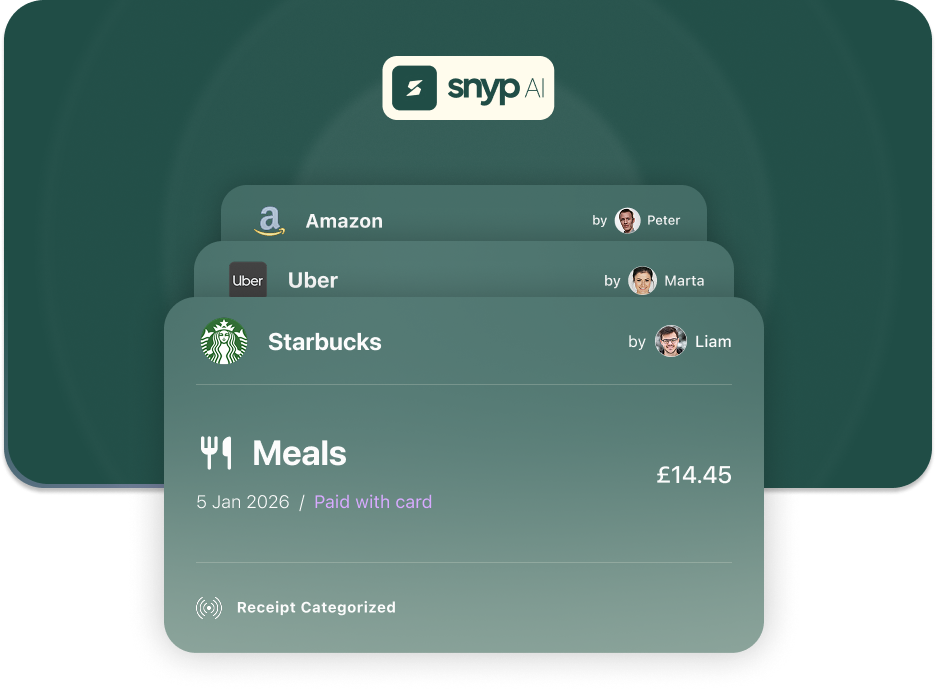
Sorting receipts into the right expense categories is tedious and confusing. Is that Uber ride travel or client entertainment? Does the coffee go under meals or office expenses? Get it wrong and your reports are useless, your accountant is frustrated, and your tax return is a mess.
AI-powered categorisation
Snyp analyses the vendor, line items, and amount to assign the correct expense category — matching your Xero or QuickBooks chart of accounts.
Learns your preferences
When you re-categorise a receipt, Snyp remembers. Future receipts from the same vendor are automatically assigned to the category you prefer.
UK tax categories built in
Snyp understands UK expense categories and VAT rules out of the box, so your data is always HMRC-friendly.
How it works
1
Upload your receipt
Send your receipt via web, email, or WhatsApp. Snyp's AI extracts all the data including vendor and line items.
2
AI assigns a category
Based on the vendor, items purchased, and your past preferences, Snyp assigns the most appropriate expense category from your chart of accounts.
3
Review and adjust if needed
Check the suggested category on your review page. If you change it, Snyp learns and applies your preference to future receipts from that vendor.

Accountant
My clients switched to Snyp and the quality of the data jumped instantly. Clean, structured, zero follow-up emails
Agam Walia, Accountant
Frequently Asked Questions
Stop chasing receipts.
Let Snyp handle them automatically.

Try free
No credit card required.
Related Pages

See Pro features
Sign in

Integrations