




10 Apps for Business Expenses in 2026: A Practical Guide
Two weeks before your self assessment deadline, you find the shoebox. Three months of receipts are inside, half of them faded thermal paper from petrol stations and cafés, the rest mixed in with personal shopping you now have to unpick line by line. You know some of that spending is claimable. You also know your accountant won't accept a guess, and you don't have an evening to waste typing faded amounts into a spreadsheet.
You're not behind because you're careless. You're behind because receipts arrive in the wrong places, at the wrong times, while you're doing paid work. The UK Business Data Survey 2024 found that 98% of small businesses reported handling digitised data, compared with 86% of microbusinesses and 73% of sole traders. Larger firms built digital habits earlier. Solo operators are still bridging paper, email and spreadsheets.
Pick your app by the job in front of you, not by the longest feature list. If you mainly need receipts out of your inbox and into your books, start with a capture first tool. If you're already settled in Xero or QuickBooks, check what your accounting plan already does before you pay for another login. If you're paying a team, you need cards, limits and approvals, not just a scanner. The ten apps for business expenses below are sorted in that order, with the limitation named for each one.
1. Snyp
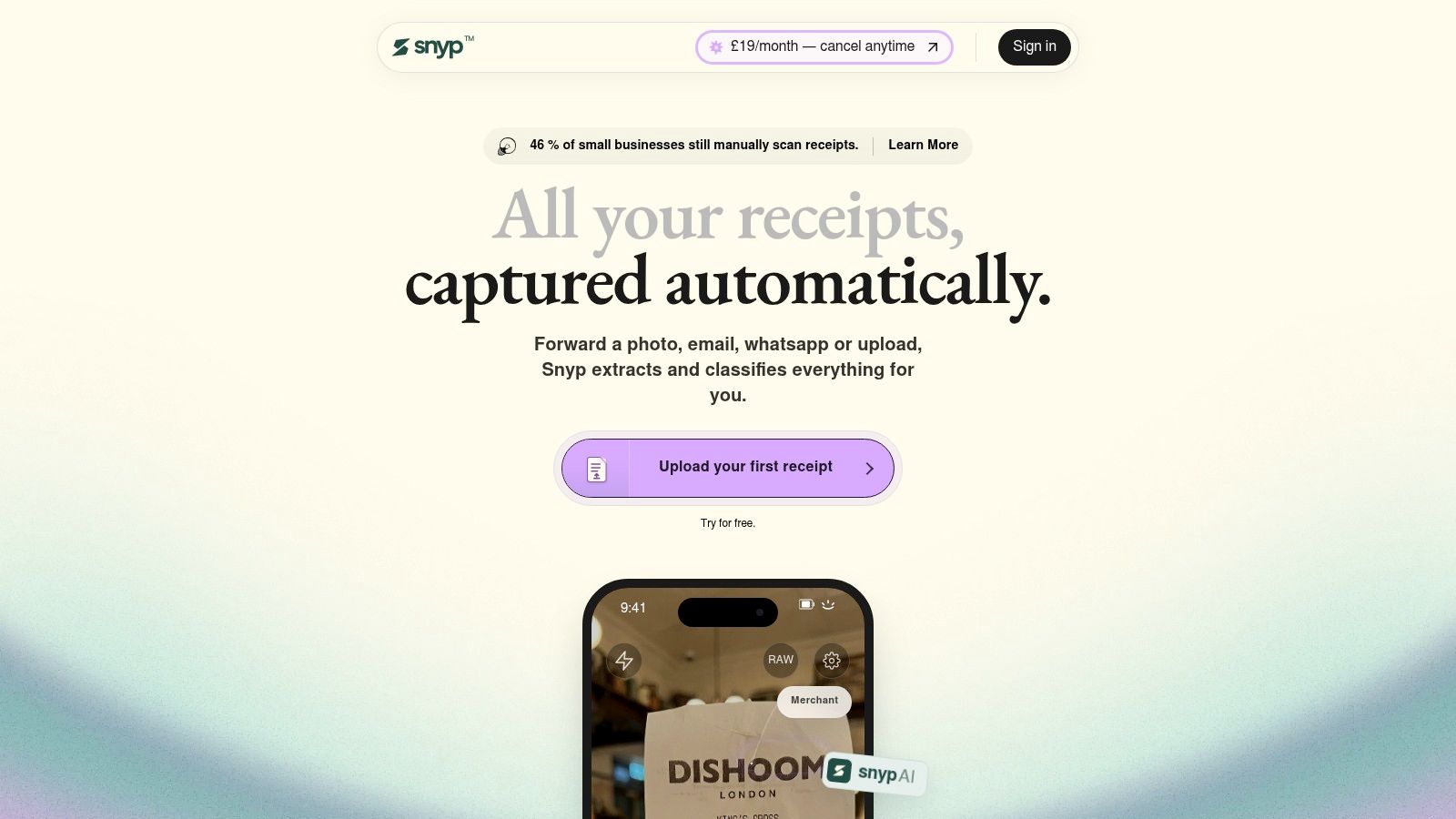
Snyp is the right starting point if your receipts are scattered and you don't want another app to remember to open. You send a photo through WhatsApp, forward an email, or upload a JPEG, PNG or PDF, and it turns that mess into organised, reconciliation ready expense data. Invoices and other business documents go through the same route, so you're not running one process for paper and another for attachments.
What It Does With the Receipt
Its context aware AI extracts merchant, amount, date, tax, currency and category, then categorises the expense and syncs it with Xero or QuickBooks. You review and reconcile instead of retyping, chasing staff for missing paper, or sending your accountant a folder of unnamed images. That matters because capture alone doesn't finish the job. Matching, checking VAT, spotting duplicates and preparing evidence are where admin usually returns.
Snyp is built to fit habits you already have, with built in security and AI that the company says improves as it learns from usage and corrections. Website testimonials describe a simpler receipt workflow for freelancers, small business owners and accountants, and one accountant reports cleaner data and fewer follow up emails. Don't treat testimonials as proof of accuracy. Run your own receipts through the trial and check the fields.
- Capture where you work: WhatsApp, email forwarding and direct upload suit people on site or on the move.
- Extraction with context: Key details are pulled out and categorised to cut manual entry and errors.
- Accounting sync: Xero and QuickBooks connections support faster review and reconciliation.
- Straightforward pricing: Plans start at £19 per month, with a free trial and cancellation anytime.
The limitation is clear. The integrations highlighted are Xero and QuickBooks, so if you use another accounting platform, check compatibility before you commit. The site also provides no independent accuracy benchmarks or formal awards in the material supplied. For a solo freelancer or small firm already on Xero or QuickBooks, that's a fair trade. You get low friction intake without enterprise complexity, and you can verify the output on a month of real receipts before paying.
2. Xero Expenses
If you already run your books in Xero, Xero Expenses is the obvious first check. Staff submit expense and mileage claims in the Xero Me app, managers review them in Xero, and approved expenses feed straight into the ledger. You don't buy a separate platform, and your accountant works in a system they already know.
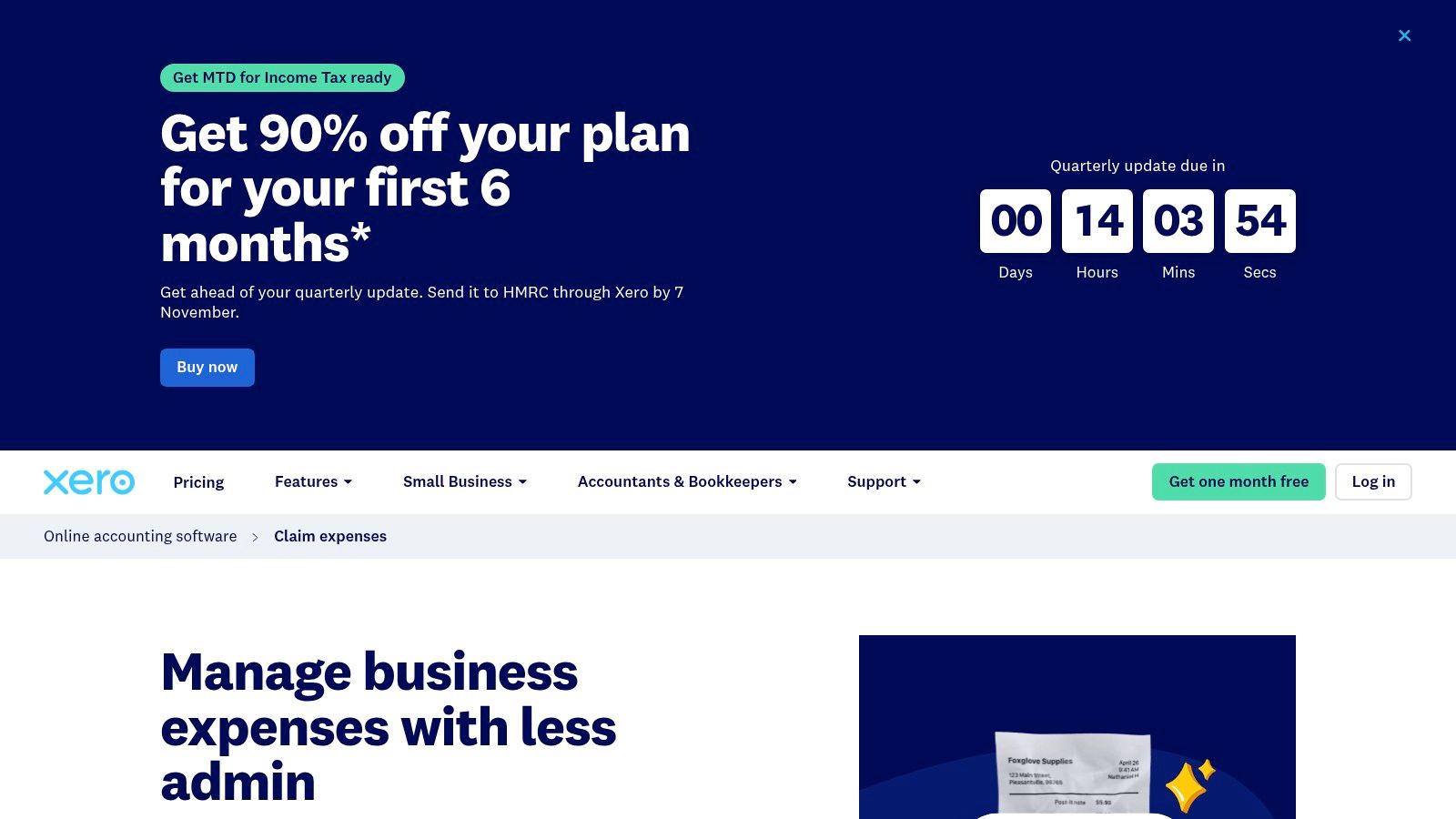
Mileage claims use map assisted journey entry, receipt images sit with the related expense and accounting record, and review happens before anything posts. That connection to bookkeeping and reconciliation is the whole appeal. UK businesses are already deep into digital tools, and the Longitudinal Small Business Survey 2025 found 82% of SME employers who use technology or web-based software reported using it, so handling claims inside the bookkeeping system you already run fits naturally.
Setup is where Xero Expenses earns or loses its place. Read the practical guide to submitting an expense claim in Xero before you roll it out to staff, so your categories and approval steps are set up properly from day one.
The limitation is equally simple. You need a qualifying Xero plan, and the expense features are tied to Xero rather than offered as a standalone receipt inbox. If you're on QuickBooks, or you want capture through channels your team already uses outside Xero, this isn't your tool. If you're committed to Xero, don't pay for a second app until you've tested what's included.
3. QuickBooks Online
QuickBooks Online suits sole traders and small businesses that want expenses handled inside their accounting, not beside it. You photograph receipts in the mobile app, forward them by email or upload files, then review the extracted details and match receipts to transactions. Bank feeds, categorisation rules and mileage tracking in the app keep the rest of the record in the same place.
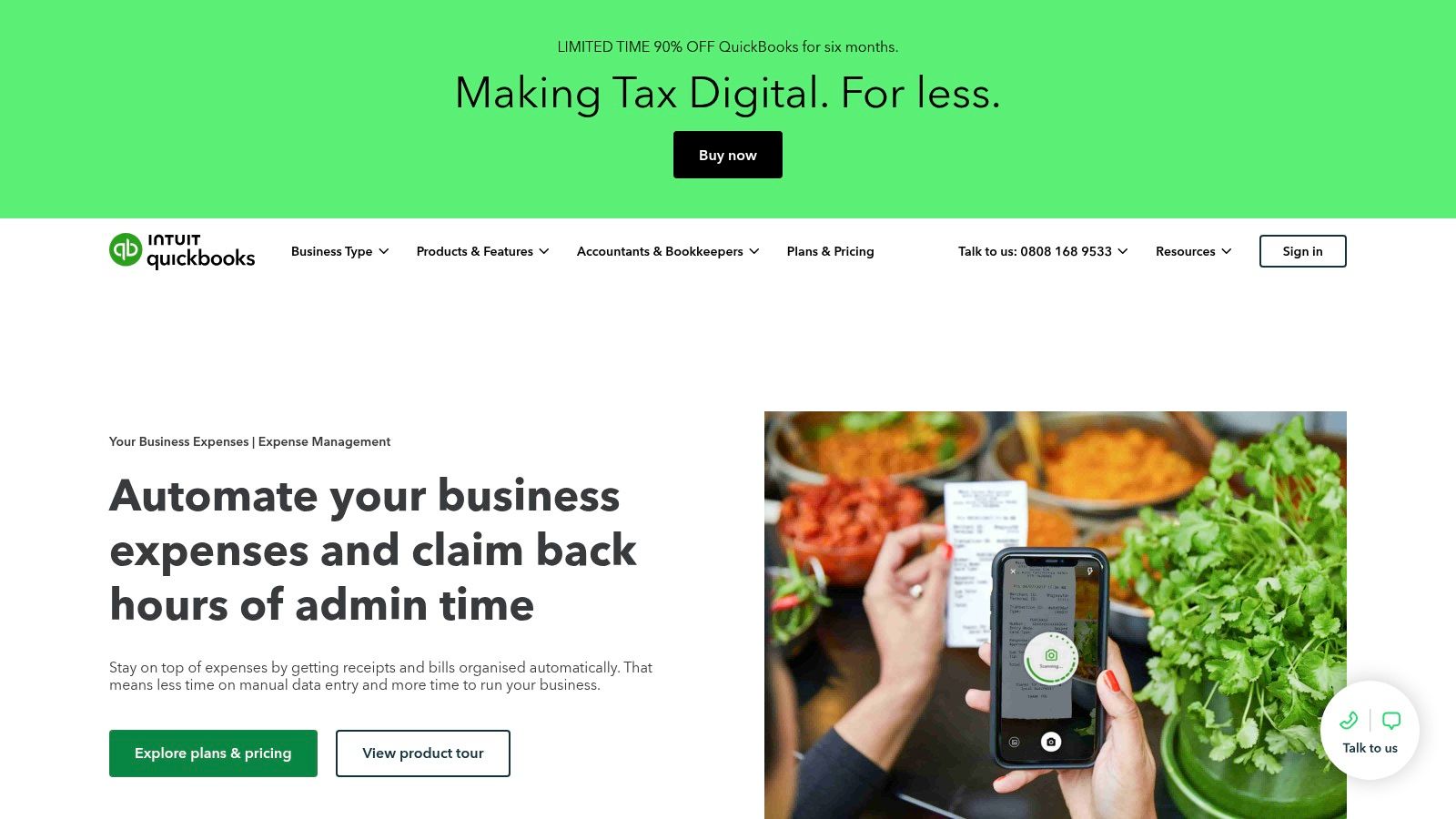
That all in one setup is useful if you're also invoicing and reviewing reports in QuickBooks. Receipt and bill capture are included with the subscription according to the UK site, and it supports sole traders as well as limited companies. Where people go wrong is assuming a scanned receipt equals a finished tax record. HMRC guidance on creating digital records for Making Tax Digital for Income Tax requires digital records containing at least the expense amount, date and Self Assessment category, plus the ability to correct and preserve records.
Use the walkthrough on how to categorise expenses in QuickBooks Online to set categories you'll trust at year end. Then accept the trade off. This is a full accounting package, not a lightweight expense only app. Captured data may still need review or correction, and features vary by subscription. Buy it to run your accounts. Don't buy it just to scan receipts if a simpler capture tool feeding your current ledger would do.
4. FreeAgent
UK freelancers and contractors who want their tax position visible through the year should look closely at FreeAgent. Its Smart Capture lets you photograph or upload receipts and bills, extracts key details, suggests a category and can match the document to a bank transaction. Expenses then connect to the wider bookkeeping, cash flow and tax workflow instead of sitting in a separate folder.
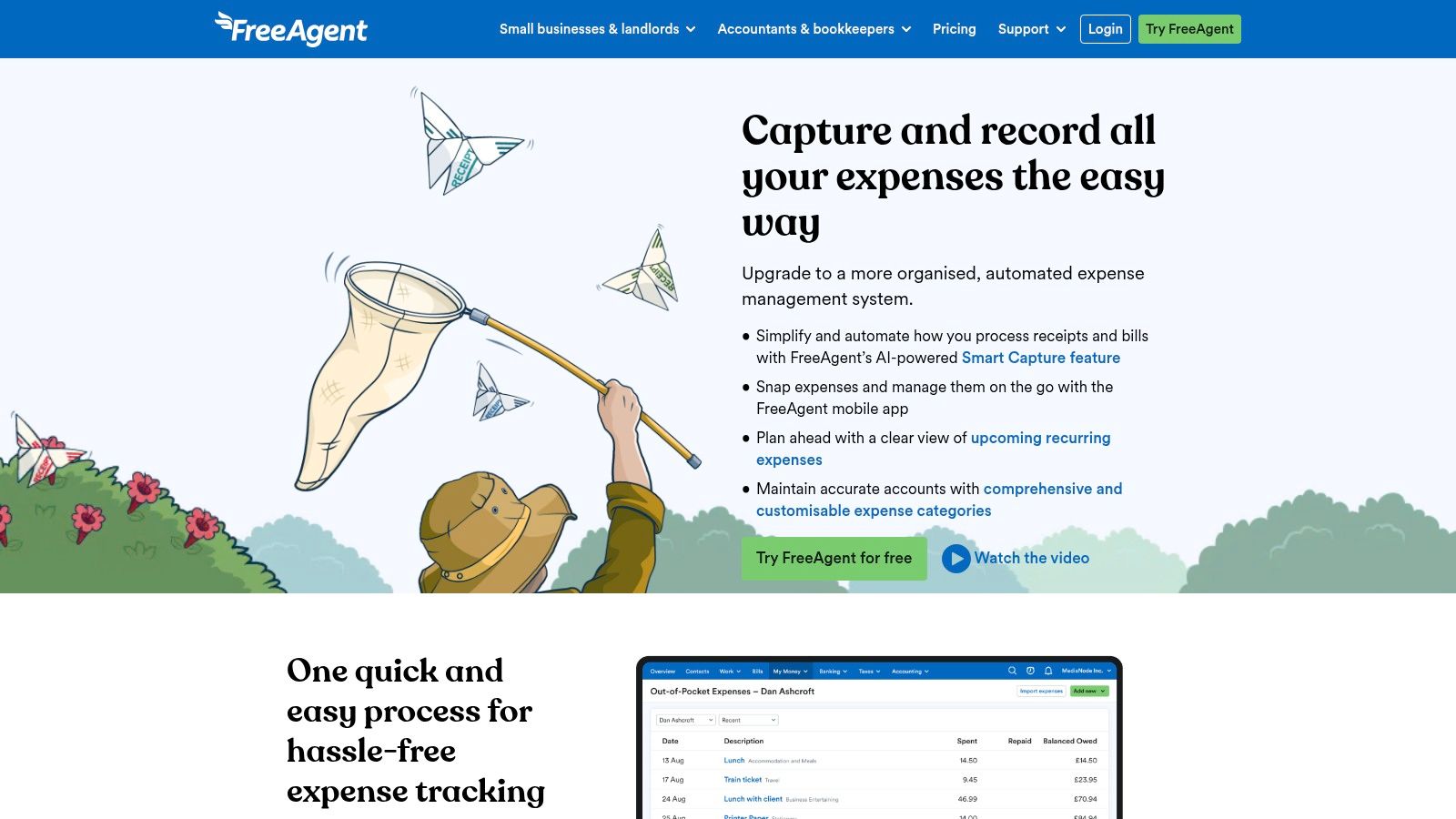
It also handles employee out of pocket expenses and reimbursements, which helps once you stop being a one person operation. The timing case is strong. HMRC's Making Tax Digital for Income Tax business population statistics identified 7.0 million individuals in Income Tax Self Assessment with landlord or self employed sole trader businesses for 2023 to 2024. Keeping records current beats reconstructing them later.
- Bank matching: Receipts can be matched to transactions so evidence and money movement line up.
- Suggested categories: Extraction gives you a starting point, but you still check borderline items.
- Possible free access: Some eligible NatWest, Royal Bank of Scotland, Ulster Bank or Mettle customers can get it free, and other users get a 30 day trial.
The catch is lock in. FreeAgent works best for existing FreeAgent users, unlimited receipt and bill capture may require a paid add on, and extracted details still need review. If you're choosing new accounting software anyway, it's a strong UK focused contender. If your ledger already lives elsewhere, don't move your accounts just for receipt capture.
5. Dext
Dext is for volume. If you or your bookkeeper process piles of receipts, invoices and supplier documents every week, its job is to capture them through mobile, email and other channels, extract and categorise the data, and send clean records into your accounting system. It doesn't replace that system. It feeds it.
Expense reports, approvals and mileage tools are included, along with integrations for Xero, QuickBooks and other accounting systems, multi user permissions and multi entity workflows. That's why accounting practices use it across many clients, not just inside one small business. The gap it fills is real. In a 2025 survey of 250 UK accountants and bookkeepers reported by Financial Accountant, 86% said their practice used cloud software for at least one client, yet data capture tools were used for just 31% of clients.
Judge a capture tool on how many transactions reach reconciliation without correction, not on how fast it scans the first receipt.
That survey was commissioned by a software vendor, so treat it as a directional benchmark rather than an audited national statistic. The point still stands for your trial. Count exceptions, duplicates and fields you have to fix.
Pricing and document allowances depend on the plan you pick, some extraction features have limits or are paid add ons, and you're adding another system to configure and manage. For a freelancer with twenty receipts a month, that's overkill. For a growing business or a practice drowning in client paperwork, that extra layer earns its keep.
6. Zoho Expense
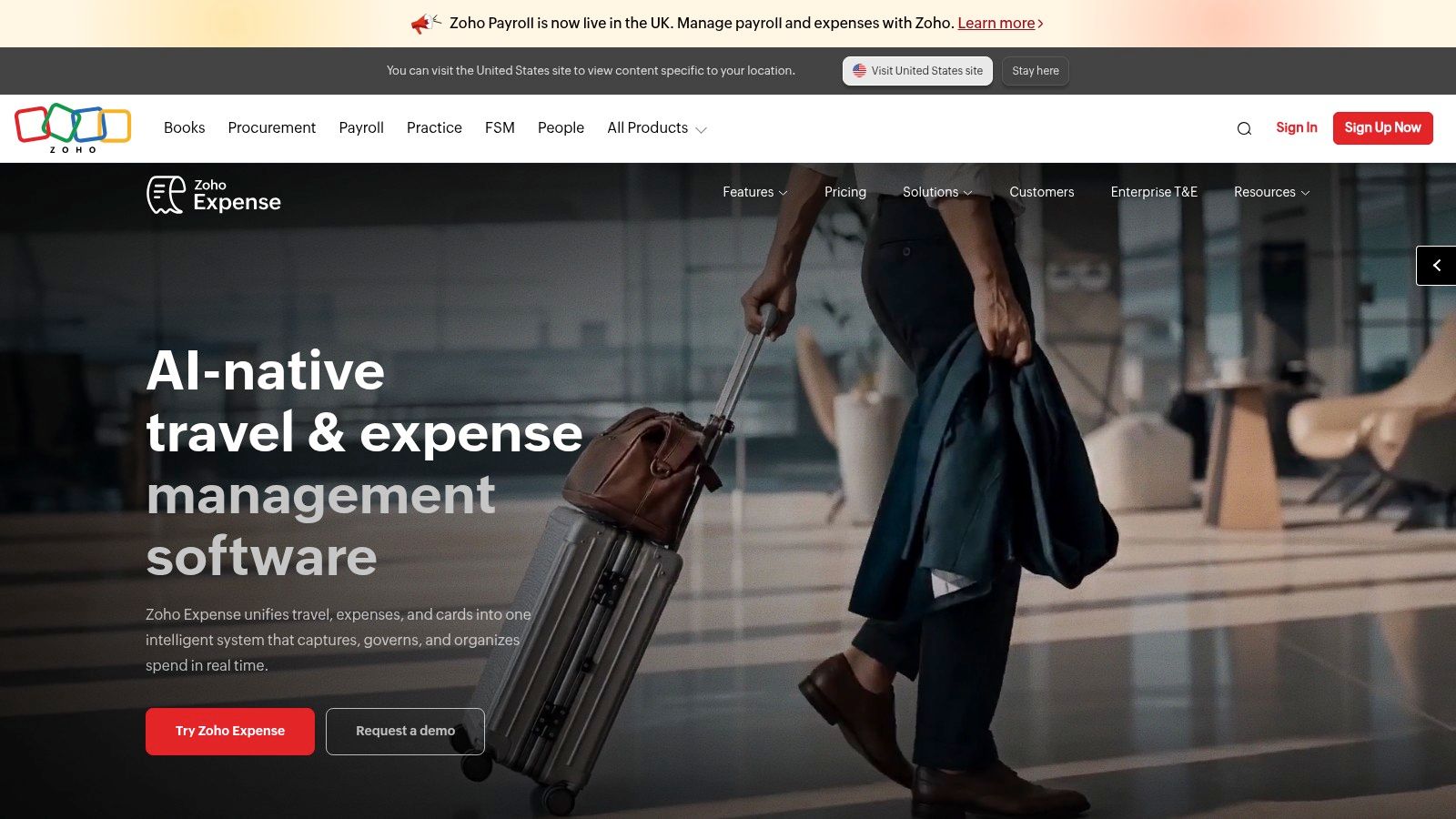
Small and growing teams that need proper expense workflow without jumping to a card platform should shortlist Zoho Expense. It covers the full run from receipt capture through reporting and approval. The mobile app scans receipts, captures card expenses and records mileage, and you can also submit by email forwarding or file upload.
Where Teams Feel the Difference
Multi stage approvals, reimbursements and corporate card management give a manager control that a basic scanner doesn't. Integrations with Xero and QuickBooks Online keep approved expenses moving into the books, and there's a UK edition. Published pricing is relatively accessible for the breadth on offer, which makes it easy to compare against per user rivals before you book a demo.
Now the limits, because they'll decide this for solo users. Paid plans have minimum user requirements, receipt scanning is subject to plan dependent monthly allowances, and the workflow machinery is more than a freelancer needs for basic receipt storage. Don't pay for approval stages nobody will use. If you have three or more people submitting expenses and you want rules enforced before reimbursement, Zoho Expense is a sensible, good value step up. If it's just you and a shoebox, pick a capture first tool and save the setup time.
7. Pleo
Pleo flips the problem around. Instead of chasing receipts after staff spend their own money, you issue physical or virtual company cards with spending controls, track transactions in real time and collect receipts as spending happens. Finance sees the money going out, not just the claim arriving weeks later.
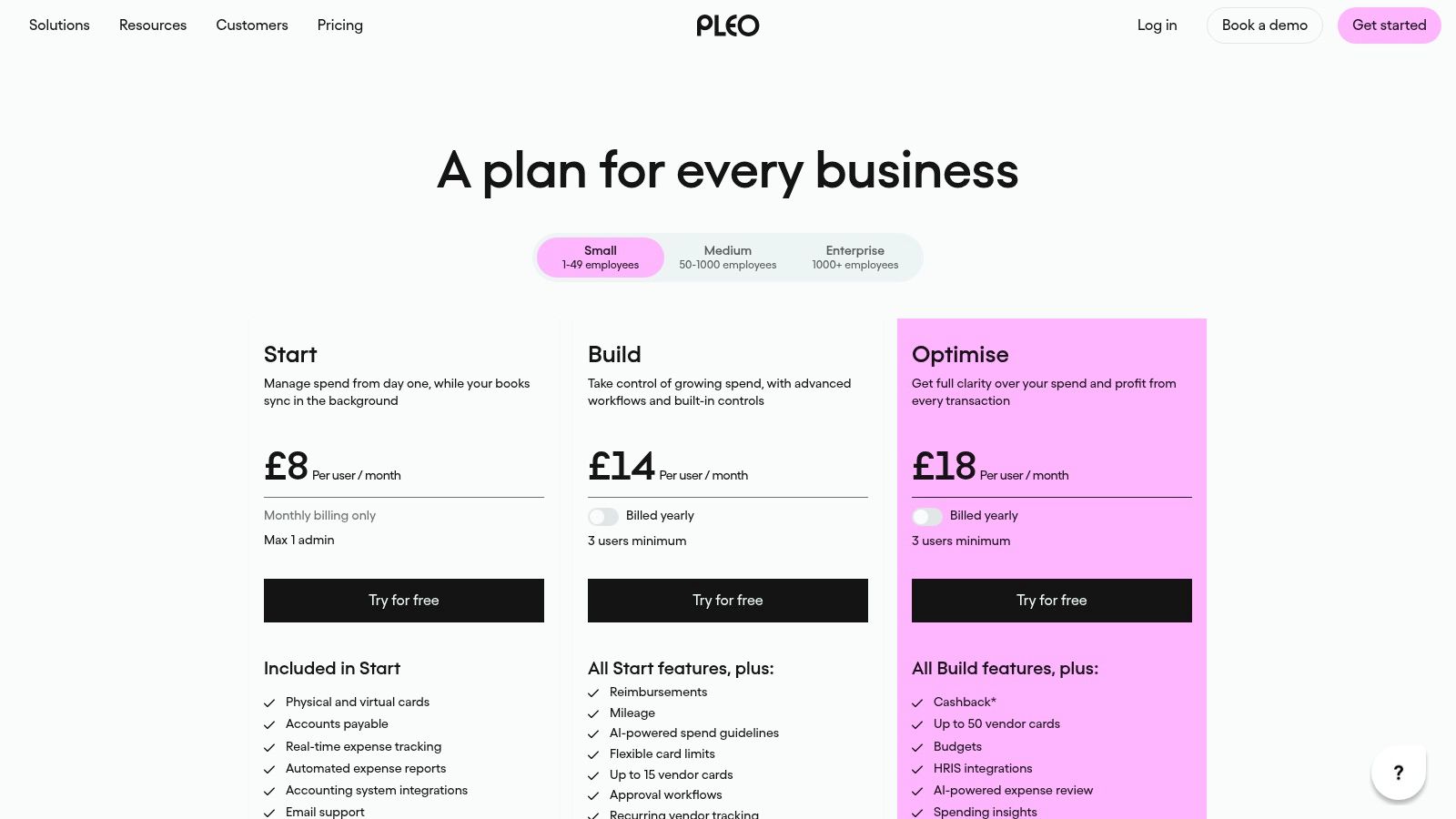
Automated expense reports, accounting integrations and approval workflows sit on relevant plans, with reimbursements and mileage reserved for higher tiers. Published UK pricing means you can compare tiers without a sales call. The travel context matters for teams that buy on the road: SAP Concur data reported by The Business Travel Magazine put the average UK expense transaction value at £73 in 2024, with total transactions up 14% year over year. Small amounts, repeated often, are exactly where manual claims break down.
Be honest about fit. A card based platform is more than a solo freelancer needs, some Pleo plans set a minimum user count that can rule out a one person business, and reimbursements plus advanced workflows depend on plan level.
Pick Pleo when uncontrolled team spending and late receipts are the problem. A card will not fix a personal backlog of supplier invoices and email receipts, so match the tool to where your receipts come from.
8. Soldo
Soldo is also card led, but the emphasis is prepaid control. You load company funds, issue physical and virtual cards, set budgets and rules per user or team, and staff capture receipts against spending in the mobile app. Administrators manage users, wallets and funds centrally, so no one is waiting for a shared company card or fronting costs personally.
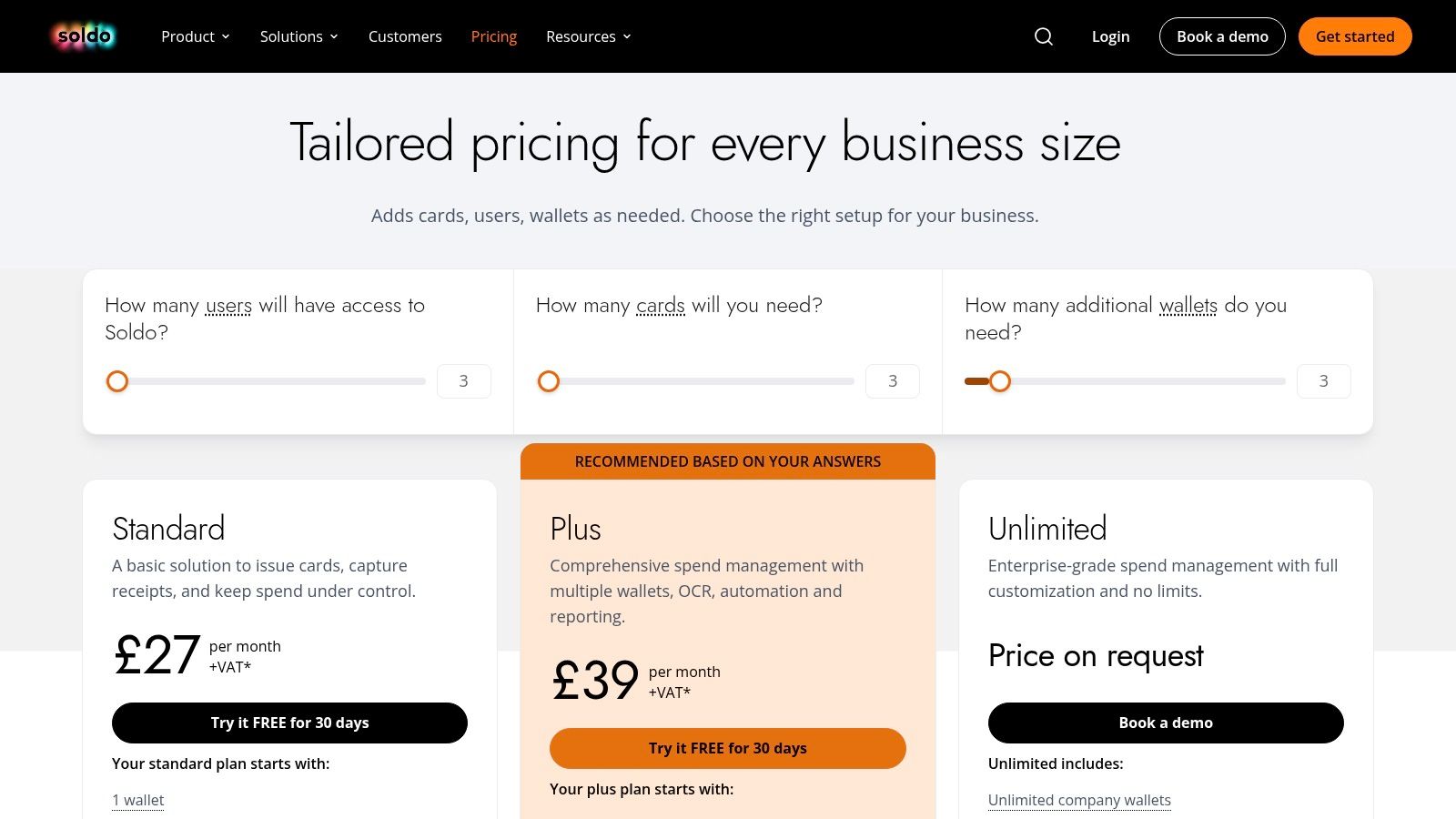
Accounting integrations include Xero and QuickBooks, and higher tiers add advanced workflows and multiple wallets for businesses that need money separated by team, project or entity. That visibility has value when spending is spread across sites or travel. The Global Business Travel Association put UK business travel spending at £40.3 billion in 2024. Even a small slice of that pattern, repeated across your own team, justifies controls that work before money leaves the account.
Check the full cost, not just the headline subscription. Card and account services may involve fees beyond the software price, minimum user plan structures may not suit a sole trader, and Soldo is less focused on general purpose receipt capture than document first tools. Published UK plans and fees for some tiers help you model it properly. Pick Soldo when governing team spend is the job. Don't pick it to digitise a pile of emailed invoices.
9. Expend
Expend sits between a pure expense app and a full card platform, and that middle ground suits many UK teams. Cards are optional, employees can still claim out of pocket spending, capture receipts and record mileage, and finance runs policies, approvals and accounting integrations from one system. You don't have to force every purchase onto a company card to get control.
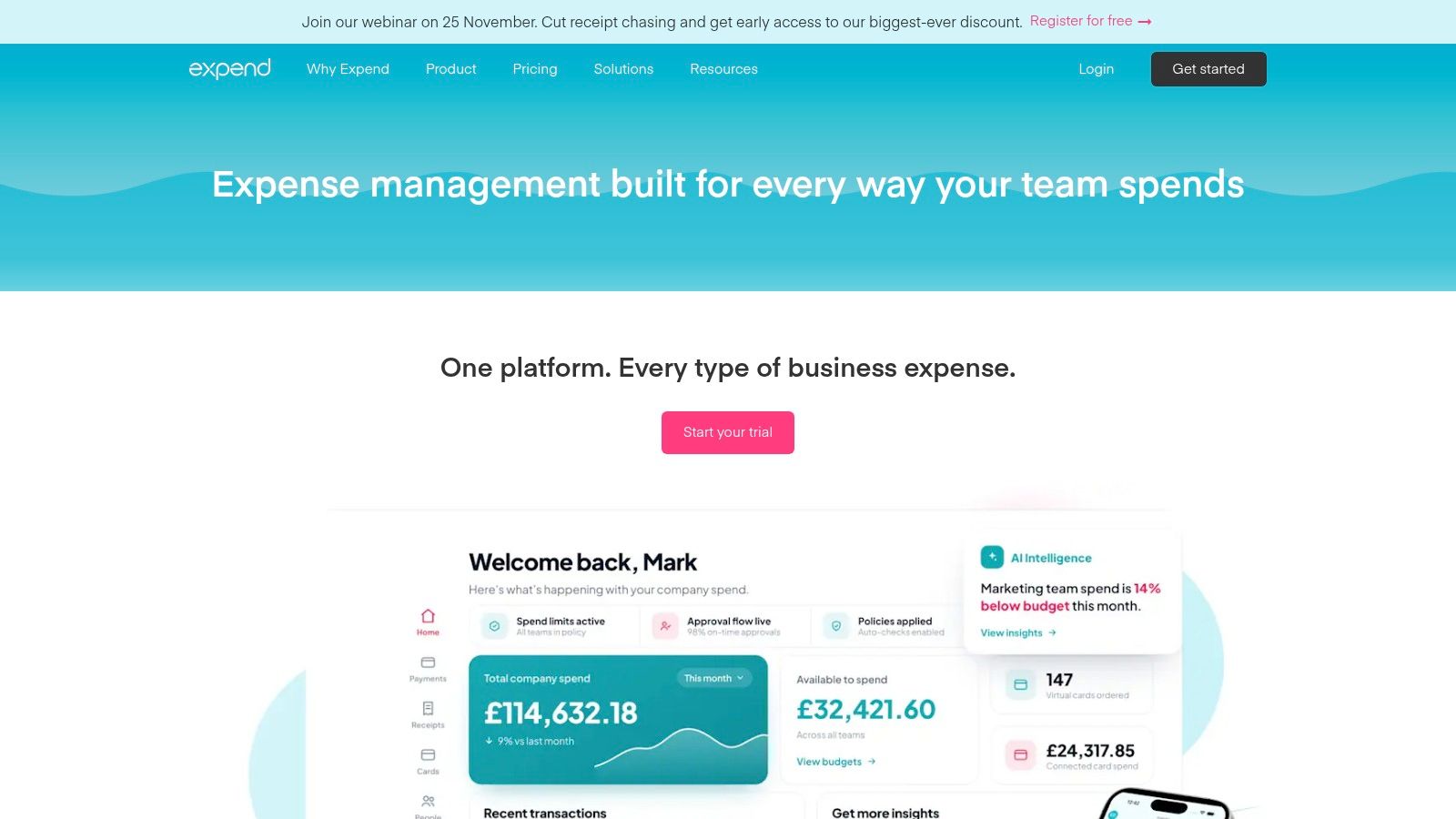
Receipt extraction and automatic categorisation are available on relevant plans, and mileage tracking uses HMRC rates, which saves arguments about what rate applies. Xero integration, UK based customer support and published entry pricing make it practical to evaluate for a smaller team. Travel heavy firms should still test it against their real journeys, since VisitBritain business events research found business visits accounted for 17% of all inbound visits to the UK in 2024, totalling 6.8 million visits.
Practical rule: If a platform's minimum charge covers staff you don't have, its price per user is not the price you'll pay.
That's Expend's main limitation. Monthly minimum pricing covers multiple users and may not suit a solo operator, advanced features and larger team pricing vary by plan, and its strongest value lies in team controls rather than basic receipt storage. For a UK team mixing card spend, reimbursements and mileage, it's a well judged package. For one freelancer, you're paying for seats that will sit empty.
10. Expensify
Expensify built its name on SmartScan. You photograph a receipt in the app or forward it by email, it reads the details and creates an expense record. Mileage tracking and expense reporting are built in, and free individual features cover basic tracking, scanning and exports. For someone submitting expenses on the move with no budget to start, that's an easy entry point.
Paid workspaces add the team layer, including approvals, accounting integrations and reimbursements. Before you rely on any of it for a UK setup, work through the broader comparison of expense management solutions and confirm the workflows and accounting connections match how your books are kept. HMRC's guidance on choosing the right software for Making Tax Digital for Income Tax is the right checkpoint when you judge whether a scanner supports the digital records and quarterly updates you'll need. A category assigned automatically is not tax advice.
Free individual use lacks some team features, including accounting integrations and automated reimbursement, and paid plan billing depends on workspace plan and member activity. That activity based element can make costs harder to predict than a flat monthly price. My verdict is narrow. Use the free tier if you need basic personal tracking today. If you need reliable sync into Xero or QuickBooks, UK focused categories and fewer surprises on billing, choose a tool built around that handoff instead.
How the 10 apps for business expenses compare on capture, sync, pricing and fit
| Item | Starting price | Receipt capture | Accounting sync | Best for |
|---|---|---|---|---|
| Snyp (recommended) | £19/month; free trial | WhatsApp, email, or file upload | Xero and QuickBooks | Freelancers and small businesses wanting flexible receipt capture |
| Xero Expenses | Requires an eligible Xero plan | Xero Me app; receipt images attached to expenses | Native Xero ledger | Businesses already using Xero |
| QuickBooks Online | Plan-dependent; not specified | App, email, or file upload | Built into QuickBooks | Small businesses wanting accounting and expense capture together |
| FreeAgent | Plan-dependent; may be free for eligible bank customers | Mobile capture and desktop uploads | Built into FreeAgent | UK freelancers and small businesses using FreeAgent |
| Dext | Plan-dependent; not specified | Mobile, email, and other channels | Xero, QuickBooks, and other systems | Businesses and accountants processing many documents |
| Zoho Expense | Plan-dependent; not specified | App, email, or file upload | Xero and QuickBooks Online | Growing teams needing expense workflows |
| Pleo | Plan-dependent; not specified | Receipts collected against card transactions | Available on relevant plans | Teams managing company-card spending |
| Soldo | Plan-dependent; not specified | Mobile receipt capture | Xero and QuickBooks | Teams needing card controls and spending visibility |
| Expend | Published entry pricing; amount not specified | Receipt extraction on relevant plans | Xero | UK teams combining card spending and employee claims |
| Expensify | Free individual option; paid plans available | App or email forwarding | Available on paid plans | Individuals or teams needing receipt scanning and expense reporting |
Matching the App to Your Setup Before the Next Receipt Arrives
Don't start by comparing scan speed. Start by naming your setup, because these apps for business expenses solve three different problems and the wrong category will disappoint you however polished it looks. A receipt inbox, an accounting package and a card platform overlap, but they aren't interchangeable, and paying for the wrong one just moves your admin into a new screen.
If you're a solo freelancer or sole trader, your problem is intake. Receipts sit in WhatsApp threads, email inboxes, camera rolls and coat pockets, and you need them captured, categorised and sent to your books with as little friction as possible. Start with a capture first tool such as Snyp, or use the capture already inside FreeAgent if you're choosing your accounting software at the same time. Skip card platforms and multi stage approvals. You have no one to approve your own sandwich, and minimum user plans will charge you for colleagues who don't exist.
If your business already runs on Xero or QuickBooks, check the native features before you add anything. Xero Expenses and QuickBooks Online may already cover claims, mileage, receipt matching and review inside a subscription you're paying for, provided you're on a qualifying plan. Add a dedicated capture layer such as Snyp or Dext only when you can name the gap, for example receipts arriving through channels your team won't change, document volume your bookkeeper can't key in, or too many records needing correction after capture. That's a workflow decision, not a feature hunt.
If you employ people who spend company money, your problem is control before and during the purchase, not scanning afterward. Compare Pleo, Soldo and Expend on card controls, budgets, approval workflows, reimbursement handling and the true cost once card fees and minimum users are included. Zoho Expense fits the team that needs approvals and reimbursements without issuing cards to everyone. Whichever route you take, keep the original receipt attached to the record, expose uncertain fields for human review, and make sure corrections don't overwrite the evidence. Mixed business and private purchases, VAT queries, refunds and duplicates need judgment. Automation should flag them, not guess.
Now do the only test that counts. Pick one tool, run a free trial on a month of real receipts, including the ugly ones, a faded thermal receipt, an emailed PDF invoice, a foreign currency purchase and a mileage claim. Check merchant, amount, date, tax and category on every item, count how many you had to fix, and confirm the record lands in your accounting software ready to reconcile. Commit only if that month closes faster than your shoebox ever did.
If your receipts are spread across WhatsApp, email and your camera roll, Snyp pulls them into one pipeline, extracts and categorises the details, and syncs clean, reconciliation ready expenses to Xero or QuickBooks from £19 per month. Start the free trial with your messiest month of receipts and check the results before you commit.