




10 Best Expense Report Apps for iPhone in 2026

Your iPhone camera roll is full of crumpled coffee receipts, train tickets, and screenshots of software invoices. Half your digital bills sit buried in a shared inbox, while the spreadsheet you promised to update every Friday hasn't matched your bank feed since last quarter.
That admin drag adds up fast. In Starling Bank's UK Make Business Simple report, micro-businesses spent an average of 15 hours per week on financial administration, and sole traders spent roughly 9 hours out of a 29.5-hour working week on those tasks, representing 31% of their working time. Accounting alone averaged 1.7 hours per week, which equals more than a full working week every year.
Picking between expense report apps for iPhone shouldn't start with a bloated feature checklist. Many teams waste money because they buy a formal approval platform when they only need faster receipt capture, or they buy a basic scanner when staff need company cards with spending limits.
Every app on this list falls into one of four practical jobs:
- Hands-off receipt capture: Tools that collect paper and digital receipts from wherever they arrive and push clean entries into your accounting ledger.
- Formal report-and-approval workflows: Platforms built for mileage logs, policy rules, multi-stage sign-off, and staff reimbursements.
- Accounting-native expense recording: Mobile apps bolted straight onto the bookkeeping software you already use.
- Card-first spend control: Physical and virtual company cards paired with instant iPhone receipt prompts to eliminate out-of-pocket claims.
Match your biggest bottleneck to one of those four jobs first, then compare the tools built for it.
1. Snyp
If your real problem is getting receipts off your phone and into Xero or QuickBooks without changing how you work, Snyp is built for hands-off receipt capture. Rather than forcing you to open a dedicated scanner every time you buy fuel or pay a supplier, we let you send receipts through WhatsApp, forward them to a unique Snyp email address, upload JPEG, PNG, or PDF files in bulk via drag and drop on the web, or snap them through the Snyp mobile app from the Apple Store or Google Play.
Here is how the mobile capture flow looks inside the Snyp interface.
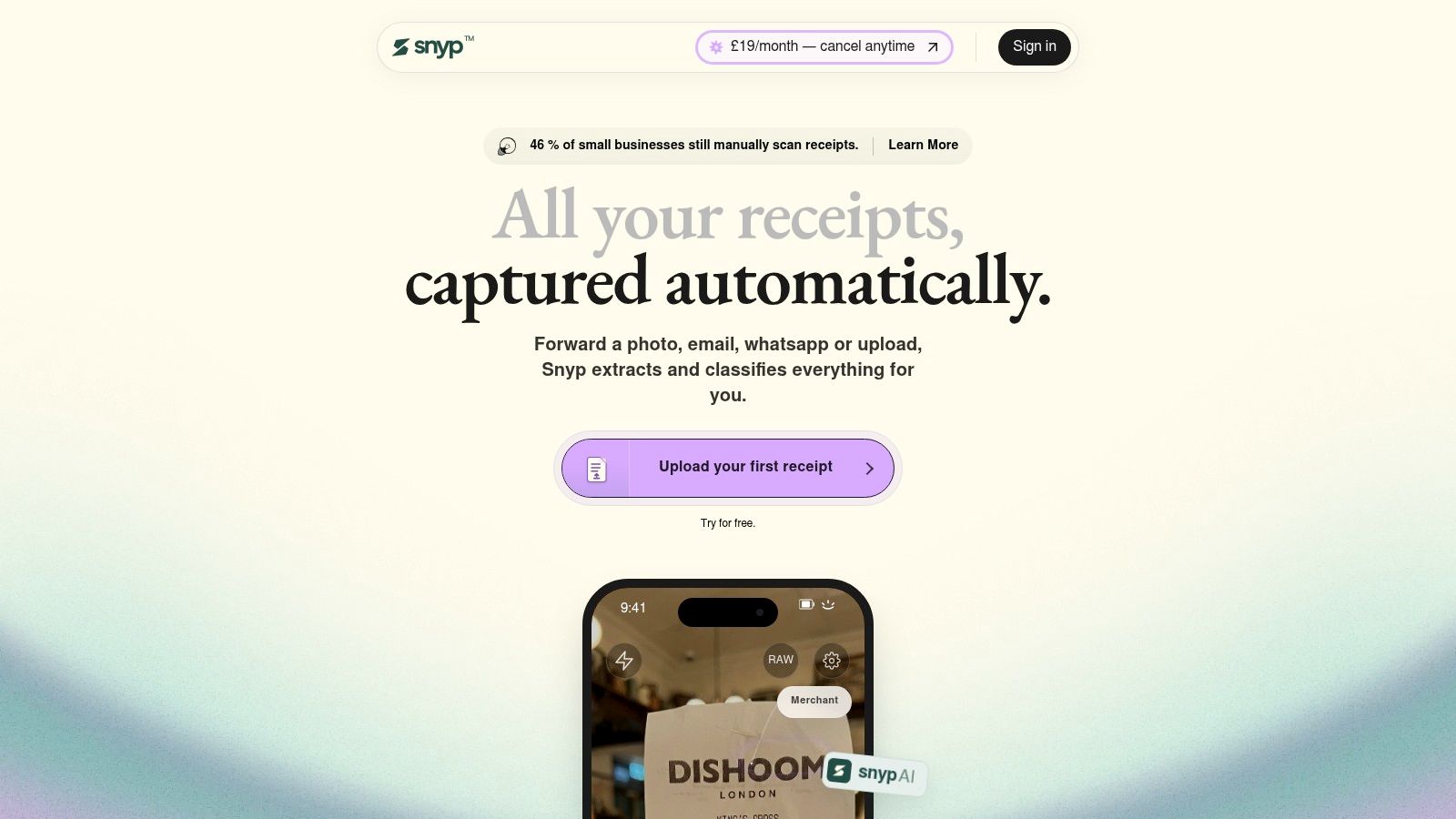
How the capture workflow runs
Admin overload usually starts with friction at the point of purchase. A receipt left in a glovebox or buried in an inbox never reaches the ledger, and each one you chase manually is time taken off billable work.
Snyp cuts that capture-to-ledger gap down to four steps: snap or forward the document, let our context-aware AI extract the details, review and confirm if needed, and sync the approved entry straight to Xero or QuickBooks, categorised and formatted for reconciliation. One freelancer who uses the service describes handing receipts over without needing to check on them at all. For a step-by-step walkthrough of getting clean images from your handset, see our guide on how to scan receipts on iPhone.
- Deep document extraction: Our AI pulls vendor name, date, individual line items with quantities and prices, VAT amounts, total, payment method, and currency from receipts in any language or format.
- UK VAT and nominal-code readiness: Snyp understands UK expense categories and VAT rules out of the box, reading multi-line professional invoices (including time entries, hourly rates, and disbursements), bank statements, and purchase orders so costs land on the right nominal code. This covers the paperwork accountants, solicitors, IT consultants, and freelance designers typically send a small business.
- Adaptive categorisation: Snyp recognises your regular vendors, and when you re-categorise a receipt it remembers the correction and applies the updated category automatically to future receipts from the same supplier. The more receipts you process, the less you correct.
- Frictionless accountant review: You can share a review link with your accountant or bookkeeper so they can check entries without needing a Snyp account.
Where Snyp stops being the right fit
Plans start at £19 per month with a free trial, which suits freelancers, sole traders, small businesses, and practices using Xero or QuickBooks. If your finance team runs on Sage or another accounting ledger, you'll need an export workaround because our direct sync currently covers Xero and QuickBooks. You should also still glance over AI-extracted totals on faded or unusual receipts before approving them, and teams looking for prepaid company cards or multi-tier employee policy rules will want a spend-control or approval platform instead.
2. Dext
Poor expense tracking doesn't just eat your weekend; it leaks real cash when billable costs never reach client invoices. A November 2024 Censuswide survey of more than 500 UK SME leaders and 100 accountants and bookkeepers, reported by Dext on Yahoo Finance, found that UK SMEs lost an average of £742 per month through erroneous invoicing linked to weak reimbursable-expense tracking.
Dext sits firmly in the hands-off receipt capture and bookkeeping-automation camp, designed for both businesses and accounting practices. You can submit receipts and supplier invoices through the iPhone app, by email, or via upload, then let Dext extract transaction details with suggested categories.
Below is a look at how Dext structures its expense capture and workflow overview.
It also covers mileage tracking and expense-claim approvals, and it connects cleanly with Xero, QuickBooks, Sage, and other bookkeeping platforms. That broad ledger support makes it a practical fit for established small businesses whose accountant already standardises client intake on Dext, and a 14-day trial lets you test extraction quality first.
A capture tool is only as fast as the accounting integration behind it. If your bookkeeper still has to re-key VAT splits manually, the mobile app hasn't solved the real bottleneck.
The trade-off is cost and scope. Pricing varies by customer type, usage, and package, so solo freelancers with occasional claims often end up paying for practice-grade depth they never touch. It also isn't a company-card product. If you're weighing it against a leaner capture setup, our Snyp vs Dext comparison breaks down where each workflow makes more sense.
3. Expensify
Say a five-person consultancy has staff travelling to client sites every week, submitting mileage logs, hotel bills, and subsistence claims that a partner needs to sign off before payroll. That's where formal report-and-approval workflows earn their keep, and Expensify has long been a staple in that category.
Independent YouGov research published by Findity on UK expense management found that only 11% of UK workers used an expense app, compared with 35% still relying on spreadsheets and 40% using online accounting or payroll systems. Adoption rose from 4.6% in micro-organisations to 18.1% in enterprises, even though roughly 30% of employees across every size bracket incurred work expenses. Expensify targets that jump from messy spreadsheets to structured claims.
Here's how Expensify presents its connected reporting and accounting workflow.
- Individual entry point: Solo users can start on the free Submit plan to scan receipts and compile basic expense reports from an iPhone.
- Structured team controls: Paid tiers include mileage tracking, custom categories and tags, formal approval workflows, reimbursements, and corporate-card management.
- Accounting sync: The Collect plan integrates with both Xero and QuickBooks, keeping approved reports aligned with UK small-business ledgers.
Before committing, check the commercial details closely. Expensify lists business pricing in US dollars, so UK buyers need to verify billing terms and currency conversion costs. Team policy controls sit behind paid tiers, and if your only requirement is storing receipts for a sole-trader tax return, Expensify's report-building interface can feel heavier than necessary.
4. Zoho Expense
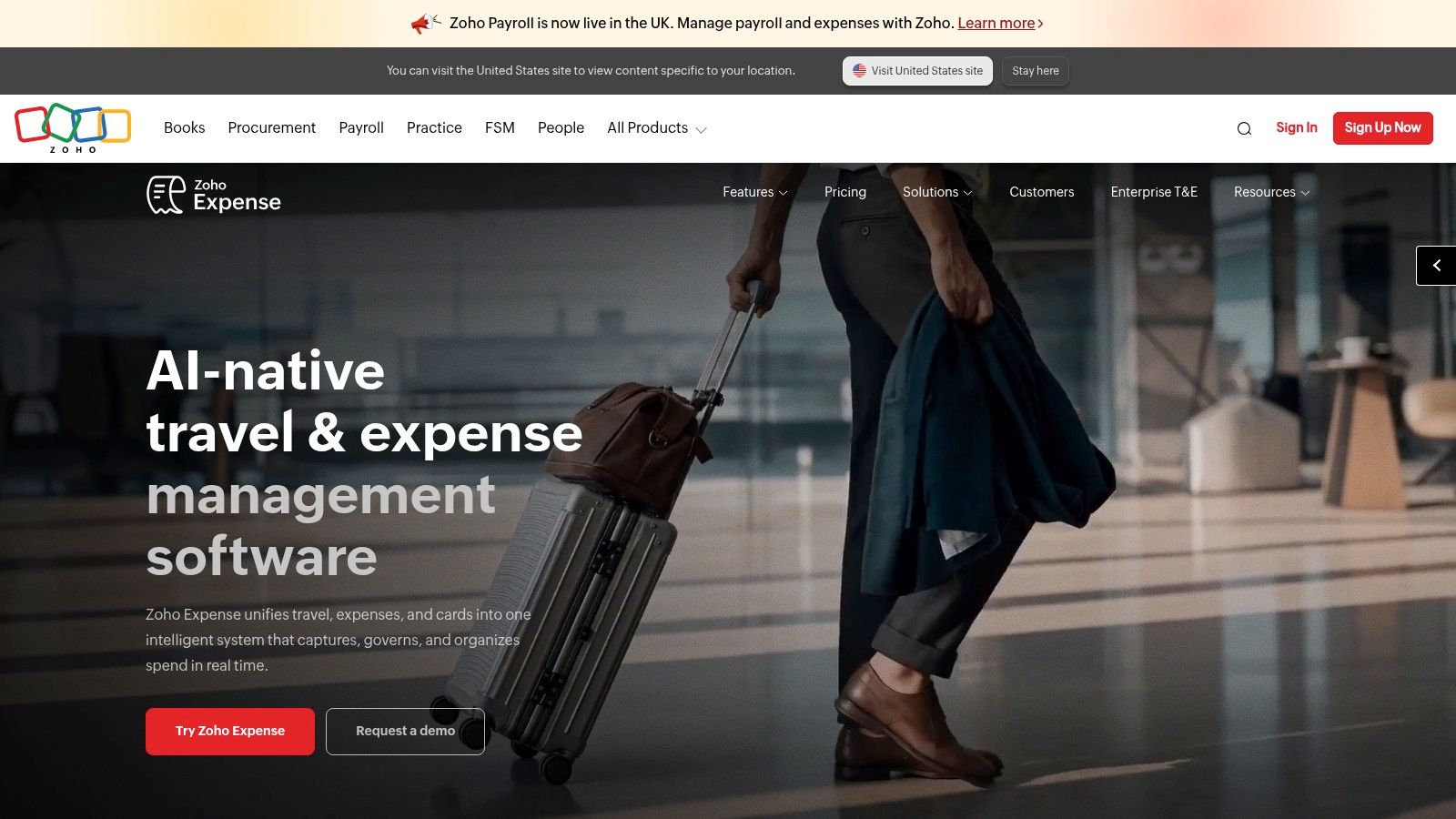
A finance manager approving claims on a Tuesday morning does not want to re-key them into the ledger on Tuesday afternoon. That gap between mobile capture and clean accounting data is where report-and-approval tools earn their subscription. In Findity's 2024 European expense-management report, UK expense-app adoption ticked up from 11% to 13% while manual methods fell by 7%, and between 52% and 66% of employees across surveyed markets preferred using a mobile device for expense activity.
Configurable reporting without switching ledgers
Zoho Expense fits teams that need formal report-and-approval workflows without ripping out their current accounting platform. Its iPhone app pairs AI-powered receipt scanning with offline expense entry, which matters if you're logging rail fares on patchy rural signal or during flights. Offline entries queue on the phone and sync once signal returns, so a week of travel can be captured in the moment rather than reconstructed from a wallet of paper.
The feature set covers mileage, multi-currency expenses, and VAT tracking, while paid tiers layer on policy rules, multi-level approvals, card feeds, reimbursements, and broad accounting integrations. UK pricing is published clearly, there's a free tier for up to three users, and paid plans come with a 14-day free trial.
Watch two practical limits before rolling it out. Automated receipt scans are capped according to your plan, so a team that generates heavy receipt volume can hit the ceiling mid-month and fall back on manual entry. Certain paid tiers enforce minimum user counts, which can push the cost above the headline per-user figure for a small team.
One more trade-off. Solo operators who just want a fast inbox for receipts may find the volume of configuration screens slows down initial setup, because Zoho Expense is built for policy enforcement first and simplicity second. I'd point a two-person consultancy toward the free tier to test the scanning quality before paying for approvals they may never use.
5. Xero Expenses (Xero Me)
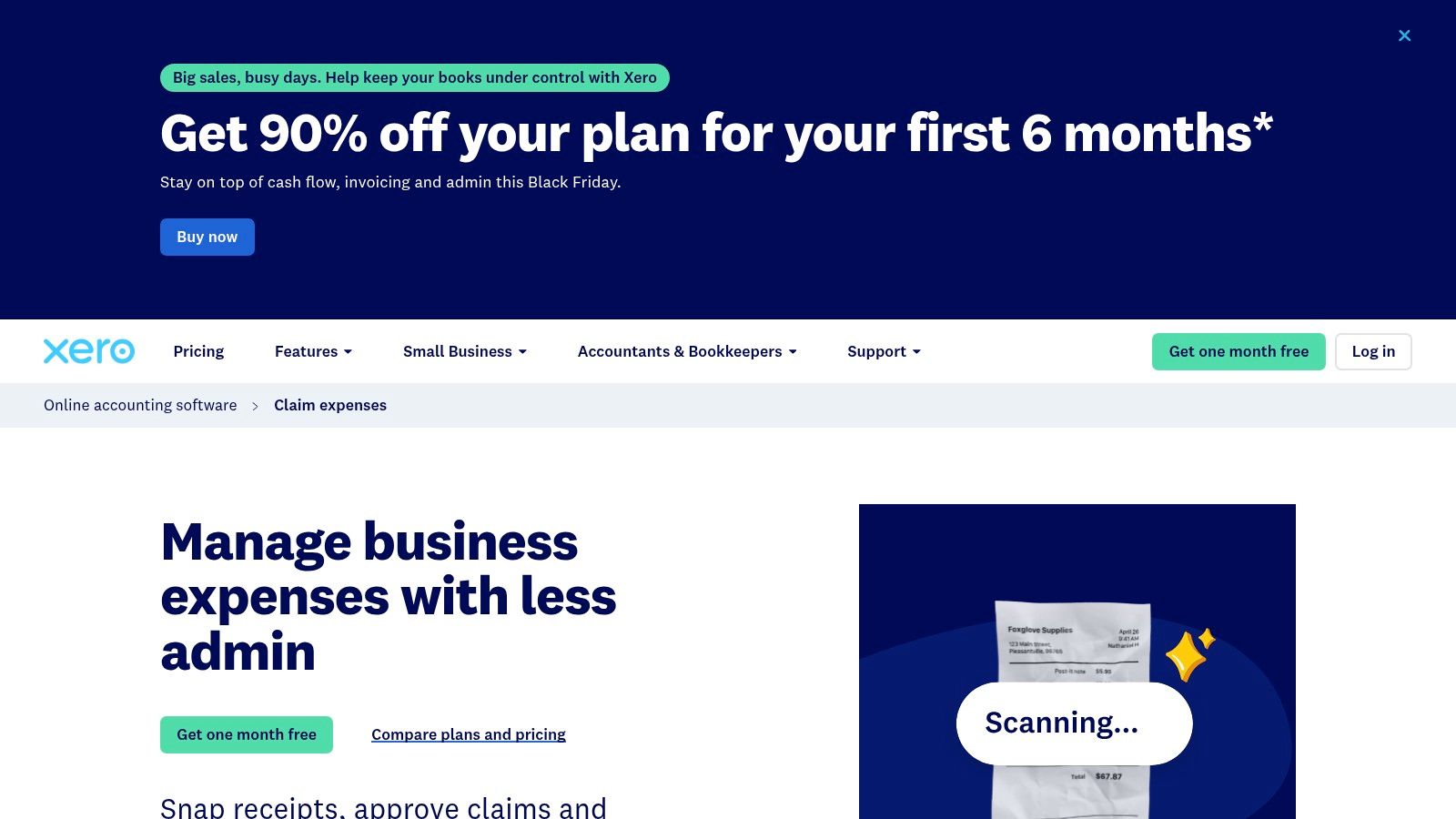
If your company books already live in Xero, adding a standalone expense platform can create one more login, one more sync error, and one more subscription to reconcile. Xero Expenses, accessed through the Xero Me iPhone app, keeps everything under the accounting-native expense recording umbrella.
Here is what the native workflow covers out of the box:
- OCR receipt capture: Employees snap a receipt on iPhone and let Xero Me pre-fill key claim fields before submission.
- Mobile approvals: Managers review and approve employee claims directly from their phones without waiting to open a laptop.
- Mileage claims: Staff can log business journeys alongside out-of-pocket purchases in the same interface.
- Direct ledger flow: Approved claims feed straight into Xero accounting workflows, and eligible UK plans include HMRC-oriented accounting features.
That tight integration is also Xero Me's biggest constraint. Expense claims aren't bundled into every Xero subscription tier, so you'll need to check whether your current plan includes them or requires an add-on. If you want to weigh Xero's broader small-business strengths before locking your team into its mobile app, this independent Xero evaluation for small businesses gives a clear view of the wider suite.
When you're ready to configure the workflow properly, our walkthrough on submitting an expense claim in Xero covers the practical steps so claims match your bank feed cleanly. Companies looking for an accounting-neutral expense platform, or teams that switch bookkeeping software, are better off looking elsewhere.
6. FreeAgent
For UK sole traders and freelancers, an iPhone photo alone isn't a tax strategy. Under HMRC's Making Tax Digital for Income Tax guidance, sole traders must keep business income and expense records (such as receipts, bank statements, and invoices), digital records must capture at least the amount and date, and from 6 April 2026, qualifying sole traders and landlords will need compatible software to create, store, and correct digital records.
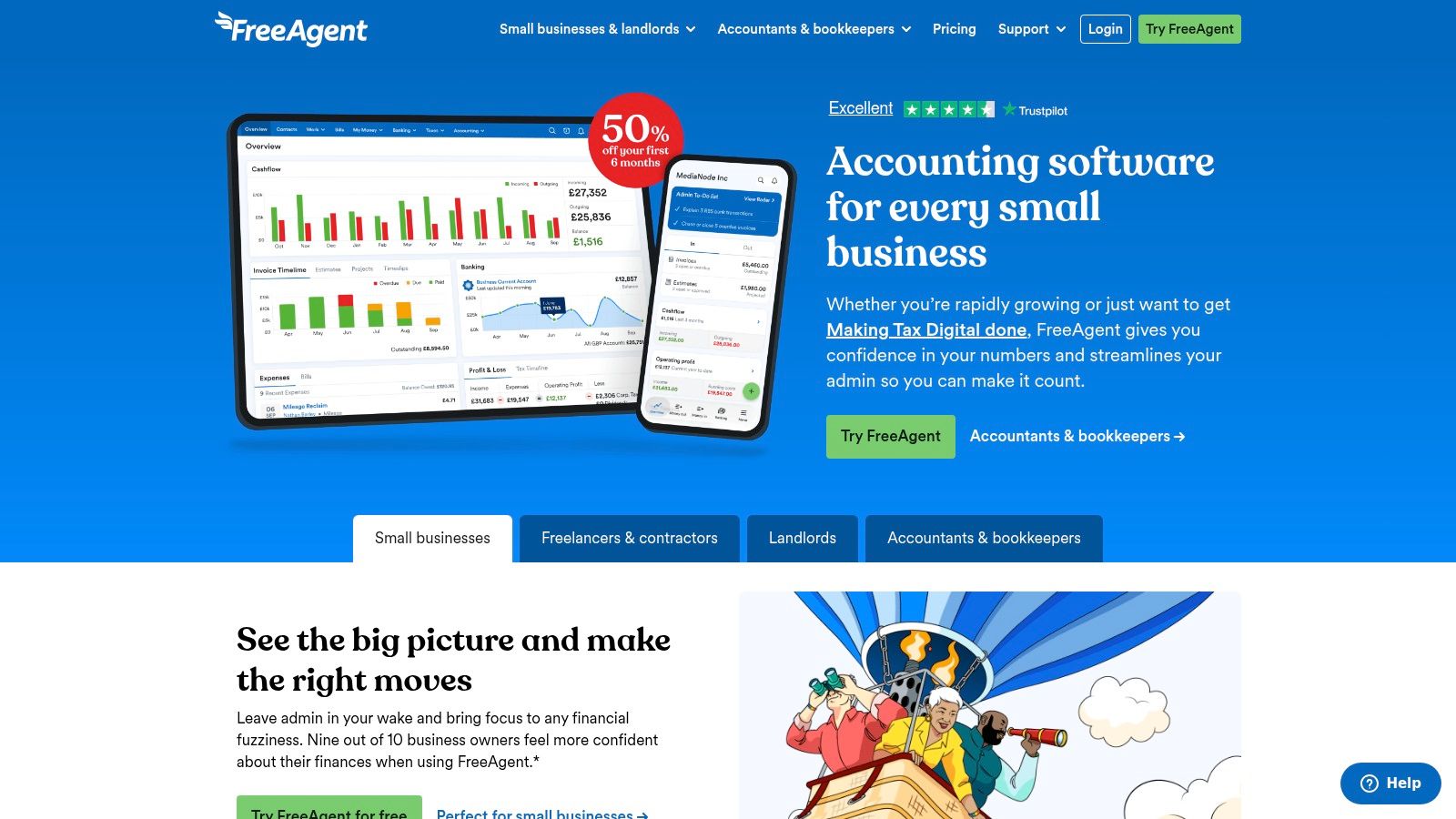
FreeAgent tackles that requirement as accounting-native expense recording built specifically for UK freelancers, contractors, and micro-businesses. Instead of bolting a separate expense app onto your books, you record out-of-pocket spending and mileage right next to your invoices, bank feeds, and Making Tax Digital filings.
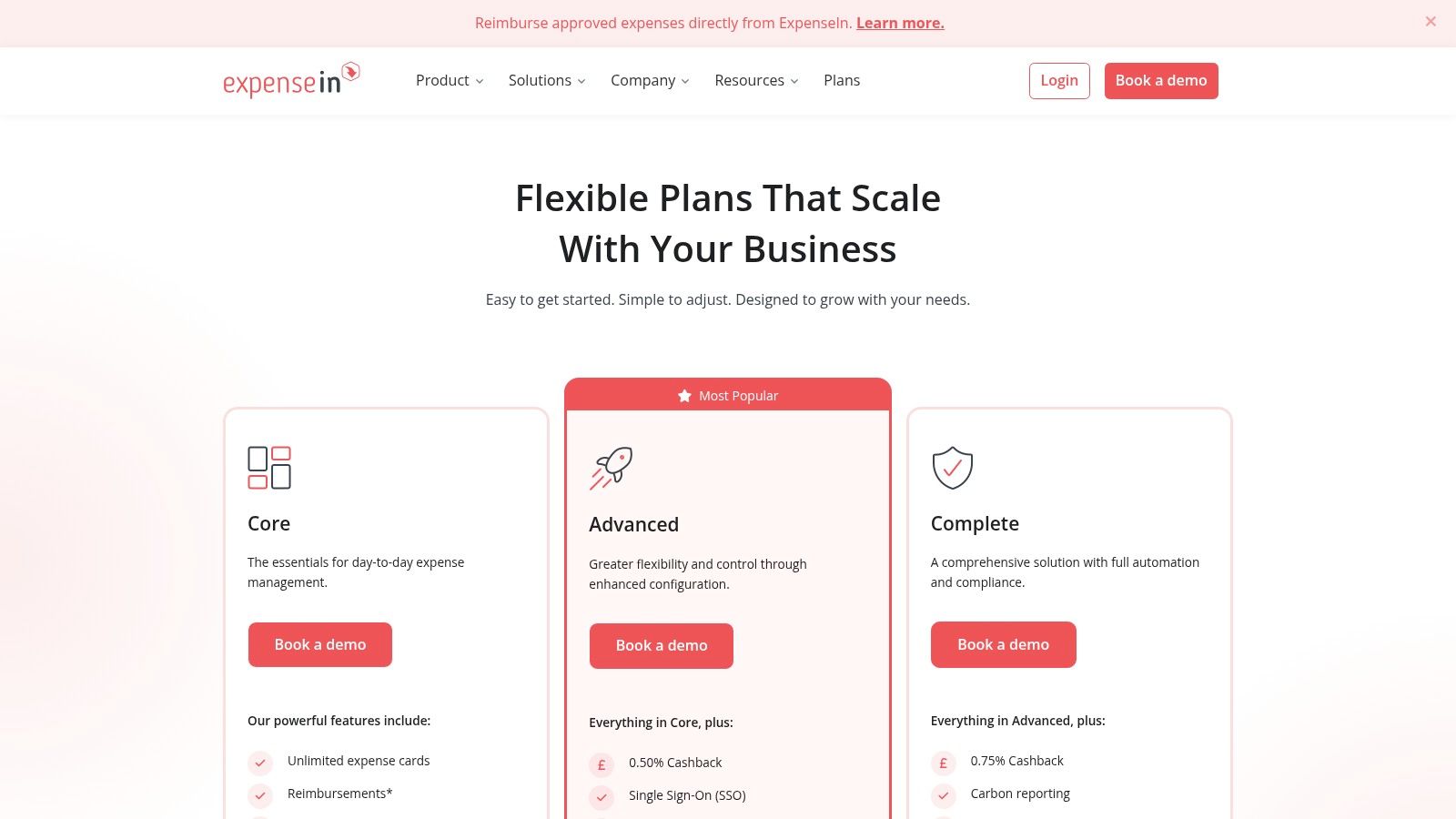
You can see how FreeAgent positions its plans and included bookkeeping features below.
Its Smart Capture feature scans receipts on iPhone and pulls details such as the date and amount automatically. Cost can also be a decisive advantage here: eligible NatWest, RBS, Ulster Bank, and Mettle business account holders may qualify for a free FreeAgent account, and paid plans carry a 30-day trial.
Compliance check: Scanning a receipt preserves supporting evidence, but it doesn't prove an expense is allowable for tax. Always verify VAT treatment, mixed personal use, and the final category before filing.
Know where FreeAgent stops. It's bookkeeping software first, not an enterprise expense-reporting system. Smart Capture has usage caps on some plans unless you pay for unlimited capture, and growing teams needing complex multi-stage approvals or company-card controls will outgrow it quickly.
7. ExpenseIn
A sole trader rarely needs pre-spend rules, but once a UK business hits ten or twenty employees submitting travel claims every month, loose spreadsheets break down fast. ExpenseIn is a UK-focused platform built squarely for formal report-and-approval workflows inside organisations.
Policy rules built for UK finance teams
Staff submit expenses, scan receipts, log mileage, and forward email receipts directly from an iPhone. Finance managers then enforce custom policy rules and multi-stage approval chains, so out-of-policy subsistence or unapproved travel gets flagged before reimbursement runs. That structure matters when several people claim similar costs each month and finance needs a consistent audit trail.
The platform also covers card-related spend and connects with finance and HR tools, including Xero, Sage, and QuickBooks Online. Its plans page sets out the structured expense-management tools on offer. The practical fit is strongest where reimbursement control matters more than simple receipt storage: team claims, approval routing, policy checks, and export into the accounting stack.
Keep three caveats in mind before putting it on your shortlist:
- Opaque pricing: You won't see a public price table; getting a quote requires booking a demo or submitting a sales enquiry.
- Organisational focus: It's engineered for multi-user companies rather than solo operators tracking personal business receipts.
- Setup overhead: Configuring policy matrices, nominal codes, and approval tiers takes upfront administration to get right.
I would shortlist it when claims need scrutiny before payment. For a micro-business with few claims, that setup can outweigh the benefit.
8. Webexpenses
Time spent shuffling paper is only half the headache; the other half is not knowing whether every claim you pay is genuine. In a 2011 UK survey of 401 SME owners published on PR Newswire, respondents estimated that filing, sorting receipts, and reimbursing claims ate 13 business days per year, and 27.1% admitted they weren't sure whether every expense claim paid by their business was justified. Paper handoffs accounted for 42.4% of businesses, while 37.3% relied on spreadsheets.
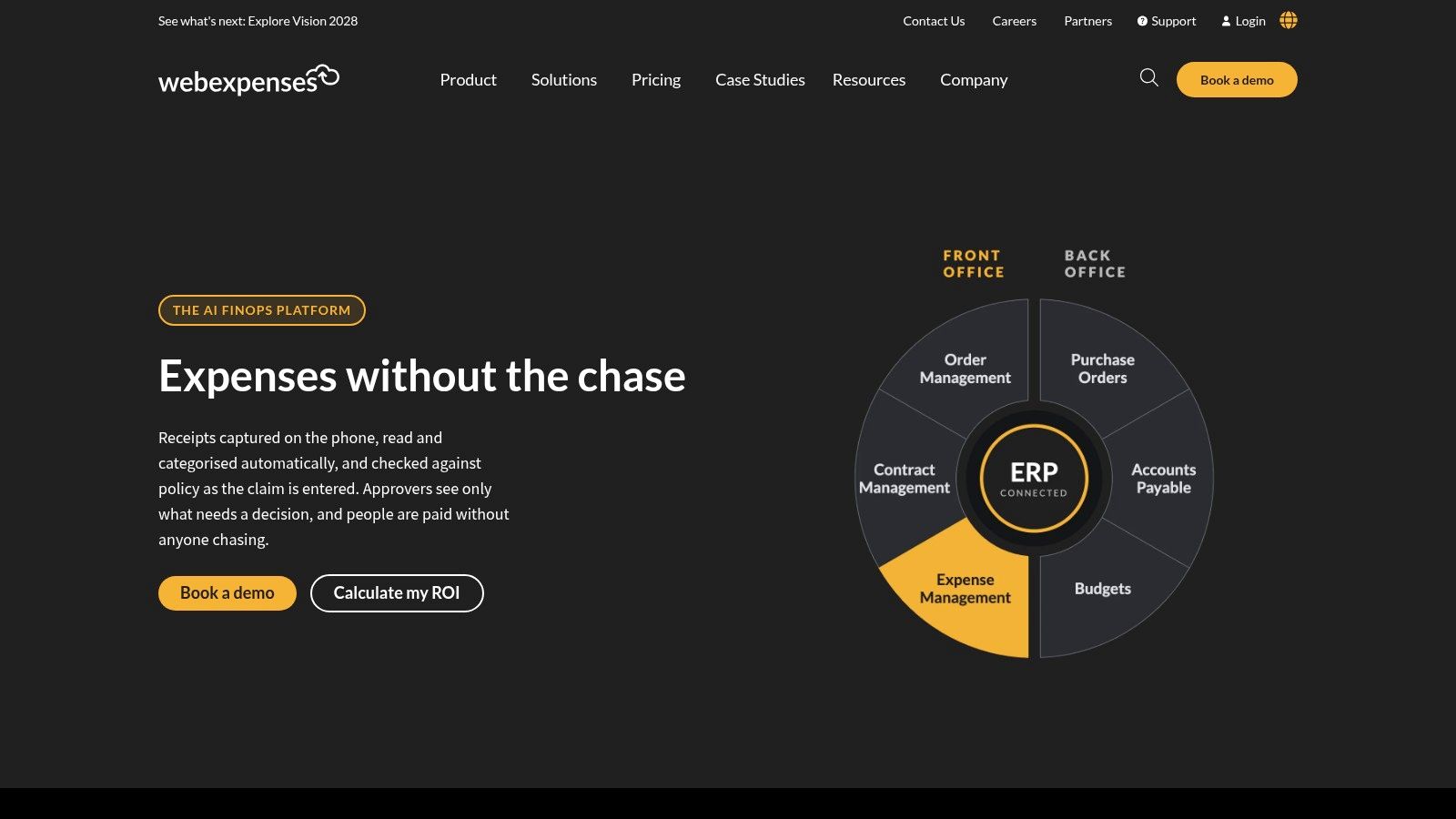
Webexpenses addresses that verification gap through formal report-and-approval workflows backed by duplicate checks and strict policy rules. Employees snap receipts on iPhone using OCR, log mileage, and submit structured claims through defined approval levels.
Below is an overview of how Webexpenses structures its tiered plans.
Core plans include reporting, receipt capture, and mileage, with integrations for Xero, QuickBooks, and file-based exports. Unlike quote-only rivals, Webexpenses publishes UK pricing in tiers and bases per-user fees on active users, which helps seasonal teams avoid paying for dormant licences.
Still, expect a structured buying process. The company steers prospective buyers toward booking a demo, and advanced features or specific integrations depend on which tier you choose. For a freelancer or two-person studio with light monthly claims, Webexpenses brings more governance and setup than the workload justifies.
9. Pleo
Say a field engineer buys replacement parts at a trade counter, pays on a personal debit card, loses the thermal slip in the van, and submits a rough claim three weeks later. Card-first spend control flips that whole process around, and Pleo is one of the sharpest examples of that model for UK teams.
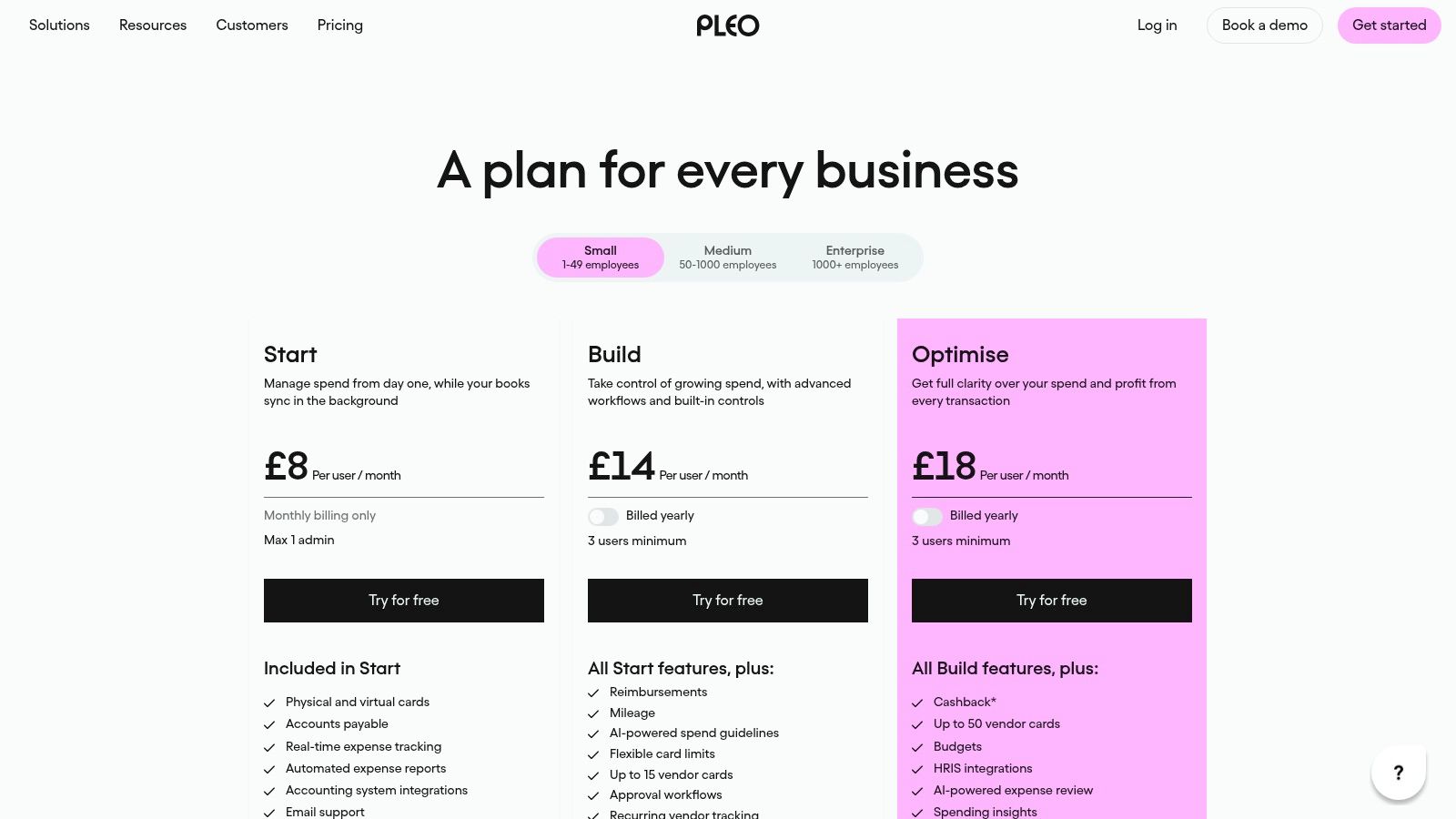
Rather than waiting for staff to front company cash and chase reimbursements, Pleo issues physical and virtual company cards that work with Apple Pay and Google Pay. The moment someone taps their iPhone at checkout, the app prompts them to snap the receipt and categorise the purchase, giving finance teams real-time spend visibility and automated reports synced to their accounting software.
Here is how Pleo lays out its card and expense-management workflow.
Operational rule: Issuing controlled company cards solves receipt chasing far faster than sending reminder emails, because the prompt hits the spender's lock screen while the receipt is still in their hand.
Check the tier structure before signing up. Entry-level pricing is published on Pleo's UK pricing page, but features such as reimbursements, mileage, and approval workflows are reserved for higher plans. Both the Build and Optimise tiers also enforce a three-user minimum. If you're a sole trader who wants to scan receipts from your existing bank card, Pleo's company-spend architecture is built for a different problem.
10. Soldo
Reimbursement apps clean up spending after the money has already left the building. Soldo belongs in the card-first spend control category, pairing prepaid physical and virtual company cards with an iPhone app so finance teams set strict budgets before anyone taps a terminal.
Here's a preview of how Soldo connects mobile expense capture with centralised card controls.
Prepaid cards and centralised spend caps
Employees photograph receipts on their iPhone and tag card transactions as they happen, while finance leads manage card limits, review spend centrally, and push data out through reporting and accounting integrations. Soldo publishes UK plans and prices openly and backs them with a 30-day free trial, making it easy to pilot with one department before issuing cards company-wide.
Weigh these practical details before rolling Soldo out:
- Three-user starting floor: The Standard plan begins with three users, which rules it out as a lean option for solo operators.
- Tiered capture features: Capabilities such as multi-currency support and enhanced receipt capture sit on higher plans rather than the entry tier.
- Payment-service fees: Additional payment-service fees may apply on top of subscription pricing, so read the full fee schedule alongside your monthly seat cost.
How the 10 iPhone expense apps compare
| Item | Best for | Receipt capture | Accounting sync | Free tier or trial |
|---|---|---|---|---|
| Snyp (recommended) | Freelancers and small businesses seeking automated receipt processing | WhatsApp, email, or JPEG, PNG, and PDF uploads | Xero and QuickBooks | Free trial |
| Dext | Businesses and accountants automating document entry | iPhone app, email, and uploads | Xero, QuickBooks, Sage, and others | 14-day trial |
| Expensify | Individuals or businesses managing expense reports and approvals | Receipt scanning | QuickBooks and Xero on the Collect plan | Free Submit plan for individuals |
| Zoho Expense | Small businesses wanting configurable expense reporting | AI scanning and offline entry | Accounting platform integrations | Free tier for up to three users; 14-day trial |
| Xero Expenses (Xero Me) | Businesses already using Xero | iPhone receipt photography with OCR | Approved claims feed into Xero | Not specified |
| FreeAgent | UK freelancers and sole traders using accounting software | Smart Capture receipt scanning | Expenses recorded alongside accounts | Eligible bank customers may qualify for a free account; 30-day trial on paid accounts |
| ExpenseIn | Organisations needing structured expense workflows | Mobile scanning and email forwarding | Xero, Sage, and QuickBooks Online | Not specified |
| Webexpenses | Organisations managing regular employee claims | iPhone capture with OCR | Xero, QuickBooks, and file integration | Not specified |
| Pleo | Teams combining expense management with company cards | Document purchases in the app | Accounting integrations | Not specified |
| Soldo | Teams combining receipt capture with company-card controls | Mobile receipt capture | Accounting integrations | 30-day trial |
How to Choose Without Creating More Admin
The fastest way to waste two weeks evaluating expense report apps for iPhone is to sign up for five free trials at once and test them with pristine restaurant receipts. Every scanner looks clever on a flat, crisp coffee slip in bright daylight. Real bookkeeping breaks down on faded thermal fuel receipts, emailed PDFs with split VAT rates, foreign-currency software bills, and duplicate uploads.
Run a tight four-step selection test on your top one or two picks before rolling anything out to your team.
Step 1 Name the real bottleneck
Decide which of the four jobs is costing you hours every month:
- Scattered receipts and slow data entry: Pick a hands-off receipt capture tool such as Snyp (if you use Xero or QuickBooks and want WhatsApp, email, and file intake without friction) or Dext (if your practice or business needs Sage support alongside broader bookkeeping automation).
- Staff claims, mileage, and policy sign-off: Shortlist Expensify, Zoho Expense, ExpenseIn, or Webexpenses depending on team size, offline needs, and how strict your approval chain needs to be.
- All-in-one sole-trader or existing-ledger bookkeeping: Stick with Xero Me if your books are already on an eligible Xero plan, or FreeAgent if you want UK sole-trader accounting and Making Tax Digital tools in one place.
- Out-of-pocket staff spend and budget leakage: Move straight to Pleo or Soldo so card limits prevent unapproved purchases before they happen.
Step 2 Stress-test one messy real-world week
Don't test with one easy receipt. Push five awkward real documents through the iPhone app: a slightly crumpled thermal receipt, a forwarded supplier PDF, a foreign-currency SaaS charge, a VAT-bearing hotel invoice, and a deliberate duplicate of an earlier claim. Check whether the app catches the duplicate, preserves the VAT split, and lets you correct a wrong date without starting from scratch.
Step 3 Trace where the data lands
Open your accounting ledger after syncing. Confirm the transaction arrived with the right supplier name, VAT code, nominal code, and readable source image attached. Also check what happens if someone loses their iPhone or you cancel the subscription later: you want clean exports and recoverable source documents, not receipts trapped inside a closed app.
Step 4 Put your accountant in the loop early
Send one week's synced records to your accountant or bookkeeper before committing to an annual contract. Ask a direct question: did these entries cut down their review time, or did they create new exceptions to fix? A five-minute trial review with the person who reconciles your books will save months of clean-up later.
If your biggest headache is chasing receipts across WhatsApp, email, and your iPhone camera roll before they reach Xero or QuickBooks, Snyp turns those scattered documents into categorised, reconciliation-ready entries in seconds. You can forward bills, snap photos, or drop in multi-line PDFs, share a frictionless review link with your accountant, and keep your books current without changing how you work. Start a free trial today at Snyp and test it on your messiest receipts this week.