




Best App for Accountants in 2026: 10 Tools Compared

Say you manage a small practice with twelve active clients, and month-end reconciliation slips past its deadline again. One builder messages blurry fuel receipts through WhatsApp at midnight, a consultancy forwards PDF invoices to two different staff inboxes, and a sole trader drops an envelope of faded thermal paper on reception the afternoon before VAT is due. Your bookkeeping software isn't the problem; the gap between client habits and your general ledger is.
That messy handoff is standard across the UK. In the UK government's Longitudinal Small Business Survey 2024, 65% of SME employers with an Income Tax Self Assessment liability reported using record-keeping software, yet 46% still relied on spreadsheets and 57% kept paper-based records. Even when a firm runs modern cloud accounts, source documents still fragment across phones, email threads, and shoeboxes.
Choosing the right app for accountants comes down to where your bottleneck sits rather than who advertises the longest feature list. A tool built for multi-client document intake looks very different from a full cloud ledger, an employee expense platform, or a lightweight sole-trader archive. If you want to understand how automated extraction reads messy bills before comparing vendors, Matil's guide to receipt OCR breaks down the mechanics clearly. Below, I compare ten tools used across UK practices, judging each one by the exact workflow it fits and where it hits practical limits.
1. Snyp
Snyp suits practices where the main bottleneck is document capture, especially when clients resist learning another portal. It takes receipts and invoices out of phones, WhatsApp threads and inboxes, then sends approved data to Xero or QuickBooks. Users can upload a receipt on the web, forward it by email, send it by WhatsApp, drag and drop multiple PDFs or images into the web dashboard, or use the mobile app from the Apple Store or Google Play.
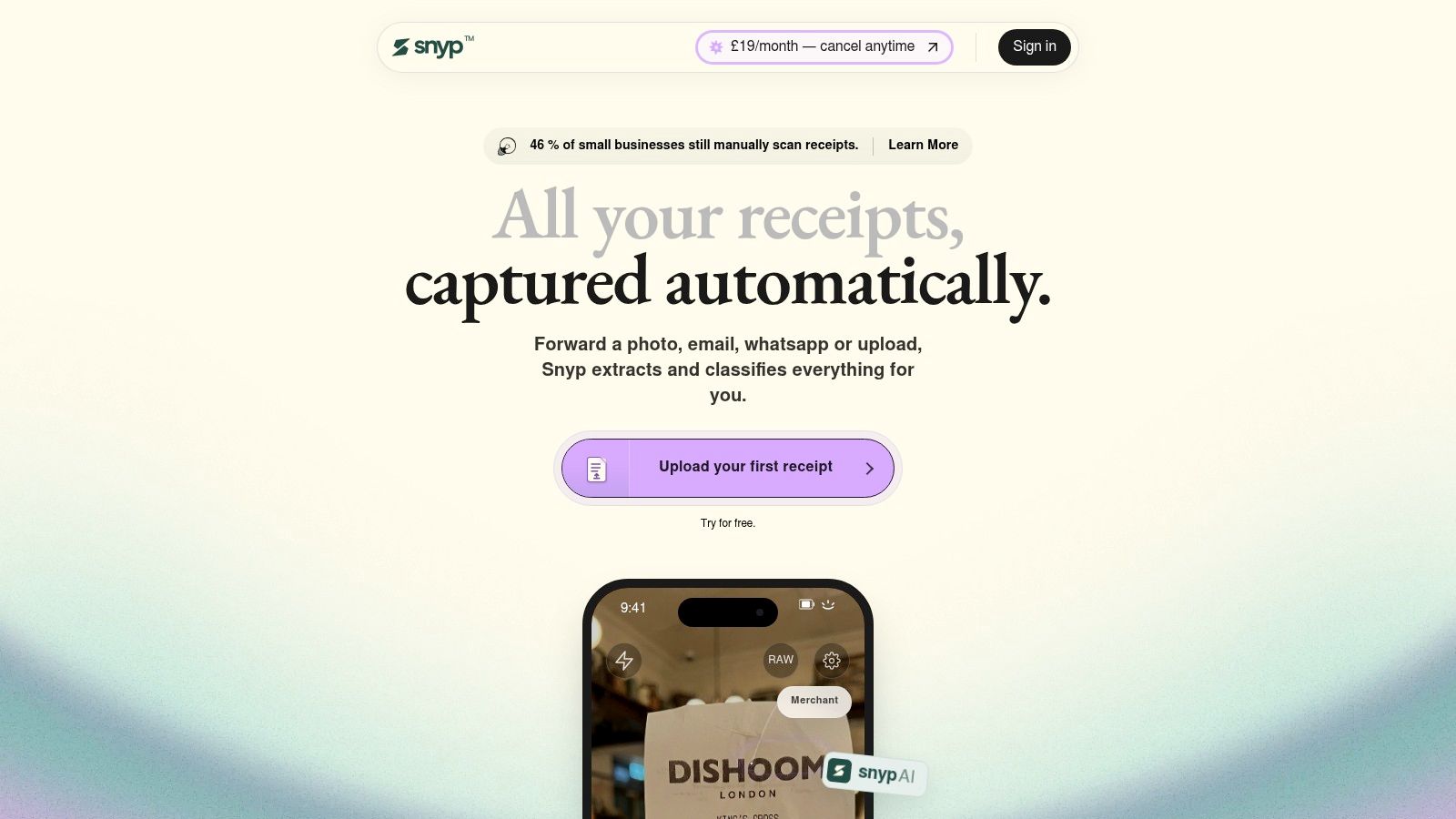
Artificial intelligence is no longer an experiment in UK firms, with 66% of UK accountants surveyed by Wolters Kluwer in 2025 already using AI inside their practice or finance department. Snyp's four-step workflow keeps that automation practical. A user snaps or uploads the receipt, AI extracts the vendor, date, line items, VAT, currency and total, the user reviews and confirms the data, then approved entries sync to Xero or QuickBooks with the correct nominal and currency codes. It also extracts and categorises receipt details automatically, assigns the most appropriate expense category from the user's chart of accounts, and accepts invoices, bank statements and purchase orders.
Where the workflow fits best
Snyp understands UK expense categories and VAT rules out of the box. It separates Meals & Entertainment, Domestic Travel, Fuel & Vehicle, Software & Subscriptions and Office Supplies, while also distinguishing legal fees, accounting fees, consulting fees and other professional services. Multi-line professional invoices are handled in detail, including time entries, hourly rates and disbursements on solicitor contract reviews, IT consultant retainers, accountant quarterly fees, business coach invoices and graphic designer freelancer invoices.
The practical strength here is intake. Meeting clients in WhatsApp, Gmail or ordinary email reduces the monthly chase that slows stricter portals. Users can send a review link to an accountant or bookkeeper, who can check the data without a Snyp account. That works well for client receipt submission and solo bookkeeping. It also recognises regular vendors and applies categories better as more receipts are processed, which helps repeat work.
There are clear limits. Direct sync is centred on Xero and QuickBooks, so firms using Sage or desktop software need to check fit before rollout. Foreign currency transactions sync with the correct currency code, and receipts in any language or format are accepted, including EUR, USD and JPY. Human sign-off still matters for unusual mixed receipts or bespoke chart-of-accounts codes.
- Zero-login accountant review: Clients can share a review link with their accountant or bookkeeper, who can inspect the extracted data without creating a separate account.
- Habit-friendly intake: WhatsApp, Gmail and standard email keep submission close to clients' existing habits, with web upload and mobile capture available too.
- Predictable entry pricing: Monthly billing starts from £19/month with a free trial and payment by Visa, Mastercard, American Express, or PayPal.
- Clear platform boundaries: Direct ledger synchronisation centres on Xero and QuickBooks, so firms running Sage or desktop software will need to verify compatibility before rolling it out.
- Human sign-off still matters: Automated categorisation saves hours on routine spend, yet unusual mixed receipts or bespoke client chart-of-accounts codes still warrant a quick human check before posting.
2. Dext
When a practice outgrows basic receipt forwarding and needs structured pre-accounting across dozens of clients, Dext is usually the first dedicated platform on the shortlist. It sits in front of your accounting ledger, pulling in receipts, supplier invoices, and financial documents, extracting the key fields, and routing items through client expense submission and approval workflows before publishing to Xero, QuickBooks, Sage, or other connected systems.
Informal client submission channels create real audit-trail risk when nobody owns duplicate checks or exception handling. Under the HMRC Income Tax MTD End-to-End Service Guide, mandated users must maintain digital records and submit quarterly summaries, and HMRC specifically highlights capturing receipts and invoices "on the go". Even though taxpayers with annual turnover below £90,000 can submit total income and expenses without a category breakdown in their quarterly update, those totals are only as defensible as the underlying records sitting inside your workflow.
Practical rule: The strongest pre-accounting tool isn't the one that auto-posts the highest percentage of bills. It's the one that surfaces low-confidence extractions and duplicates quickly so your staff fix exceptions without re-keying clean data.
Practice oversight versus solo simplicity
Dext earns its keep in multi-client bookkeeping teams where a manager needs visibility over who has submitted documents, what sits waiting for approval, and which items are ready to post. Having one standard intake hub across Xero, QuickBooks, and Sage clients also simplifies staff training when your team juggles mixed ledgers.
That breadth brings clear trade-offs. For a sole trader processing twenty receipts a month, Dext's approval layers and practice controls are far more machinery than the job requires. Practice pricing also scales with client numbers and plan tiers, so you'll need to verify document allowances against your actual client mix before locking in annual fees.
3. AutoEntry
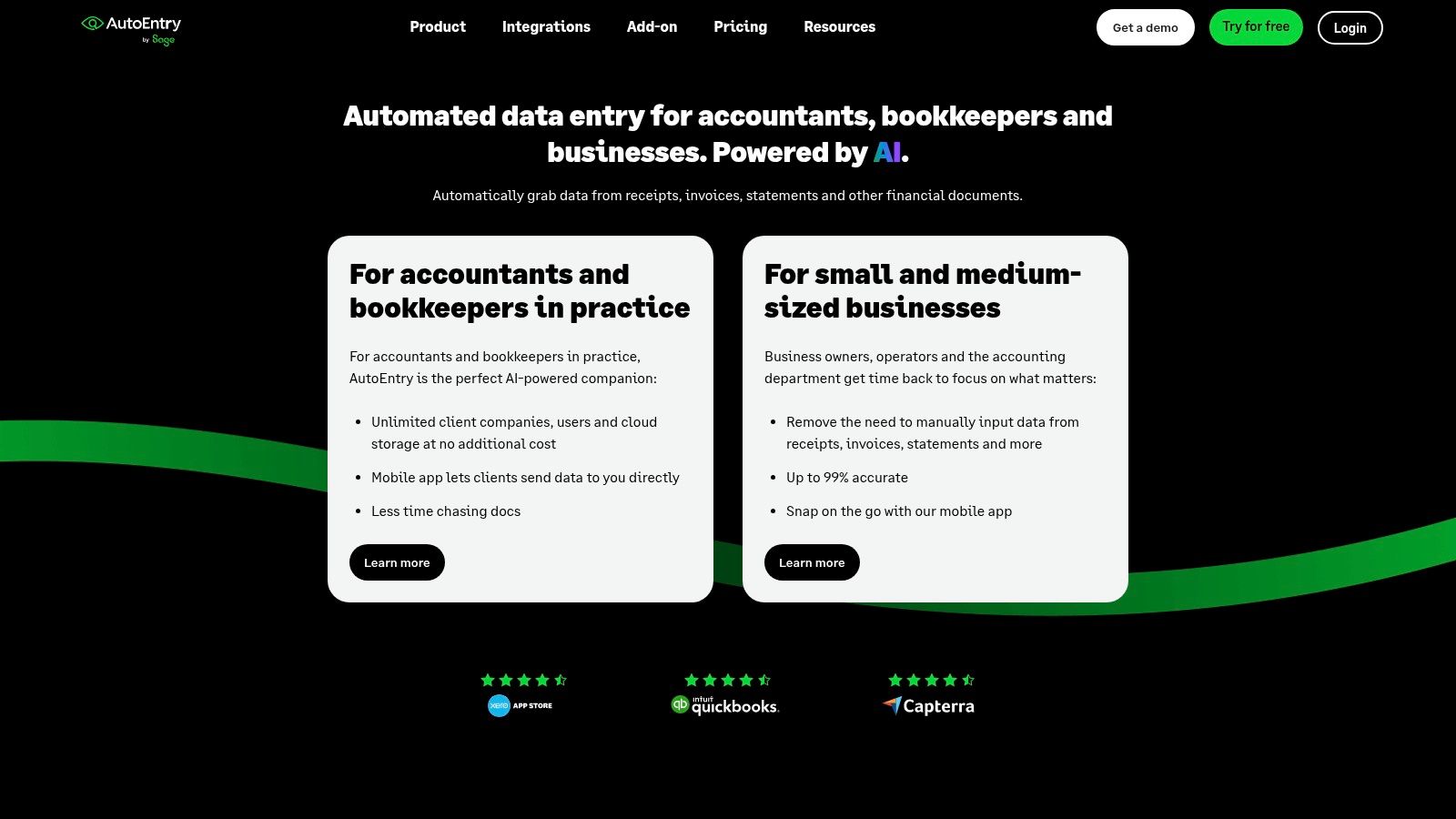
Seasonal clients break flat per-client software budgets. A wedding photographer or a small construction contractor might send two hundred supplier invoices in August and almost nothing in January, yet most per-client subscriptions charge the same fee every month. AutoEntry tackles that mismatch with a credit-based model that ties document-processing spend directly to volume.
Software budgets add up fast for UK practices. In 2024, UK accountants and bookkeepers reported average firm investment of £30,000 in accounting technology during the preceding 12 months, according to Intuit QuickBooks' survey of 1,046 UK accounting professionals. When you're managing that level of tech spend, paying only for documents you process is an attractive lever, especially across dormant or low-volume clients.
AutoEntry uses OCR to extract data from receipts, supplier invoices, and bank statements before publishing to compatible accounting platforms or sharing records with an accountant. For a closer look at how its credit mechanics stack up in daily bookkeeping, read our breakdown of the AutoEntry app.
- Flexible credit rollover: Listed plans give you monthly credit allowances, and unused credits roll over for up to 90 days, which softens seasonal spikes.
- Unlimited staff access: Listed plans include unlimited users without per-seat charges, and you can test the extraction quality using the 25 credits included in the free trial.
- Pause or downgrade options: According to the pricing page, practices can step plans down or pause when volume drops.
- Document-type pricing complexity: Different document types consume different numbers of credits, so bank-statement extraction or line-item capture can burn through allowances quicker than standard receipts.
- Narrow scope and split-receipt friction: AutoEntry focuses strictly on document processing rather than full bookkeeping or practice management, and mixed personal-and-business items on one receipt can still slow reviewers down.
4. Hubdoc
Most Xero practices already have Hubdoc sitting inside their stack, often half-configured and rarely enforced. Because it's bundled with several UK Xero plans, it's the path of least resistance for firms that want clients capturing bills and receipts without adding another monthly software invoice to the onboarding pack.
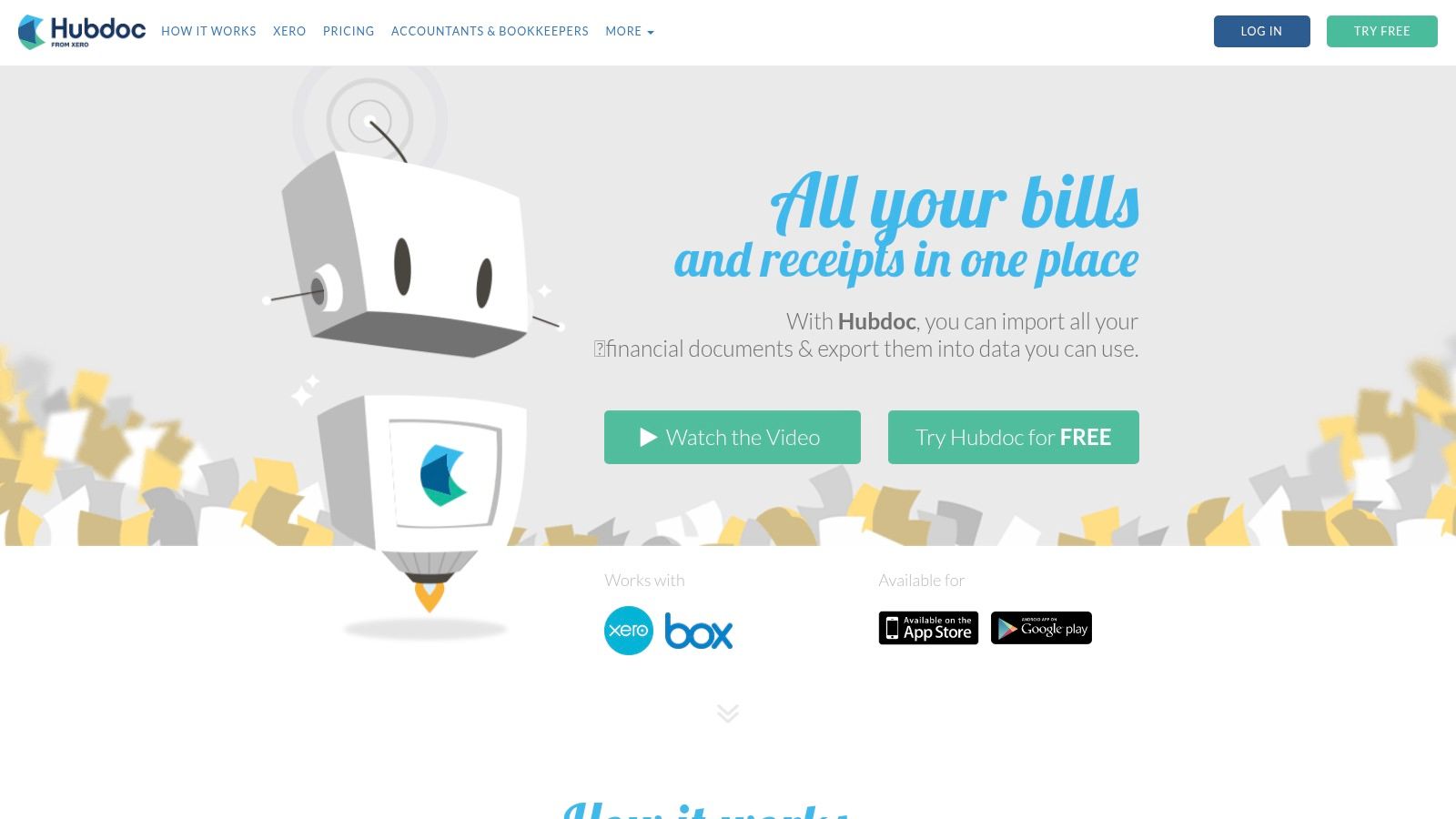
Clients can snap photos on mobile, upload PDFs from a desktop browser, or forward supplier bills to a dedicated email address. Hubdoc pulls out the key fields, lets you set supplier rules and auto-sync preferences, and attaches the original document image right onto the Xero transaction (it also lists QuickBooks Online connectivity). During year-end review or a VAT inspection, opening a bank line and seeing the invoice attached immediately saves hours of folder hunting.
Where bundled capture hits its ceiling
Convenience is Hubdoc's biggest strength, and its narrow feature set is its clearest boundary. If a client needs multi-stage staff expense approvals, spend policies, or detailed practice-wide workflow tracking across dozens of bookkeepers, Hubdoc won't cover it. You'll end up bolting on spreadsheets or chasing approvals over email anyway.
Pricing and access also need a quick check during client onboarding. Inclusion depends on the exact Xero subscription tier, meaning some lower or legacy plans require separate access, and standalone pricing is published in US dollars rather than sterling. For straightforward Xero clients with simple supplier bills, it's hard to argue with an included tool; for high-volume or approval-heavy clients, you'll outgrow it quickly.
5. Xero
Calling Xero a receipt app misses the point, yet many sole traders and growing businesses end up comparing it alongside capture tools because they're really looking for a shared ledger. Xero is a full cloud accounting platform built around live bank feeds, bank reconciliation, invoicing, and a wide app ecosystem, with Hubdoc and third-party tools handling source-document collection.
Cloud ledgers are now the baseline across most employer businesses. In the UK government's Longitudinal Small Business Survey 2025, 74% of UK SME employers used technology or web-based software to sell to customers or manage operations, and 82% of those technology users ran accountancy software. Adoption reached 95% among medium-sized firms and 89% among small businesses, compared with 80% among microbusinesses.
Workflow boundary: Never buy a full general ledger just to tidy up receipts. If a client already reconciles cleanly in another system, layer a capture tool on top rather than triggering a mid-year migration.
Strengths and limits in practice
For practices standardising their core ledger, Xero's real value is familiarity. Most UK bookkeepers know its reconciliation screen cold, client collaboration is smooth, and the integration marketplace lets you plug in specialist payroll, inventory, or capture tools without rebuilding the underlying accounts.
The friction shows up in two places. First, plan tiers vary sharply on features and transaction allowances, so a cheap entry plan can turn restrictive as soon as a business adds multi-currency billing or higher invoice volume. Second, scheduled UK price changes have made subscription creep a regular conversation with small-business clients, so always confirm current UK tier pricing before proposing a fixed-fee monthly package.
6. QuickBooks Online
One question keeps coming up in UK practice conversations: does using an expense app make a client compliant with Making Tax Digital, or does it merely digitise receipts? QuickBooks Online sits on the full-ledger side of that line, combining mobile receipt capture and data extraction with VAT, Making Tax Digital tools on eligible plans, and dedicated accountant client-book management.
The compliance timeline is concrete now. According to HMRC's guidance on using Making Tax Digital for Income Tax for the first time, sole traders and landlords with qualifying income above £50,000 for the 2024-25 tax year must start using compatible MTD software on 6 April 2026, before the threshold drops to £30,000 and then £20,000 in subsequent years. HMRC does not receive individual receipt images in quarterly updates; it receives category totals, while your software must retain the underlying digital record (amount, date, and Self Assessment-aligned category) for every transaction.
All-in-one convenience versus tier complexity
When a client wants mobile receipt snapping, mileage tracking on relevant plans, invoicing, and bookkeeping inside one login, QuickBooks Online keeps everything under one roof. Accountants get central client-list oversight and subscription billing options, and practices looking to extend its workflow can review our guide on QuickBooks Online for accountants alongside QuickBooks integration articles for connecting specialist add-ons.
- Strong sole-trader to SME ladder: Plan levels span basic self-employed setups through to multi-user small businesses with VAT and project tracking.
- Overkill for capture-only jobs: Paying for a full accounting suite makes no sense if you only need a clean front door for receipts feeding an existing ledger.
- Watch renewal pricing carefully: Introductory promotional discounts often sit well below standard renewal rates, and user limits vary by tier, which can catch clients off guard after the first few months.
7. FreeAgent
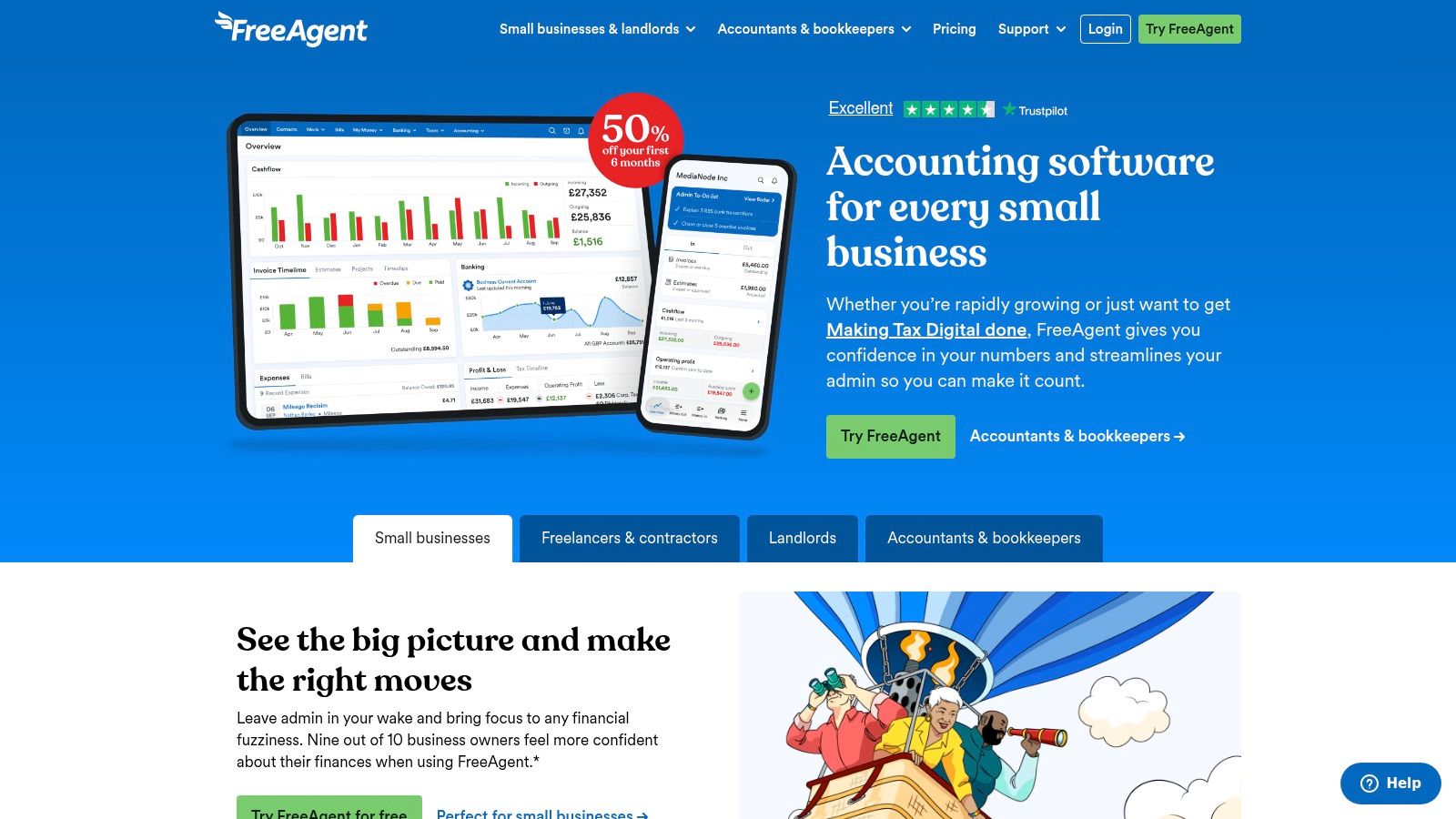
Sole traders, freelancers, and single-director contractors rarely want enterprise bookkeeping screens. They want to know how much tax to set aside and when the bill lands. FreeAgent is built squarely around that UK self-employed audience, pairing invoicing, bank feeds, and UK tax views with accountant and bookkeeper access.
That segment makes up a huge share of UK practice growth. Official HMRC Making Tax Digital business population statistics for the 2023-24 tax year recorded 7.0 million individuals with landlord or sole-trader businesses in Income Tax Self Assessment, covering roughly 4.06 million sole traders, 2.49 million landlords, and 463,000 running both. Around 2.9 million (42%) had qualifying income above £20,000, including 864,000 above £50,000.
FreeAgent's Smart Capture feature extracts data from receipt and bill files, matches them against bank transactions, and suggests categories. Capture allowances and pricing vary by plan, and some business banking customers can get the software at reduced or no cost through their bank. Both arrangements change over time, so confirm current terms on FreeAgent's pricing page before recommending it to a client on cost grounds.
Where it fits in practice:
- Built for UK self-employment: The interface speaks plain UK tax language rather than forcing contractors to decipher complex multi-entity accounting menus.
- Capture volume is a real constraint: Receipt and bill capture sits behind plan limits, and a busy tradesperson submitting receipts daily will feel that ceiling quickly. Check what the client's tier includes before rollout.
- Best for single-entity clients: FreeAgent suits a one-person company or sole trader far better than a multi-client practice intake workflow, since it is a full ledger rather than a portable capture layer.
- Full ledger commitment: Like Xero and QuickBooks, FreeAgent replaces the bookkeeping system, so clients already settled on another ledger gain little from adding it.
8. Sage Accounting
Plenty of UK practices do not live in a neat, cloud-only world. A Wolters Kluwer report on UK cloud accounting trends found that among 100 surveyed UK accountants, 47% used cloud-based software as a service while 34% ran a hybrid mix of cloud and on-premises systems; separate UK practice research cited in the same report showed 86% of practices used cloud tools with at least one client, yet only 59% of total bookkeeping happened in the cloud. Sage Accounting remains a natural anchor for firms operating in that hybrid reality or serving clients already loyal to Sage.
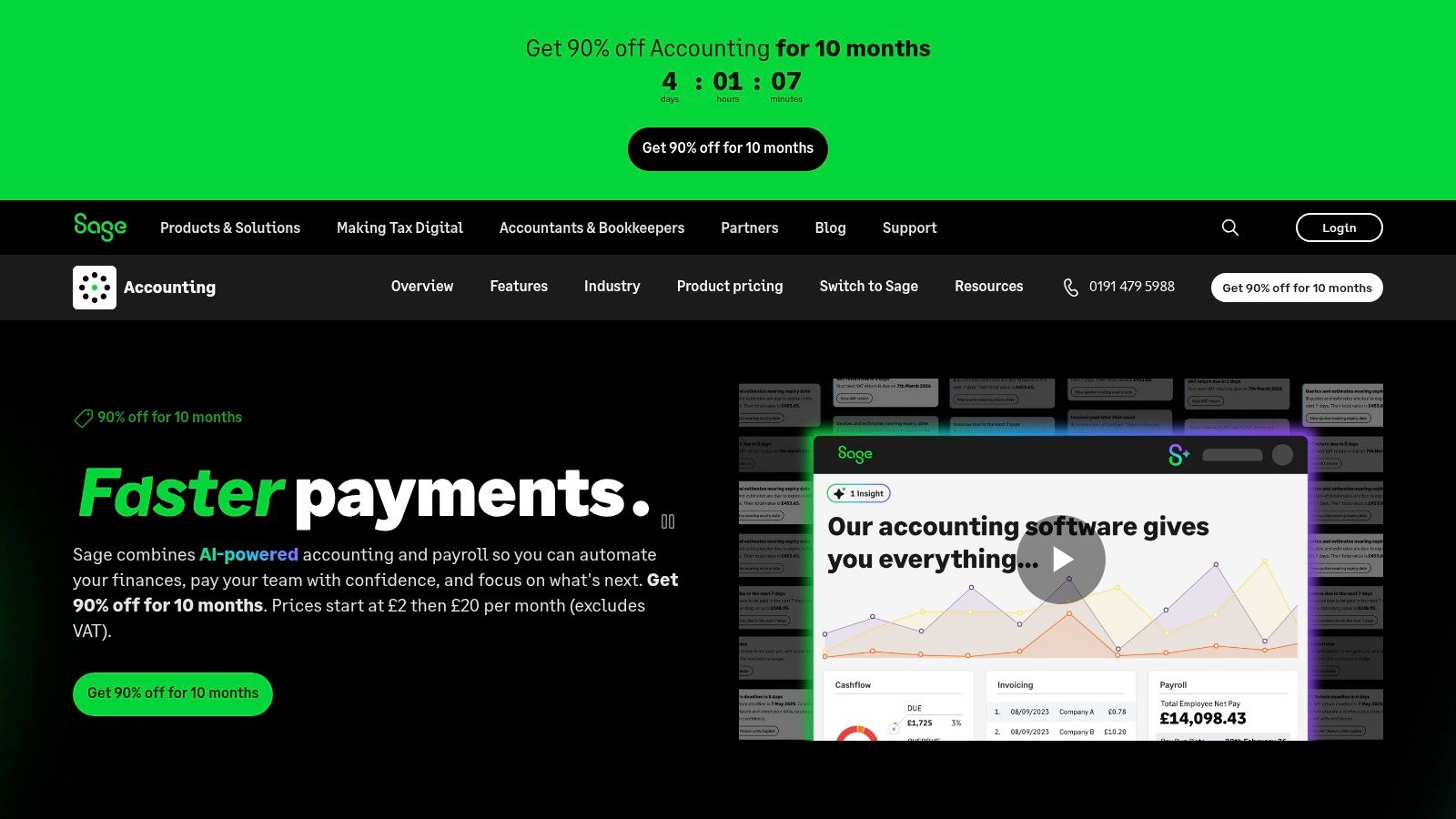
Sage provides cloud bookkeeping, mobile access, receipt capture on eligible products, and UK-focused options stretching down to sole traders, backed by published accountant-focused plans and services. If you're reviewing how Sage's cloud tiers fit alongside older desktop workflows, our overview explaining what Sage Accounting covers maps out the main moving parts.
Navigating the Sage product line-up
Never assume two Sage clients sit on the same feature set. Check the exact product tier and receipt-capture allowance before promising automated mobile intake.
Because Sage spans a broad family of UK products, naming and included allowances vary more than on single-product platforms. Receipt-capture quotas on certain plans can be limited, with extra captures costing more once you pass the included threshold. Compared with dedicated pre-accounting capture apps, Sage Accounting is also less centred on multi-channel intake like WhatsApp or ad hoc forwarding, so practices with high-volume paper or mobile receipt clients often pair it with a specialist capture layer rather than relying solely on native uploads.
9. Zoho Expense
Say a growing engineering consultancy has field staff travelling across the UK and Europe, claiming rail tickets, hotels, mileage, and foreign-currency meals every week. Handing those employees direct access to the core accounting ledger is asking for coding chaos. Zoho Expense solves that specific employee-spend bottleneck, adding receipt scanning, policy rules, multi-level approvals, and reimbursement tracking before anything hits the books.
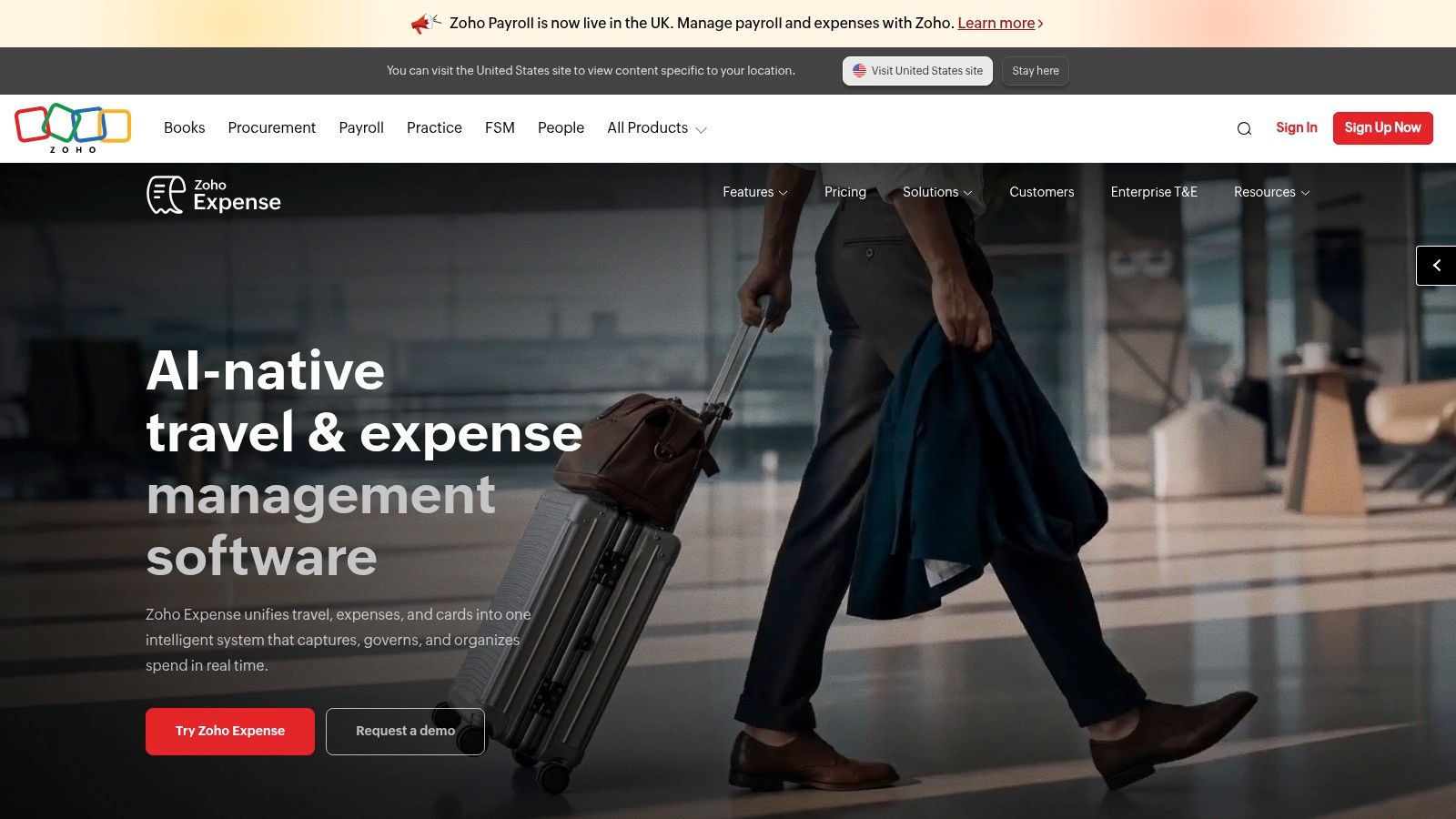
Its AI receipt scanner handles more than 38 languages alongside multi-currency claims and email receipt forwarding, which makes it practical for teams with international travel. Published UK pricing and clear scan limits also make it straightforward to model costs ahead of time, and a free plan supports up to 3 users for tiny teams testing policy workflows.
- Purpose-built for staff claims: Policy checks flag out-of-policy spend before managers approve reimbursements, cutting down the back-and-forth accountants hate at month-end.
- Monthly scan caps across tiers: Both free and paid plans enforce monthly receipt-scan allowances, so heavy travel teams must check their monthly volume carefully.
- Minimum-user rules on paid plans: Paid subscriptions apply minimum-user requirements, which can make Zoho Expense poor value for a solo director or two-person partnership.
- Risk of tool sprawl: If a small business already captures occasional expenses cleanly inside its accounting software, adding a separate expense platform creates another login and sync point to maintain.
10. PocketReceipt
Not every sole trader is ready for a full monthly cloud ledger, and pushing heavy software onto a reluctant micro-client usually ends with abandoned logins and another shoebox in January. According to the UK Department for Business and Trade's Longitudinal Small Business Survey 2025 for businesses with no employees, only 56% of non-employing UK businesses that used technology or web-based business software ran accountancy software. PocketReceipt targets that lighter end of the market with UK-focused receipt scanning, expense tracking, and mileage logging.
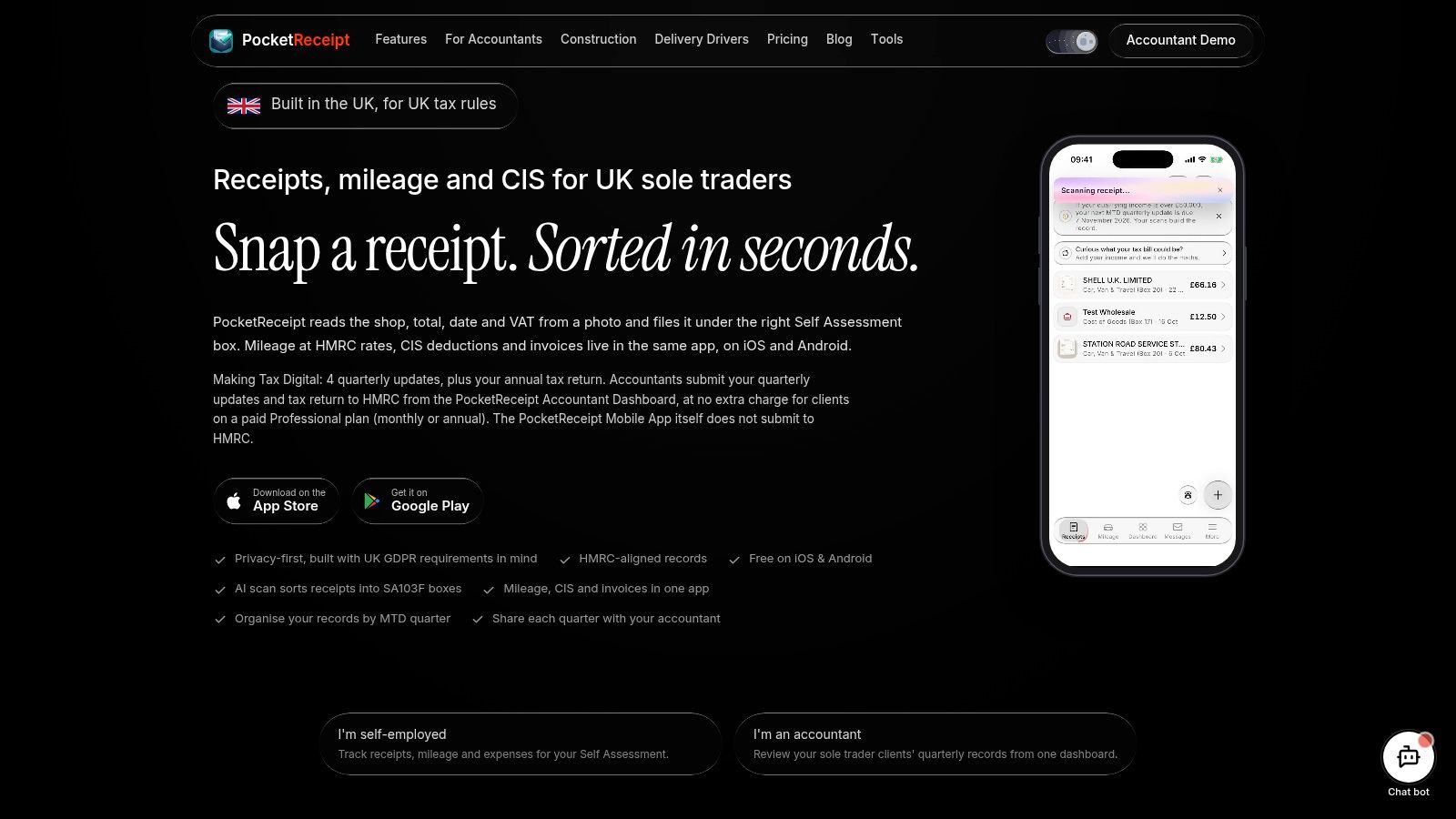
Clients can start on a free tier offering 10 AI receipt scans per month, while exports are formatted for Xero, FreeAgent, QuickBooks, Sage, and other systems alongside CSV, PDF, and bulk document downloads. For practices, the standout hook is an accountant dashboard with no fee for the firm and no per-client practice charge.
The client-paid access trade-off
That zero-fee accountant dashboard comes with a practical catch you need to manage upfront. Clients must subscribe to a paid Professional plan to link their accountant, and if a client cancels or lets that paid plan lapse, your dashboard access pauses until they renew.
PocketReceipt is also strictly a record-keeping and export app rather than full accounting software. It works well as a tidy digital archive for simple sole traders whose data you import periodically, yet any client needing live bank feeds, VAT returns, or full ledger collaboration will still require an accounting platform downstream.
How the leading apps for accountants compare on use case, capture channels, integrations and pricing
No single app wins on every measure. The right choice depends on the workflow you are fixing: solo bookkeeping, multi-client document intake, client receipt submission, or full practice management. Use this table to narrow the field before you look at price.
| Item | Best for | Capture channels | Accounting integrations | Pricing note |
|---|---|---|---|---|
| Snyp | Freelancers, small businesses and accounting teams reducing receipt admin | WhatsApp, email forwarding, and JPEG, PNG or PDF uploads | Xero and QuickBooks | From £19/month with a free trial; billed monthly |
| Dext | Practices managing document workflows across multiple clients | Receipts, invoices and other financial documents through a client submission and approval workflow | Xero, QuickBooks, Sage and other platforms | Practice pricing may depend on client numbers and plan |
| AutoEntry | Practices with document-processing costs tied to volume | Receipts, supplier invoices and bank statements | Exports to common cloud accounting software | Credit-based plans; free trial includes 25 credits |
| Hubdoc | Xero-centric practices collecting client bills and receipts | Mobile photos, desktop uploads and email forwarding | Xero and QuickBooks Online | Included with some Xero plans; standalone pricing listed in US dollars |
| Xero | Businesses and practices needing cloud accounting and bookkeeping | Hubdoc for bills and receipts (included with some Xero plans), plus third-party capture apps | Broad app ecosystem | Subscription levels and features vary by plan |
| QuickBooks Online | Businesses and practices combining bookkeeping with receipt capture | Mobile receipt photos | Built-in accounting workflow | Pricing and features vary by plan; discounts may affect introductory prices |
| FreeAgent | UK small businesses, contractors and sole traders | Receipt and bill files matched to bank transactions | Built-in accounting workflow with accountant and bookkeeper access | Eligible bank customers may get free access; standard capture is limited |
| Sage Accounting | Firms and clients already using Sage products | Mobile access and receipt capture in eligible products | Receipts post directly into the Sage ledger | Capture allowances and product pricing vary |
| Zoho Expense | Businesses managing staff expenses and approvals | Receipt scanning and email forwarding | Connects to Zoho's business apps and external accounting platforms | Free plan for up to three users; scan limits apply |
| PocketReceipt | UK sole traders and accountants needing lightweight record keeping | Receipt scanning and document exports | Xero, FreeAgent, QuickBooks, Sage and others | Free tier includes 10 AI scans monthly; accountant linking requires a paid client plan |
Read the pricing column as carefully as the features. The capture tools charge in different units: AutoEntry meters usage by credit, Hubdoc may already sit inside a Xero subscription you are paying for, and Snyp bills monthly per subscription. A low sticker price often means a narrow scope, so cost the whole client base you plan to onboard rather than a single test account.
Matching the App to Your Practice's Real Bottleneck
Go back to that twelve-client practice missing its month-end close. The mistake most practice managers make is buying one heavyweight suite and expecting every client, from a solo tradesperson to a multi-staff consultancy, to change how they work overnight. In reality, client maturity varies widely across the UK market: between November 2023 and January 2024, just 54% of UK VAT-registered businesses below the then £85,000 VAT threshold that had filed through Making Tax Digital used fully functional accounting software, based on HMRC research conducted by Verian reported by Businesscoot.
Your software stack only works when each tool matches the exact stage where records stall. Before you book demos or move clients across platforms, run through a simple four-step filter.
- Pinpoint the actual failure point: If clients already have Xero or QuickBooks but send blurry WhatsApp photos and loose emails, you have a capture bottleneck (look at Snyp, Dext, AutoEntry, or Hubdoc). If they have no compliant digital ledger ahead of Making Tax Digital, fix the core accounting system first (Xero, QuickBooks Online, FreeAgent, or Sage Accounting). If employee reimbursements and travel claims are holding up close, isolate that workflow with Zoho Expense, or keep ultra-simple sole traders tidy with PocketReceipt.
- Shortlist two or three tools per segment: Most practices end up cleaner with one standard core ledger plus one frictionless capture option for non-technical clients, rather than forcing every client onto identical tiers.
- Test with ugly real-world receipts: Never judge an app on a crisp sample PDF. Run a live trial using ten real client documents: a faded petrol receipt, a multi-line solicitor or consultant invoice, a foreign-currency software bill, and a duplicate forwarded twice. Check how clearly the tool flags low-confidence extractions and how cleanly the original document stays attached for audit review.
- Confirm UK terms before rolling out: Software tiers shift quickly. Verify current UK sterling pricing, monthly scan or credit caps, introductory-versus-renewal rates, and exact accounting integrations directly with each vendor before quoting fixed-fee packages to clients.
Final check: If a client won't open an app on Friday afternoon in a van, its advanced reporting features won't save your month-end close. Pick the workflow your clients will actually use every week.
If chasing scattered WhatsApp photos, forwarded PDFs, and missing VAT details is what slows your month-end close, Snyp turns those everyday client habits into structured, reconciliation-ready data for Xero and QuickBooks from £19/month. Clients send receipts the way they already work, our AI extracts line items, VAT, and multi-currency totals automatically, and you can inspect every entry through a shareable review link without creating another login. Start a free trial today and test it against your messiest client receipts before your next reconciliation deadline.