




Best Auto Entry Apps for 2026: 10 Tools Compared
Your reconciliation deadline is approaching. A month of receipts sits in your phone's camera roll, faded thermal paper fills an envelope, and supplier PDF invoices are scattered across email. Your bank feed shows the payments, but you still need to work out what each purchase was for and attach the evidence.
An auto entry app can remove much of the typing. It can't decide whether every purchase belongs in the business, rescue information that's missing from a receipt, or guarantee the correct VAT treatment. The useful question isn't which scanner looks cleverest. It's which tool gets your documents into your books with the least chasing, checking and rework.
That choice starts with your accounting software. A Xero user may already have a suitable capture option, while a practice handling Sage, Xero and QuickBooks clients needs broader connections. Receipts alone are also a different job from supplier invoices, itemised purchases and bank statements.
Practical rule: Judge the finished accounting record, not just the text extracted from the photograph.
Capture channels, supported file formats, categorisation and pricing structure all matter. So does the review process when a document is unclear or arrives twice. The tools below suit different workflows, from a sole trader forwarding receipts through WhatsApp to a finance team approving employee travel expenses.
1. Snyp
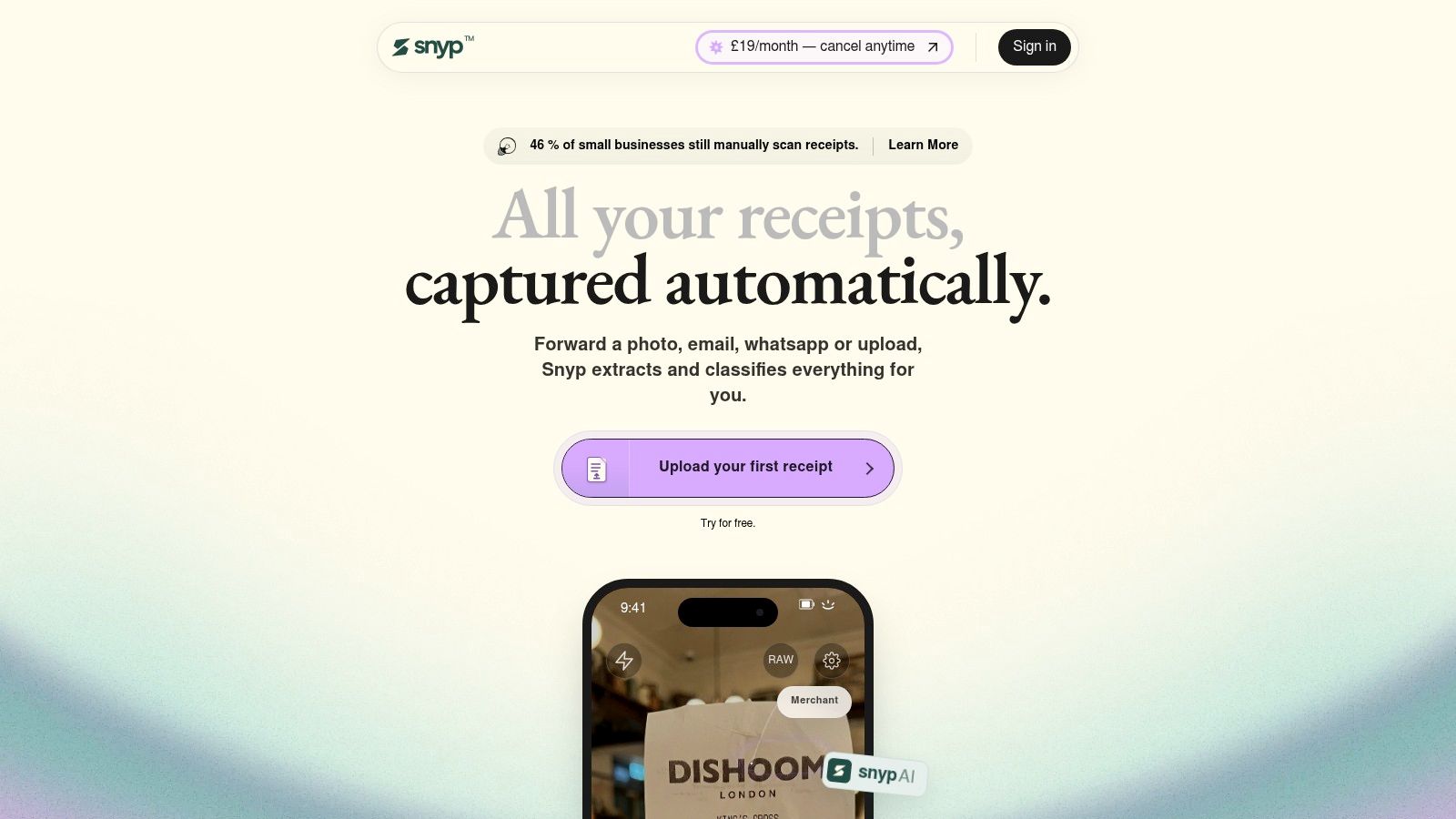
Snyp suits businesses whose receipts arrive through everyday messaging and email. You can send documents through WhatsApp, forward an email or upload JPEG, PNG and PDF files. That makes it particularly relevant to contractors buying materials on the move, freelancers receiving emailed invoices and bookkeepers chasing client paperwork.
Its context-aware extraction covers merchant, amount, date, currency, tax and category. Expenses can then sync with Xero or QuickBooks for review and reconciliation. Snyp also accepts related financial documents, including invoices, bank statements and purchase orders.
Where the workflow earns its place
The main attraction is avoiding a separate receipt-handling routine. A supplier's emailed invoice and a photographed parking receipt can enter the same capture workflow, rather than waiting in different folders until month-end.
- Best fit: Freelancers, small businesses and accounting teams using Xero or QuickBooks who want familiar submission channels.
- Useful breadth: Common image formats and PDFs, plus financial documents beyond ordinary till receipts.
- Main limitation: Users of other accounting systems need to confirm compatibility before adopting it.
I'd test categorisation with purchases that need context. A supermarket receipt might contain office supplies, refreshments and personal shopping. Correctly reading the total doesn't settle how the purchase should be recorded.
Snyp offers a trial and cancellable subscription, but check the current allowance and terms before committing. For statement processing, also confirm the exact output you need. Accepting a bank statement isn't the same as proving it will fit your particular reconciliation workflow.
Snyp is most persuasive when document collection is your bottleneck. Keep a brief review stage so convenient capture doesn't become unreviewed posting.
2. AutoEntry
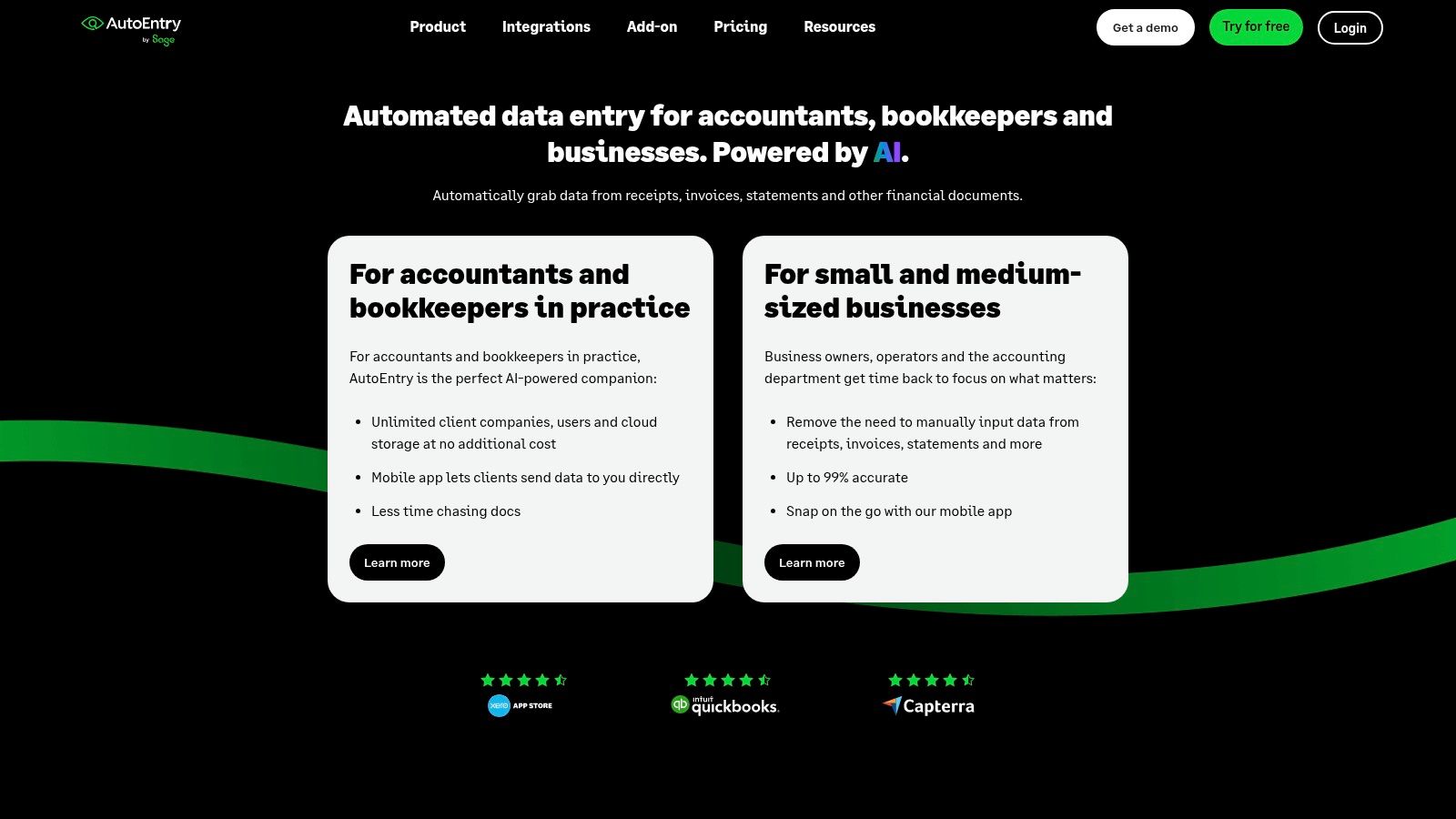
A practice handling different accounting packages needs more than a receipt scanner tied to a single ledger. AutoEntry connects with platforms including Sage, Xero and QuickBooks, and captures receipts, invoices and bank statements.
That breadth makes it a sensible shortlist option when you want to improve document entry without replacing the accounting system. Mobile and desktop capture support different working habits, while optional invoice line-item extraction matters when a supplier bill needs splitting rather than posting as a single total.
Cost depends on the document mix
AutoEntry uses document credits, with different document types consuming different amounts. Variable processing can suit an uneven workload, but counting uploaded files alone won't tell you what the service will cost.
- For a sole trader: Check whether straightforward receipt capture justifies a separate subscription.
- For a practice: Estimate credits using the actual mix of invoices, receipts and statement work.
- For detailed purchasing: Test line-item extraction against bills containing mixed expense categories.
The limitation is clear: AutoEntry prepares bookkeeping data, but it isn't a complete accounting system. You still need a destination ledger and a review process.
Its mobile app is intended for existing AutoEntry users, so assess the service as a connected workflow rather than an isolated phone app. I'd favour it where accounting-platform breadth and varied document processing matter more than having the simplest possible receipt inbox.
3. Dext
Dext becomes more relevant when several people submit documents and someone else checks them. Its receipt and invoice capture sits alongside expense submission, approvals and document-management tools.
For a practice or growing business, the problem often isn't extracting a total. It's knowing which client or entity owns the document, whether anyone has reviewed it and whether it's ready to publish to the accounting software. Dext's shared workflows make it worth considering for that broader job.
- Capture options: Mobile submission, uploads and document-management tools.
- Team fit: Workflows for businesses and practices handling multiple users or entities.
- Extra processing: Optional line-item, bank-statement and supplier-statement extraction.
Buy the workflow you need
The base plan has document and user limits, while some extraction features may cost extra. Check the combination you'll use rather than assuming every capture function belongs to the standard subscription.
A low-volume sole trader may find the extra controls unnecessary. A practice coordinating submissions and review may value those controls more than a cheaper, simpler scanner.
HMRC's Income Tax business population commentary reports that 78% of businesses with qualifying income above £50,000 and an authorised agent used commercial software for their end-of-year return in the relevant population. That supports keeping the accountant's review process central, rather than treating capture as a replacement for it.
Use Dext's trial to test hand-offs between submitter and reviewer, not just individual receipt recognition.
4. Hubdoc
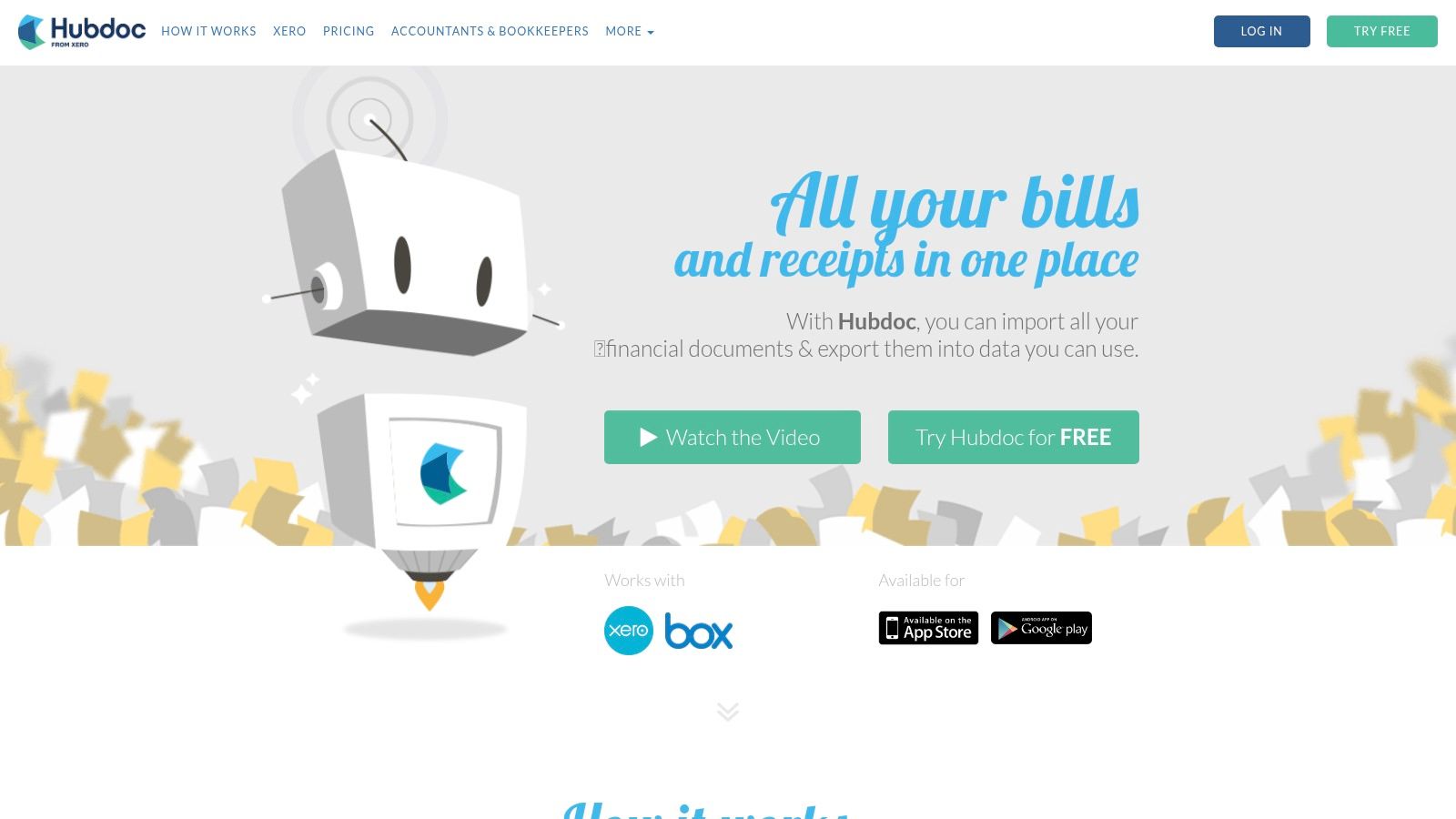
Check your Xero subscription before buying another capture tool. Hubdoc may already be included with an eligible plan, making it a natural starting point for straightforward bills and receipts.
Documents can arrive through mobile photographs, email or a scanner. Hubdoc extracts core details such as supplier, date and total, then publishes transactions and attachments to Xero. Supplier rules and automatic syncing can reduce repeated handling of familiar documents.
A capture tool you already pay for deserves a proper trial before you add another subscription.
That doesn't mean Hubdoc is automatically the best choice. Its appeal is closely tied to Xero, and its core extraction is less suited to users seeking more elaborate document processing.
Test the route into reconciliation
Try a recurring supplier invoice, an unfamiliar receipt and a document requiring a category change. Check the transaction created in Xero, the attached image and the work needed before matching the bank payment.
The Snyp and Hubdoc comparison is useful when you're weighing familiar messaging-based capture against a Xero-centred document workflow.
Choose Hubdoc when your requirements are simple and your eligible Xero plan includes it. Consider another tool when submission habits or document complexity create work that basic capture doesn't remove. Confirm availability against your own plan rather than assuming every Xero subscription includes the same service.
5. Datamolino
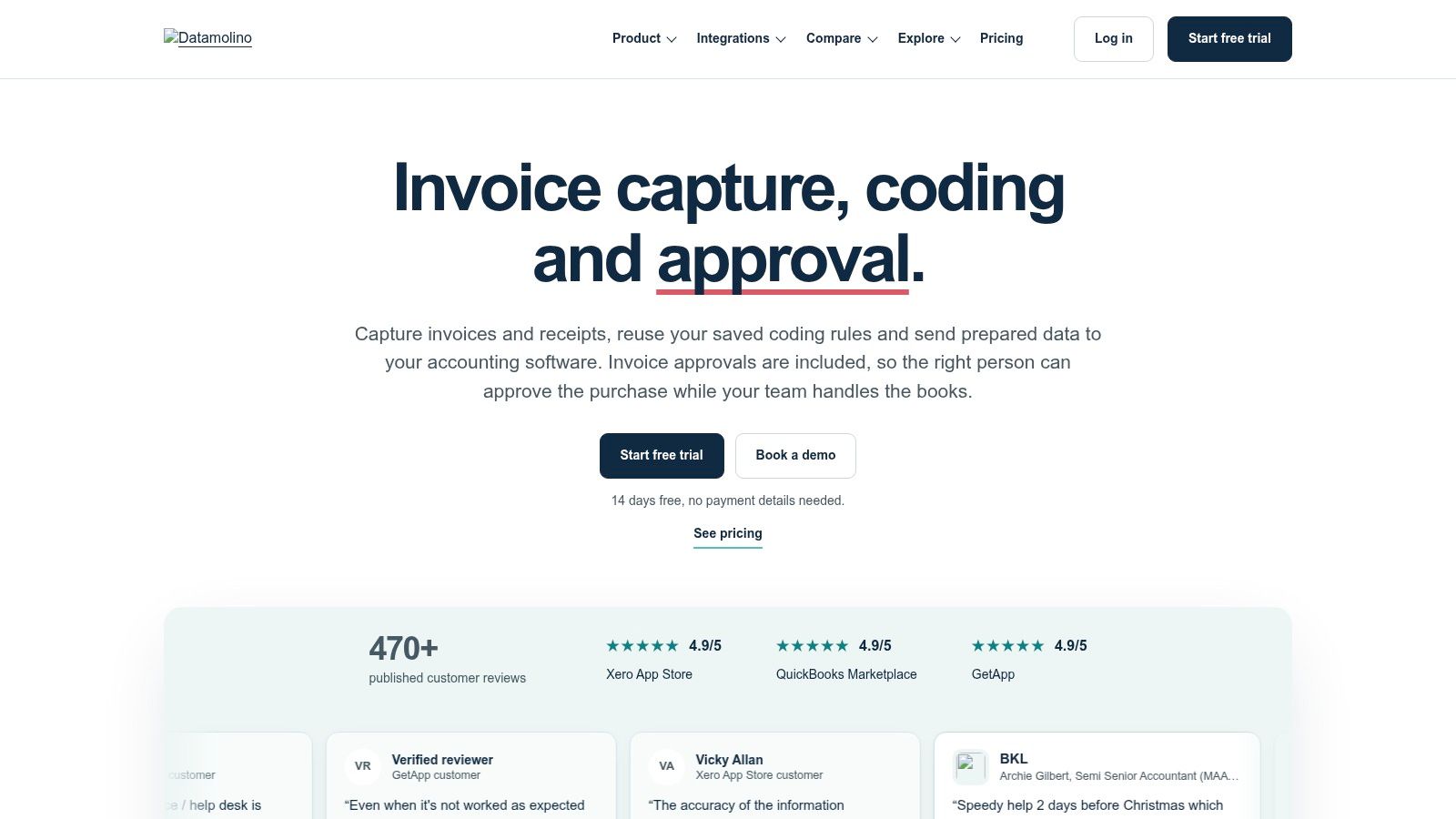
Say your business receives detailed supplier bills as well as small receipts. Posting every document as a total would leave you manually splitting purchases afterwards. Datamolino is worth considering because it offers total-only or line-item extraction, alongside bank-statement processing.
It has arrangements for individual businesses and accounting practices, with document-volume-based plans. Listed business plans include unlimited users, which makes document allowances particularly important when comparing the overall subscription.
Separate the processing costs
Bills, receipts and bank statements don't necessarily share the same charging basis. Additional document costs and separate bank-page charges can change the economics when workloads fluctuate.
- Check the allowance: Compare your ordinary document volume with a busier trading period.
- Check the detail: Decide which invoices require line-item extraction.
- Check the connection: Confirm that your accounting platform and required publishing workflow are supported.
The broader guide to AI data extraction tools can help distinguish basic field capture from more detailed document processing.
Datamolino's appeal is a defined processing arrangement rather than an all-in-one bookkeeping replacement. The trade-off is that you need to understand what counts towards each allowance.
I'd test it with the supplier invoices that create the most manual splitting. If those still need substantial reconstruction, accurate header extraction alone won't solve your main problem.
6. FreeAgent Smart Capture
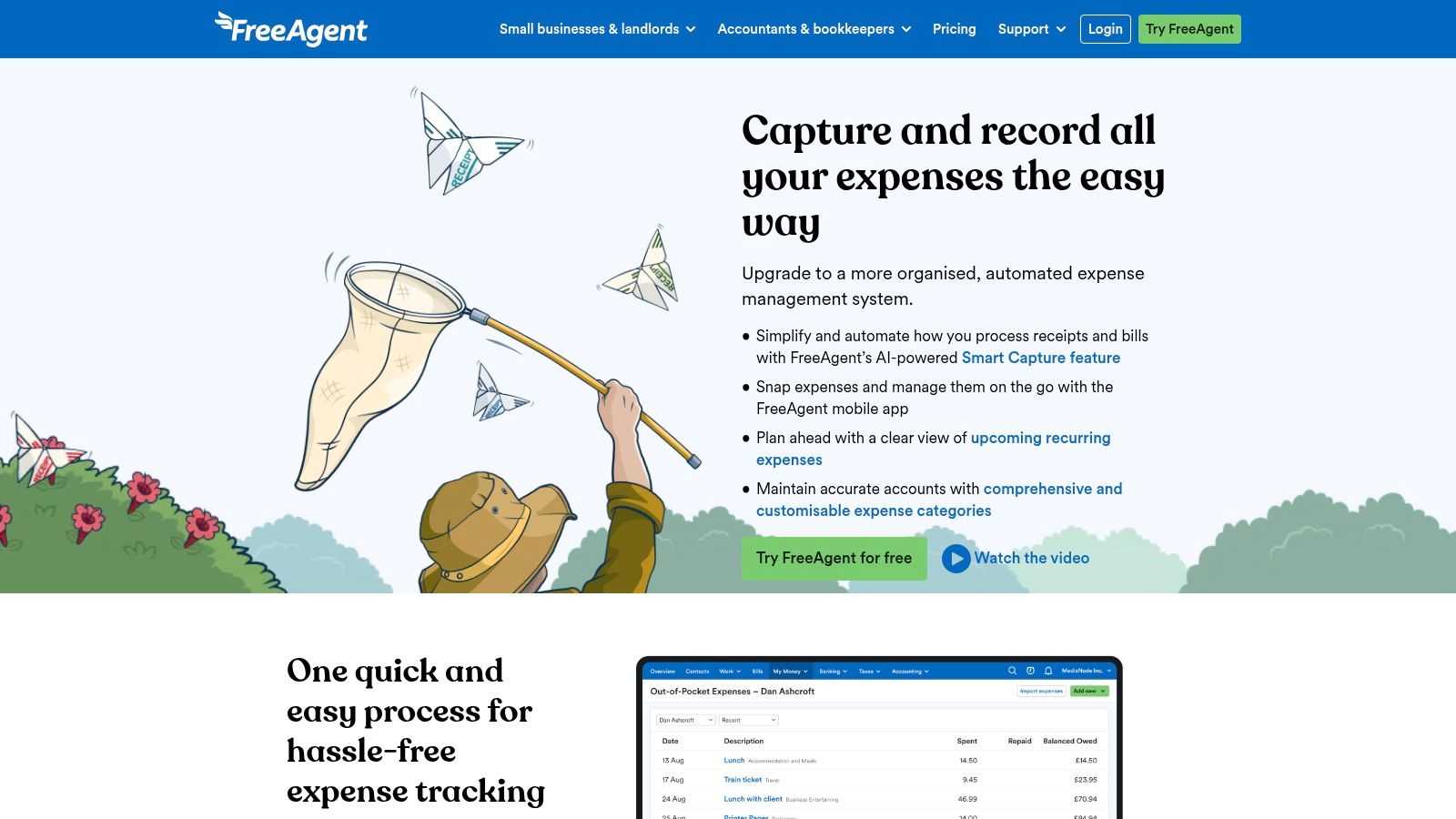
For a sole trader already using FreeAgent, keeping capture inside the books can be more useful than adding another app. FreeAgent Smart Capture extracts and categorises information from photographed or uploaded receipts and bills.
Captured items can be matched against bank transactions for review. FreeAgent also supports expense reports for employee out-of-pocket spending, so the workflow extends beyond storing photographs.
Included capture versus an add-on
The accounting subscription includes limited Smart Capture usage. Unlimited capture requires an add-on, charged separately from the accounting subscription.
- Best fit: UK sole traders and small businesses that want receipts, invoicing, banking and bookkeeping together.
- Less suitable: Businesses happy with another ledger and seeking only standalone document extraction.
- Trial priority: Check how captured bills and expenses match the bank feed without creating duplicates.
The distinction between a business expense and an employee reimbursement matters here. Test both if you use both, rather than judging the feature entirely on card purchases.
The Longitudinal Small Business Survey found that 54% of businesses with no employees liable for income-tax self-assessment used paper-based records in 2024. For someone making that transition, a connected accounting workflow may be easier to manage than separate capture and bookkeeping systems.
Don't migrate your entire ledger solely for receipt scanning. Choose FreeAgent because the accounting package fits, then assess Smart Capture within it.
7. Clear Books Auto Bills
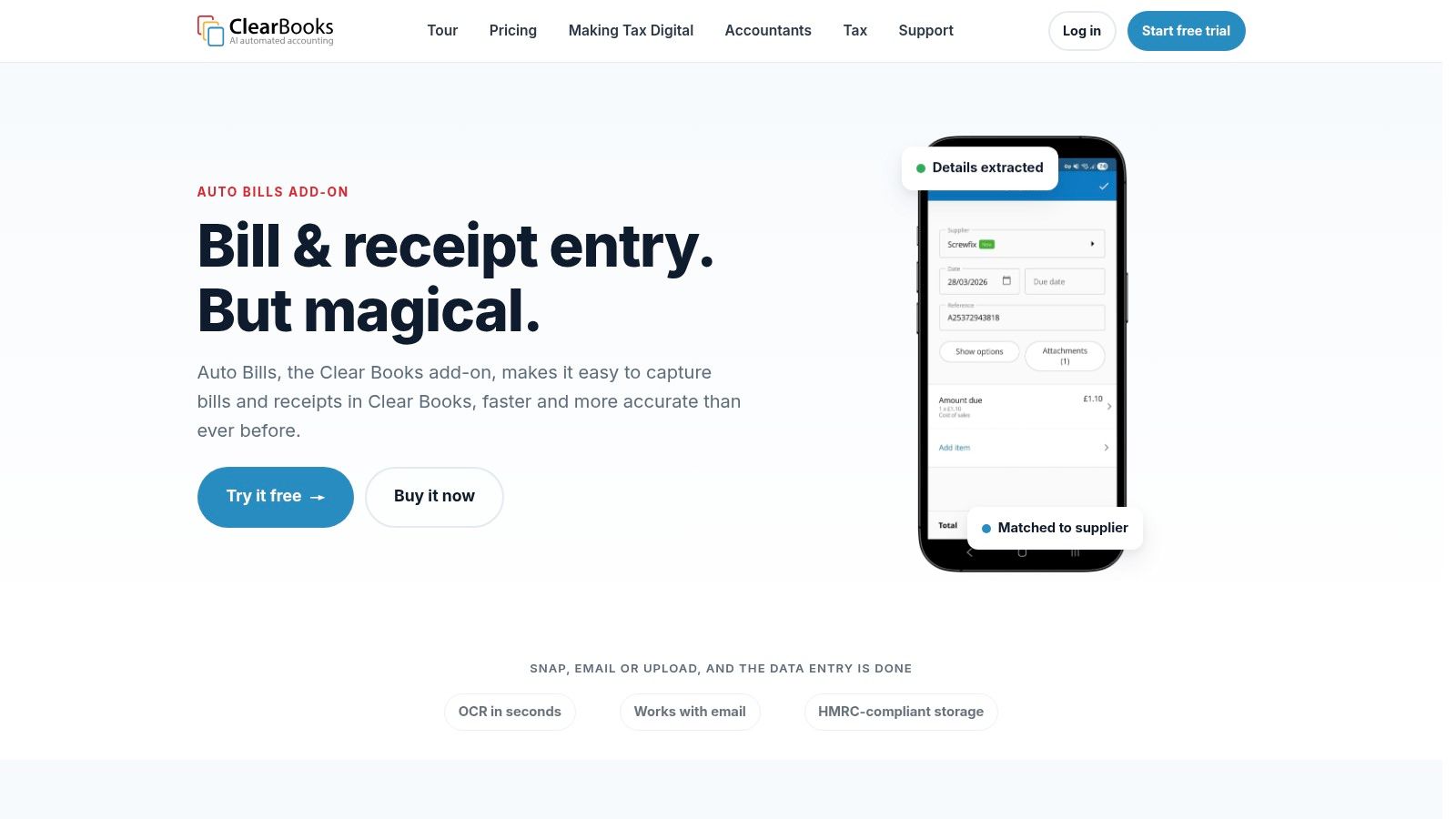
An extracted amount is much more useful when the supporting document stays attached to the accounting record. Clear Books Auto Bills combines that evidence trail with bill and receipt extraction inside Clear Books.
Users can submit documents through the mobile app, email or computer. Batch uploads help when paperwork arrives together, while the retained image lets a reviewer compare the original with the extracted fields.
Its strongest fit is an existing Clear Books business, or one choosing Clear Books for wider accounting reasons. It's less compelling as a standalone capture purchase if you intend to keep another ledger.
Give unclear documents extra attention
Clear Books says Auto Bills can analyse handwritten receipts. Treat that as a feature to test, not permission to skip checking.
- Check the supplier: Handwriting and faded printing can make names ambiguous.
- Check the amounts: Compare net, tax and gross fields with the original.
- Check the posting: Confirm the expense category and treatment of mixed purchases.
Feature availability and usage limits may depend on the subscription. Confirm those details before uploading a backlog.
The practical advantage is avoiding exports and re-imports between separate systems. The limitation is the same integration: you get the most value when Clear Books is already where you maintain purchases and reporting.
For a trial, include awkward documents as well as clean emailed PDFs. Otherwise, you'll only establish that the easiest inputs work.
8. Zoho Expense
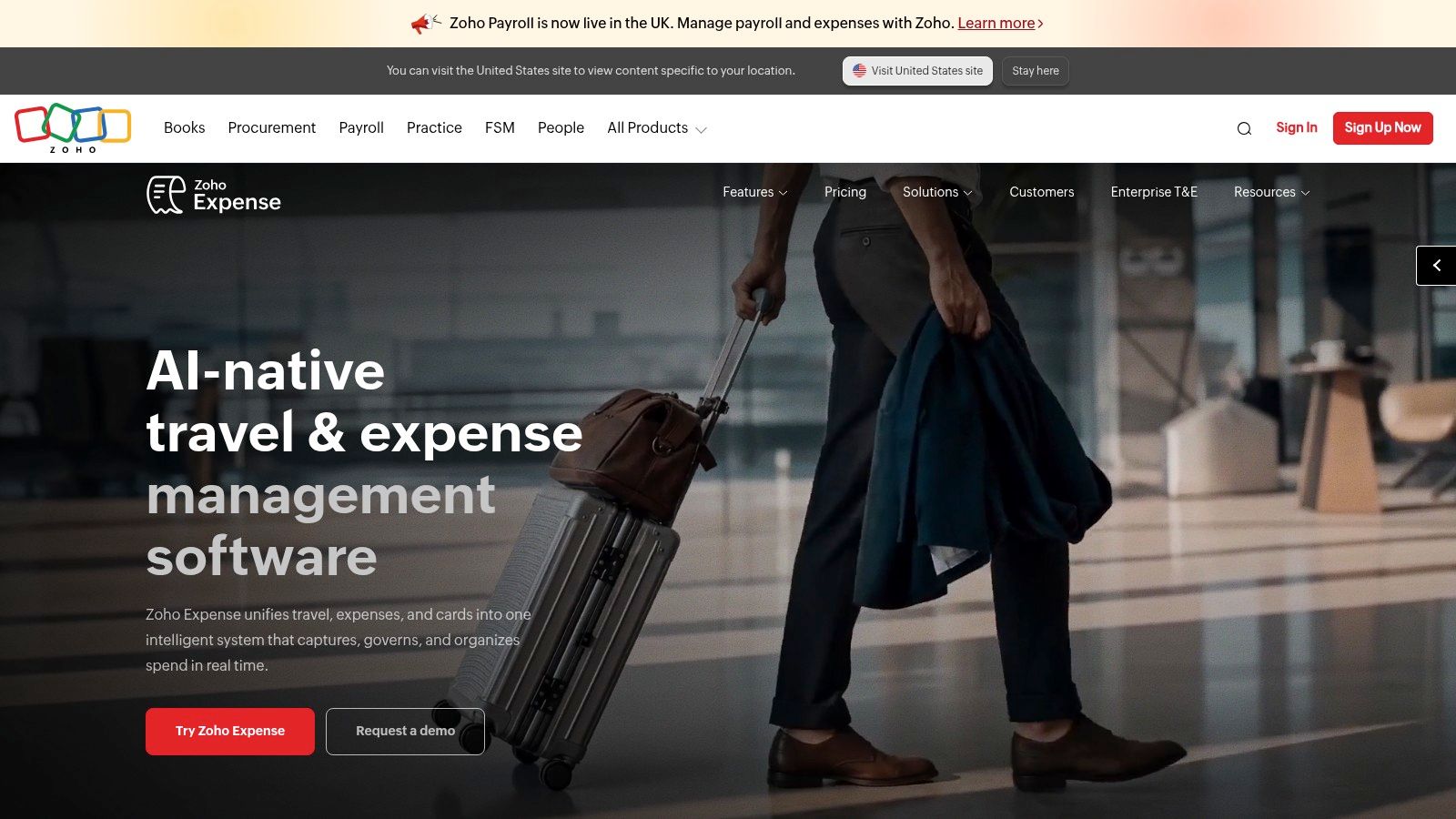
A receipt scanner doesn't solve an employee expense process on its own. Someone still needs to submit the claim, a manager needs to approve it, and the business needs to arrange reimbursement. Zoho Expense is designed around that wider workflow.
Its Autoscan feature captures receipt information, with itemised data available on paid plans. Expense reports, approvals, reimbursements, mileage tracking and multi-currency support make it more relevant to teams than to a sole trader who only needs receipts posted to the books.
- Useful for employees: Receipt capture and email forwarding feed expense submissions.
- Useful for managers: Approval workflows support review before reimbursement.
- Important constraint: Scan allowances and paid-plan minimum user requirements need checking.
Assess the claim, not just the scan
A free tier is available, but don't choose it without checking the current user and scanning restrictions. Paid tiers also need comparing against the way your team submits expenses.
Say an employee submits a hotel receipt with accommodation, meals and personal charges. Your test should include separating those costs, routing approval and checking the accounting destination.
Zoho Expense is an expense-management choice first. It may be unnecessary if you have no employee claims, travel policies or reimbursement process.
I'd shortlist it when the administrative work happens after receipt capture. If your only problem is typing supplier receipts into Xero or QuickBooks, compare a more direct capture-to-ledger tool first.
9. QuickBooks Online receipt capture
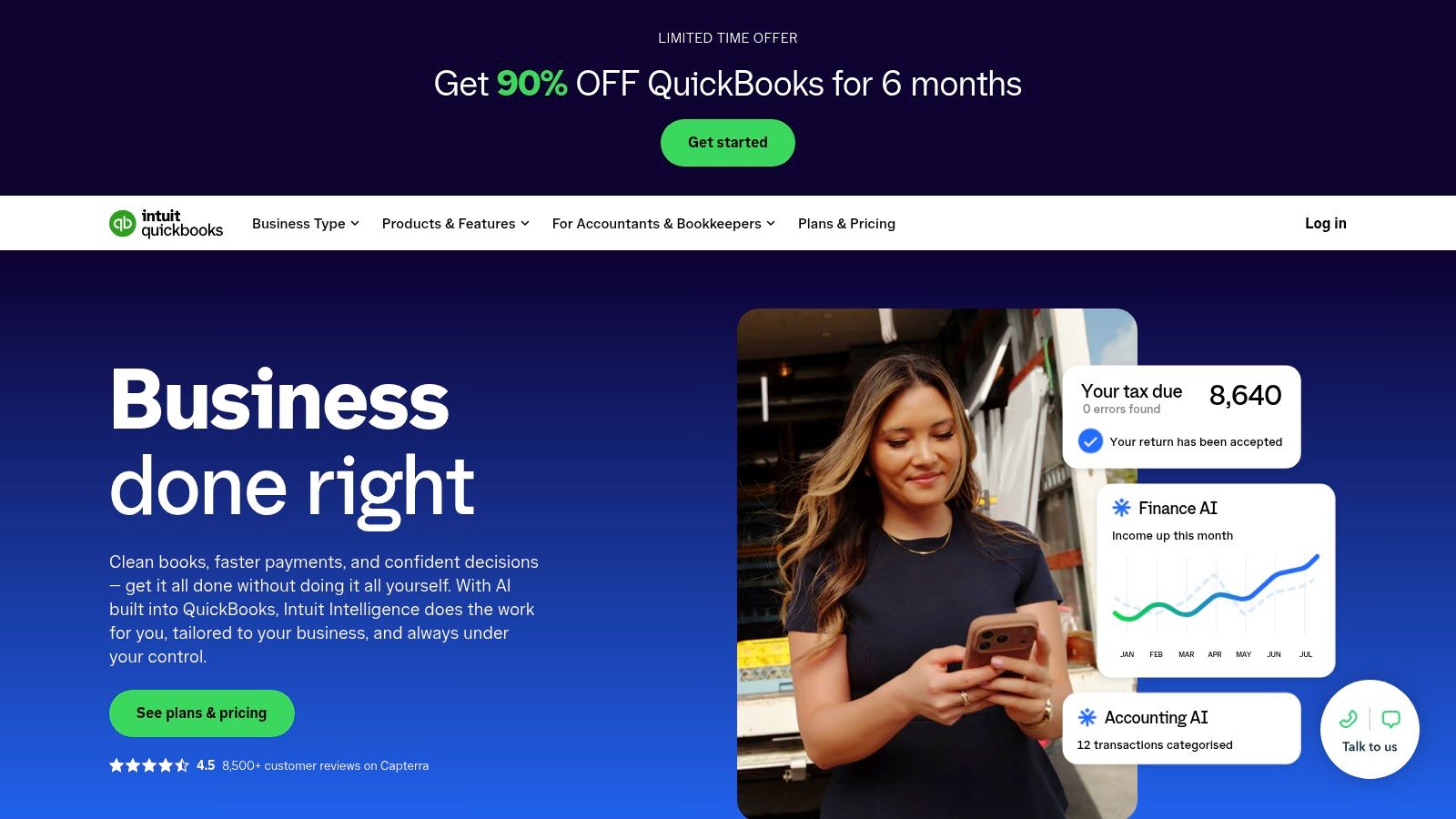
Start with the capture feature inside QuickBooks if you already subscribe. QuickBooks Online lets you photograph, sort and store receipts alongside your accounting records.
That keeps the document and bookkeeping workflow together without a separate basic capture subscription. For straightforward purchases, the benefit is fewer systems to administer and fewer connections to troubleshoot.
Know when native capture is enough
QuickBooks is an accounting package with receipt handling, not a specialist document-extraction service. Assess it against your actual needs before adding another app.
- Stay native: Your receipts are straightforward and the existing review workflow is manageable.
- Compare specialist tools: You need different submission channels or more varied document processing.
- Check your plan: Confirm current UK features and subscription terms.
The QuickBooks receipt-scanning guide provides a closer look at that capture workflow.
Don't create an expense from a receipt and then add the same purchase again from the bank feed. Check whether you should match an existing record.
The key trial task is following a receipt through to its final bank match. A neat receipt library isn't enough if purchases remain duplicated or uncategorised.
QuickBooks also offers UK accounting features including VAT and Making Tax Digital support. Still, confirm that your chosen subscription and setup cover your particular obligations. Receipt capture alone doesn't establish compliance.
10. SAP Concur ExpenseIt
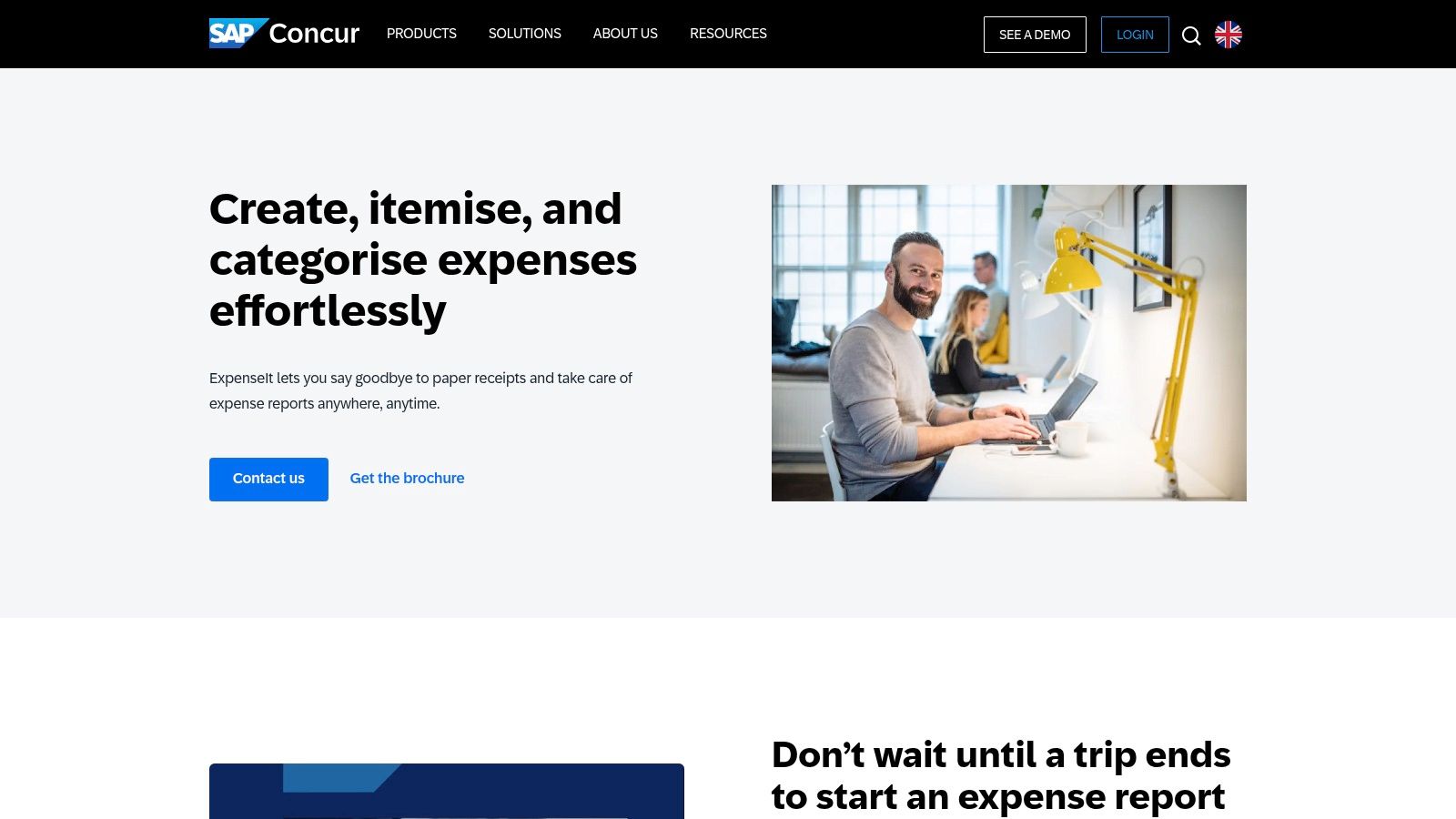
A complex hotel bill needs more than a merchant name and total. Accommodation, meals and other charges may require separate treatment before an employee submits the expense. SAP Concur ExpenseIt targets that kind of structured travel-expense workflow.
ExpenseIt creates expense entries from receipt photographs and feeds them into Concur Expense. It supports extraction, categorisation and itemisation, including AI-assisted handling of complex hotel bills.
Fit matters more than scanning alone
Its value depends on the wider Concur process. Organisations managing employee travel, formal submissions and approvals have a different requirement from a freelancer recording occasional business purchases.
- Strong fit: Organisations that need receipt capture connected to managed expense reporting.
- Relevant capability: Itemisation for complex travel documents.
- Main drawback: A broader platform commitment than most microbusinesses need.
Pricing requires contacting SAP Concur rather than relying on a listed product-page price. Ask what the proposed arrangement includes across capture, reporting, approvals and implementation.
During evaluation, give the reviewer an awkward hotel bill and follow it through submission and approval. Check whether corrections remain visible and whether employees understand what they must do next.
I wouldn't shortlist ExpenseIt for receipt capture alone. I would consider it where the business already uses Concur, or where formal travel-expense controls justify adopting the wider platform.
How the 10 auto entry apps compare on integrations, best use case and pricing model
| Item | Accounting integrations | Best for | Pricing model |
|---|---|---|---|
| Snyp | Xero, QuickBooks | Freelancers and small businesses wanting quick receipt capture and syncing | From £19/month; free trial |
| AutoEntry | Sage, Xero, QuickBooks and other platforms | Businesses and practices processing varied financial documents | Credit-based; document types use different credit amounts |
| Dext | Accounting software integrations; platforms not specified | Teams and practices managing larger or varied document workloads | Subscription plans with document and user limits; some features may cost extra |
| Hubdoc | Xero | Freelancers and small businesses already using an eligible Xero plan | Included with eligible Xero plans |
| Datamolino | Integrations not specified | Businesses and accounting practices wanting defined document allowances | Volume-based plans; bank-statement processing priced separately |
| FreeAgent Smart Capture | FreeAgent | UK sole traders and small businesses wanting capture and bookkeeping in one system | Included uses with subscription; unlimited capture requires a paid add-on |
| Clear Books Auto Bills | Clear Books | UK small businesses using Clear Books for bookkeeping and document capture | Included in Clear Books subscription; availability or limits may vary |
| Zoho Expense | Integrations not specified | Teams needing expense reports, approvals, reimbursements and receipt capture | Free tier for up to three users; paid plans available |
| QuickBooks Online receipt capture | QuickBooks Online | Businesses already using QuickBooks for accounting | Requires a QuickBooks subscription |
| SAP Concur ExpenseIt | Concur Expense | Organisations managing employee travel and formal expense workflows | Contact SAP Concur for pricing |
Choosing the Right Auto Entry App for Your Books
Choose the workflow before the scanner. The right auto entry app should reduce the work between receiving a document and reconciling the purchase, without hiding errors in an automatic posting process.
Start with your accounting system
If you use Xero, test Hubdoc's availability and suitability before adding another subscription. For QuickBooks, try native receipt capture first, then compare Snyp or AutoEntry if submission channels or document breadth remain a problem.
FreeAgent and Clear Books users should assess their built-in options. Practices handling different ledgers should prioritise supported integrations and reviewer access. Businesses managing employee claims should compare Zoho Expense and Concur against their approval and reimbursement needs, not just their scanning features.
Match the tool to the paperwork
Receipts, supplier invoices and bank statements need different tests. A tool that reads a clear till receipt may still leave you manually splitting an itemised invoice or correcting statement output.
Ask for a demonstration of the finished record in your accounting software. Confirm the attachment, category, tax fields and duplicate-handling process. For Snyp, AutoEntry, Dext and Datamolino, test the specific additional document types you intend to use.
HMRC's digital record-keeping notice distinguishes structured digital records from supporting evidence: records need the amount, date and expense category, while supporting documents must still be retained. A receipt image isn't the whole bookkeeping record, and extracted text isn't automatic approval of tax treatment.
Price the workload and the corrections
Compare document credits, included allowances, extra statement processing, user requirements and capture add-ons. Include your review effort in the decision, especially if mixed purchases or unclear receipts are common.
HMRC's Tell ABAB report found that roughly 53% of respondents expected Making Tax Digital for Income Tax to increase costs. Don't assume another subscription saves money because it automates extraction.
Trial your shortlist with a month of real paperwork. Include faded receipts, emailed PDFs, mixed-category purchases and a document submitted through different channels. Record what needs correcting and whether an accountant can review it without chasing missing evidence.
Choose the tool that produces usable records with a manageable review process. Test your own documents before settling on a plan, and keep the original evidence accessible throughout.
Snyp brings receipts from WhatsApp, forwarded emails and file uploads into a capture and categorisation workflow that connects with Xero and QuickBooks. Visit Snyp to try it with your own receipt pile, then check the extracted details and accounting records before choosing a subscription.