




Expense Management Companies: 10 Tools Compared for 2026
Five minutes into month-end, your Xero feed is showing card payments you can't match, your inbox is holding emailed PDFs, and there's a folded train receipt in your coat pocket from two weeks ago. That is the main problem most expense management companies need to solve, not approvals dashboards. If the receipt never gets in, nothing downstream reconciles cleanly.
I've judged each tool below on the receipt-to-ledger path. That means how a receipt gets in, how it reaches Xero or QuickBooks, and what it costs once users, cards and add-ons are counted. The list covers freelancers who need a receipt inbox, small teams weighing cards against claims, and accountants and bookkeepers chasing several clients at once. If you're mainly in the first group, expense tracking tools for independent professionals are worth comparing alongside this set.
Scale is part of the pressure, too. The SAP Concur comparison of UK Concur Travel and Concur Expense data found that the total number of expense transactions increased by 14% year over year, while the average transaction value was £73. Lots of small items, not a few big ones, is exactly what buries a spreadsheet.
1. Snyp
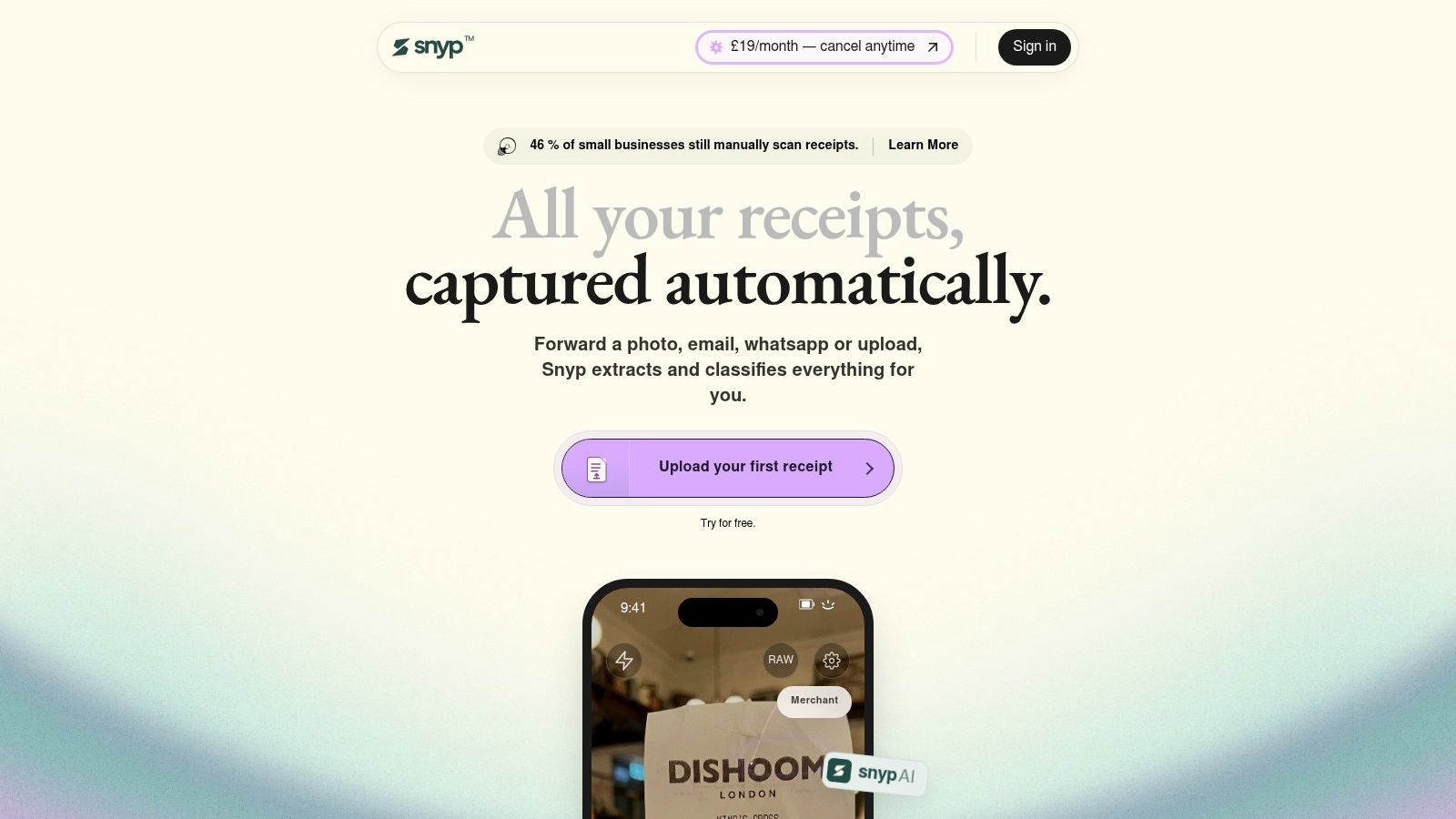
Snyp is built for the moment the receipt is still in your hand. Send it through WhatsApp, forward it by email, or upload a JPEG, PNG or PDF, and its context-aware AI extracts merchant, amount, date, tax, currency and category, then syncs the result to Xero or QuickBooks for review and reconciliation.
That input choice is the appeal. Sole traders, site contractors and clients already send photos and PDFs through WhatsApp and email, so there is no portal behaviour to train before data starts arriving. For an accountant chasing several clients, fewer “what was this payment?” emails means cleaner coding and less month-end chasing.
Where It Fits and Where to Check
- Capture that matches real habits: WhatsApp, email forwarding and direct upload cover paper receipts, emailed invoices and screenshots in one pipeline.
- Beyond basic OCR: It classifies as well as extracts, so you review a structured expense rather than retyping fields into the ledger.
- Pricing structure: There is a free trial and pricing from £19 per month.
The weak spots are visibility around limits and proof, rather than capture. Snyp does not lay out document limits, seat counts or which features sit behind higher tiers, and there is no independent accuracy benchmark or named security certification to compare against. Use the trial to price your actual volume and push a messy batch through it: faded thermal paper, multi-item invoices, foreign currency. The correction rate on your own receipts is the number that matters.
The compliance case is getting sharper. HMRC's digital record guidance for Making Tax Digital for Income Tax says records must be created and stored digitally in compatible software, beginning in April 2026 for unincorporated businesses and landlords with more than £50,000 of qualifying income. A receipt image that reaches the ledger entry gives you something retrievable if HMRC asks.
2. Dext
Dext is the established bookkeeping play on this list, and it behaves like it. Receipts and invoices come in by mobile, email or WhatsApp, get extracted and categorised, and land as accounting-ready data in Xero or QuickBooks. Expense claims, approvals and GPS mileage tracking sit on top of that capture layer.
Its strength is breadth of document types, which reflects how varied UK claims are. The overview of UK expense rules citing HMRC-commissioned research found 40% of employers reimbursed miscellaneous items bought for the company, 34% reimbursed subsistence costs including overnight accommodation, and 33% reimbursed refreshments for employees attending meetings away from the office. Ad hoc purchases, not just travel, are the workload.
The Cost Detail
Pricing is where you need to do maths before signing. The listed UK business plan starts at £24.17 per month excluding VAT, billed annually, for five users and 250 documents per month. It works well if you'll use five seats and stay inside the document allowance. It works less well for a two-person business paying for empty seats, or a document-heavy practice client who blows the cap and triggers add-on costs.
I recommend Dext where an accountant is already in the loop and wants clients submitting into a familiar workflow. If you're a single freelancer with low volume, you're buying capacity you won't use.
3. Pleo
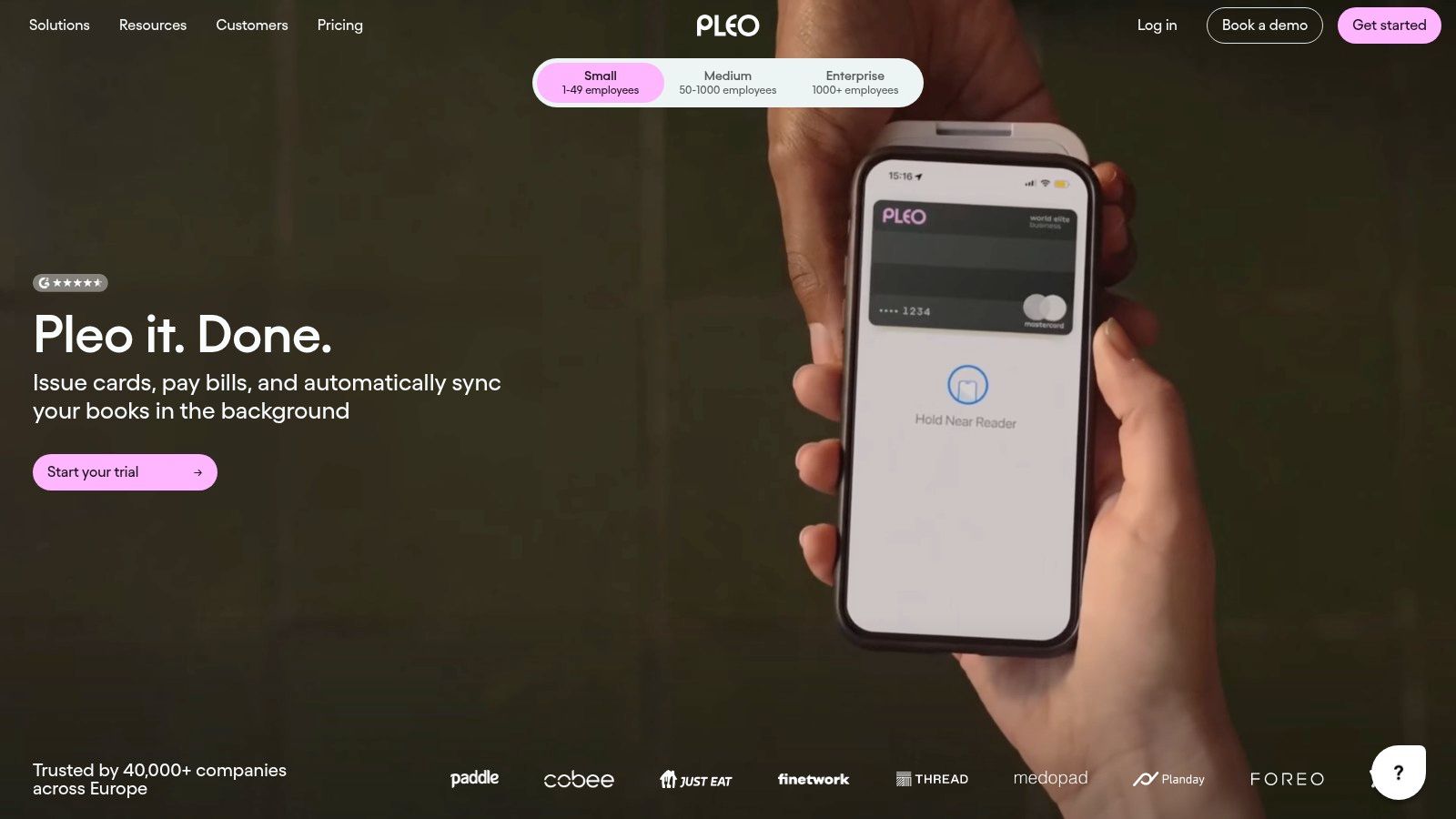
Pleo moves control upstream of the receipt. Employees spend on physical or virtual company cards, and the receipt is captured against the transaction while it's fresh, through the app, receipt reminders or email capture. The paperwork follows the spend rather than trailing it. Real-time tracking is the core product, with reimbursements and approvals sitting on higher plans.
For a growing team, that model kills the claim form and gives finance a live view instead of a month-end surprise. Buyers weighing a card-led setup are usually also asking how an expense management system sits alongside accounts payable and cash management, since finance teams increasingly want those pieces in one place rather than spread across separate tools.
Listed UK plans start at £8 per user per month, which looks cheap until you model the whole team. Ten cardholders is already £80 a month before anything else is added. The minimum of three users applies on some plans rather than across the board, and feature access varies by tier, so the approval or reimbursement tools shown in a demo may sit above the entry plan. Foreign exchange, reimbursement, payment and card-related charges can also apply on top of the seat price.
Price the headcount you'll issue cards to across the whole team. Per-user costs compound quietly.
Pleo suits teams whose pain is uncontrolled card spend. When the main issue is supplier invoices arriving by email, a card-first platform addresses the wrong part of the workflow.
4. Soldo
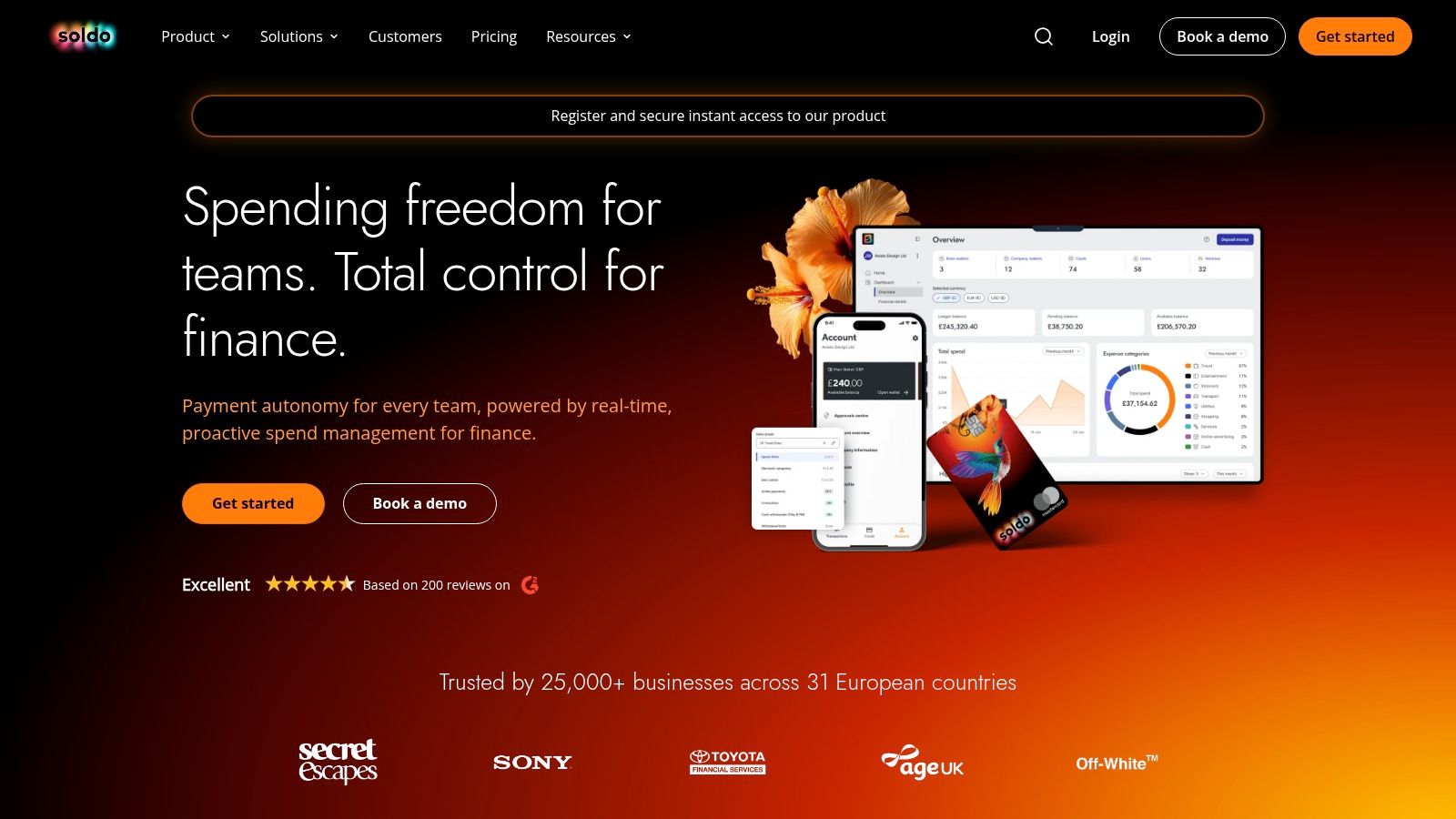
Soldo is a spending account with cards and wallets attached, rather than a receipt tool with cards bolted on. You set user permissions, issue physical or virtual cards that support Apple Pay and Google Pay, and employees capture receipts against transactions in the mobile app. Accounting integrations push the result out to your ledger.
The appeal is control before the spend happens. Funds sit in wallets you can ring-fence by team or project, so you're not handing out access to the main bank account. Higher tiers add multi-currency wallets, which helps if staff travel or buy from overseas suppliers regularly.
The listed Standard plan costs £21 per month plus VAT and starts with one wallet and three users, and there's a 30-day free trial. That three-user floor is the first trap for very small businesses, the second is assuming the feature you need, often multi-currency or deeper permissions, sits in Standard when it's tiered above it.
Choose Soldo when wallet structure and card controls are the priority, and when you want to keep your existing bank account untouched. If your only problem is paper receipts, this is a heavier and more card-led answer than you need.
5. Rydoo
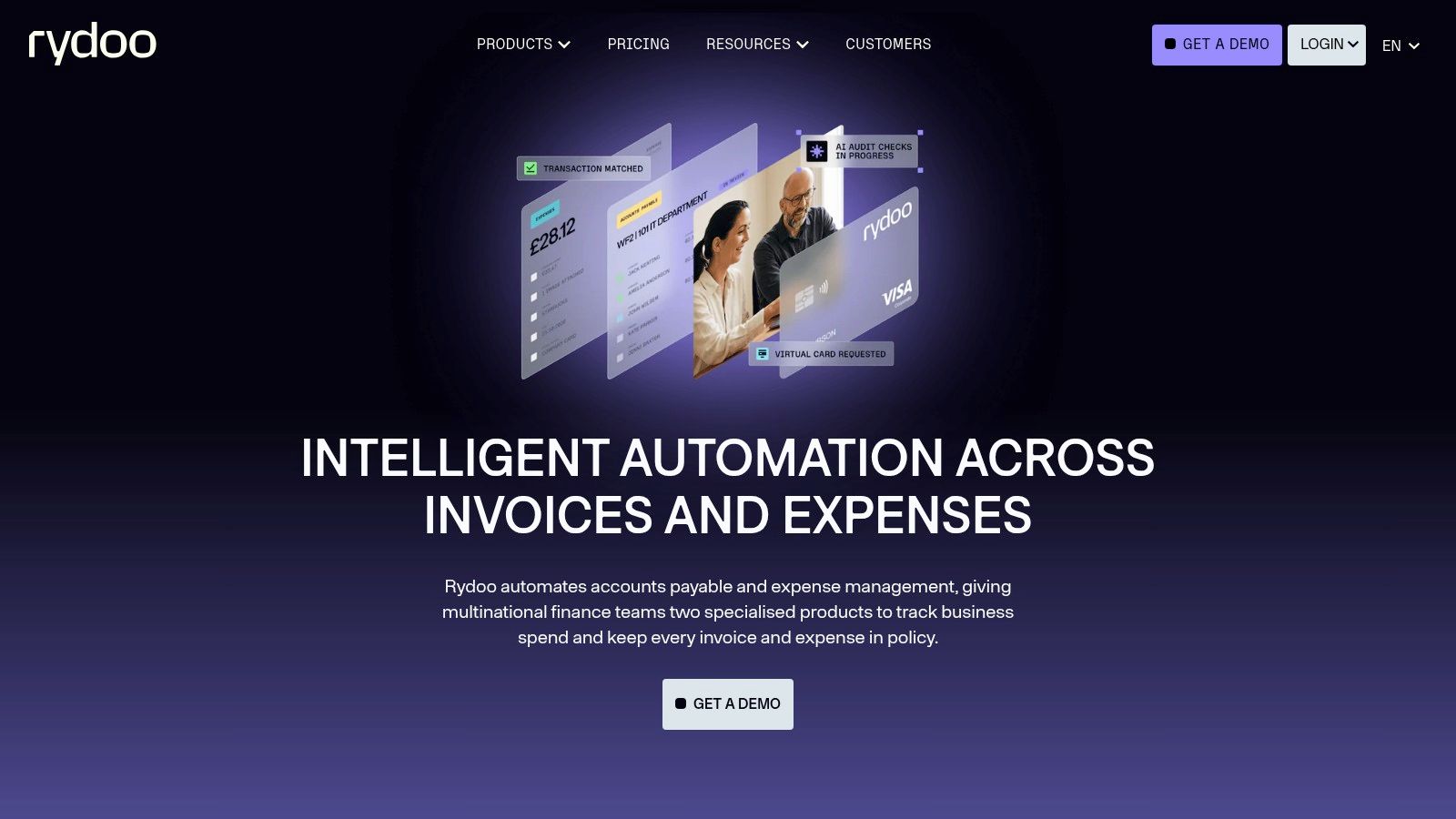
Travel and expense claims are the whole product at Rydoo. Employees scan receipts on mobile, submit expenses and route them through configurable approval flows, with mileage calculations built in. Supplier invoice processing sits outside its remit, which keeps the tool narrow and focused.
Pricing is published and charged per user, which I rate. What the headline figure understates is the tier split: accounting sync and the deeper policy controls depend on the plan you pick, so the entry price may not be the price that gets clean data into your ledger. Confirm the current figures on Rydoo's pricing page before comparing it against the other entries here.
- User minimums: Online plans carry a minimum seat count, which rules out most micro-businesses.
- Policy depth: Per diem and advanced policy controls aren't all available on the entry tier.
- Ledger path: Check the accounting sync works as you expect, the same test you'd apply to any expense approval software.
Rydoo suits a team with regular mileage and multi-step approvals. It leaves card spend to be handled elsewhere, so you may end up running two systems, and the per-user cost climbs with every seat you add.
6. Zoho Expense

Zoho Expense is the budget option, and unusually for this market, there's a free plan for up to three users. You get AI receipt scanning, mileage, multi-currency expenses, expense reports, approval workflows and policies, with corporate-card management on paid plans. It connects to Xero, QuickBooks and Zoho Books, and there's a 14-day trial with published UK pricing.
For a small team testing whether a formal expense process will stick, that free start is useful. You can find out whether staff will submit receipts before you commit budget to it. If you're already in the wider Zoho suite, the fit is even tighter.
The limits show up in the tier structure. Paid plans carry minimum-user requirements, and receipt-scan allowances vary by tier, so a claims-heavy month can push you up a plan faster than headcount does. There's also a lot of configuration surface here, policies, report types, approval chains, which is power a freelancer with ten receipts a month doesn't need and won't maintain.
Pick Zoho Expense when cost is the binding constraint and your process is straightforward. Skip it if you want something that disappears into email and WhatsApp rather than adding another system to configure.
7. Expensify
Expensify is the best-known name here for plain expense reporting. Employees scan receipts, build expense reports, and submit them for approval, while finance imports corporate-card transactions and matches them against submitted expenses. Travel and team features sit alongside the claims workflow, and there's UK-specific product and card-programme information to review.
Its strength is that it covers both worlds, out-of-pocket claims and card-based spend, in one place. If your staff already carry cards from another provider, importing and matching those transactions avoids a card migration. That's a real practical advantage over card-led tools that want you to switch.
Pricing is the friction point. What you pay depends on the workspace plan and subscription arrangement, so you can't read a UK monthly total straight off the pricing page and compare it with a fixed-fee rival. Check which features and fees apply to a UK account specifically before committing, including anything tied to the card programme.
Practical rule: If you can't work out your total monthly cost from the pricing page in five minutes, get it confirmed in writing before the trial ends.
For a simple receipt-to-ledger workflow, Expensify can be more platform than you need. For a team that wants reports, approvals, cards and travel in one service, the breadth justifies it.
8. Spendesk
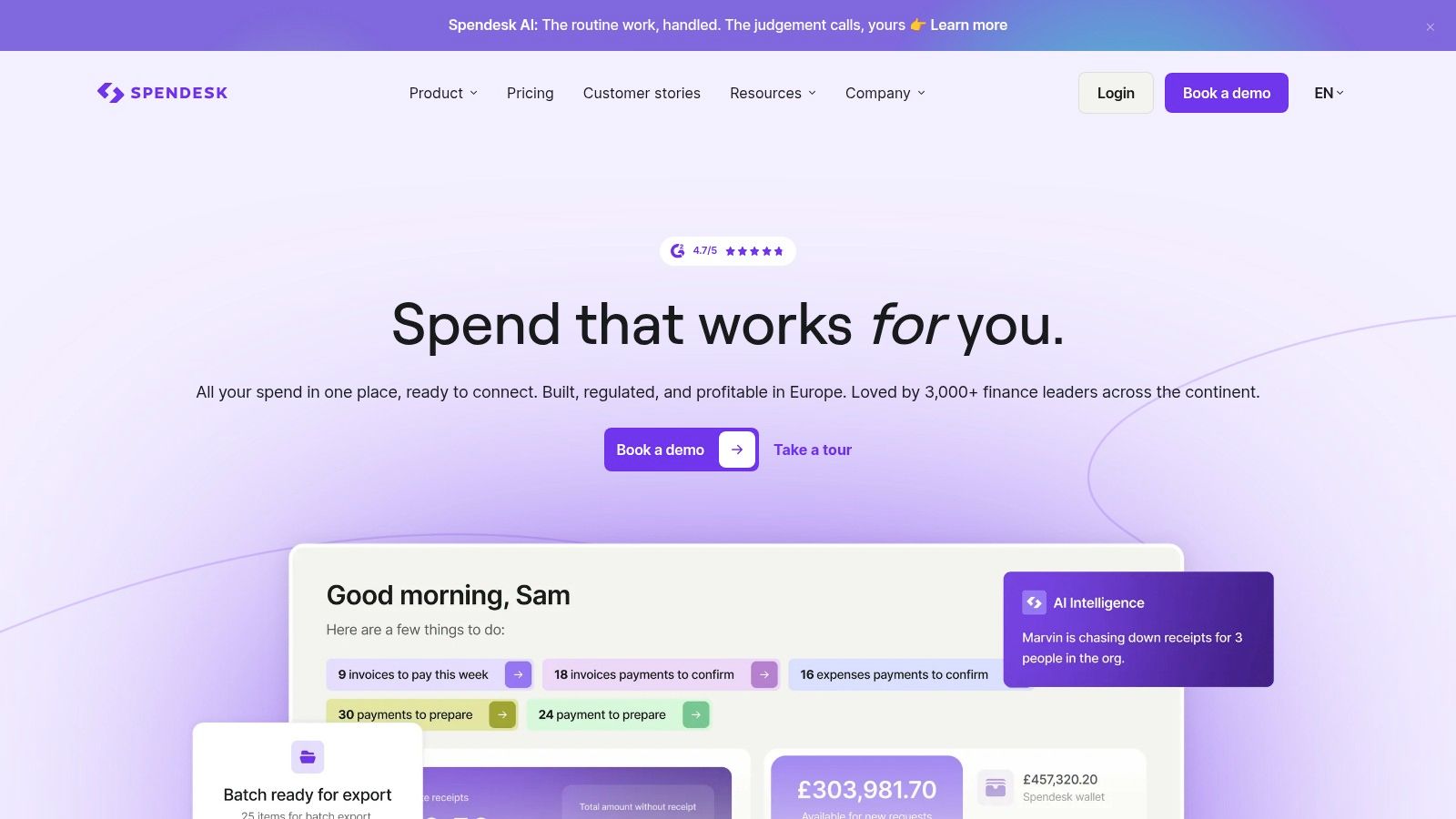
Spendesk isn't really selling expense management. It's selling company-wide spend control, cards, invoice payments, budgets, approvals and expense claims in one platform, with receipt OCR and transaction matching and integrations including Xero and QuickBooks. That framing tells you who it's for, a finance team managing spend across departments or entities.
The pricing model is the interesting part. Instead of charging per active user, Spendesk uses a fixed platform fee plus variable transaction charges. For a business with many occasional spenders, that can work out better than buying everyone a seat, because you're paying for activity rather than headcount. It's the kind of structural decision worth weighing against broader expenditure management software rather than comparing feature lists.
The downsides follow from the same model. Pricing is quote-based, so there's no published number to benchmark, and variable transaction fees mean your cost moves with volume in ways that are hard to forecast in year one. UK-specific payment and feature arrangements also need clarifying up front.
For a freelancer or a five-person business, this is excess platform. For a finance lead juggling budgets, invoices and cards across entities, consolidating those into one approval flow is the point.
9. Expend
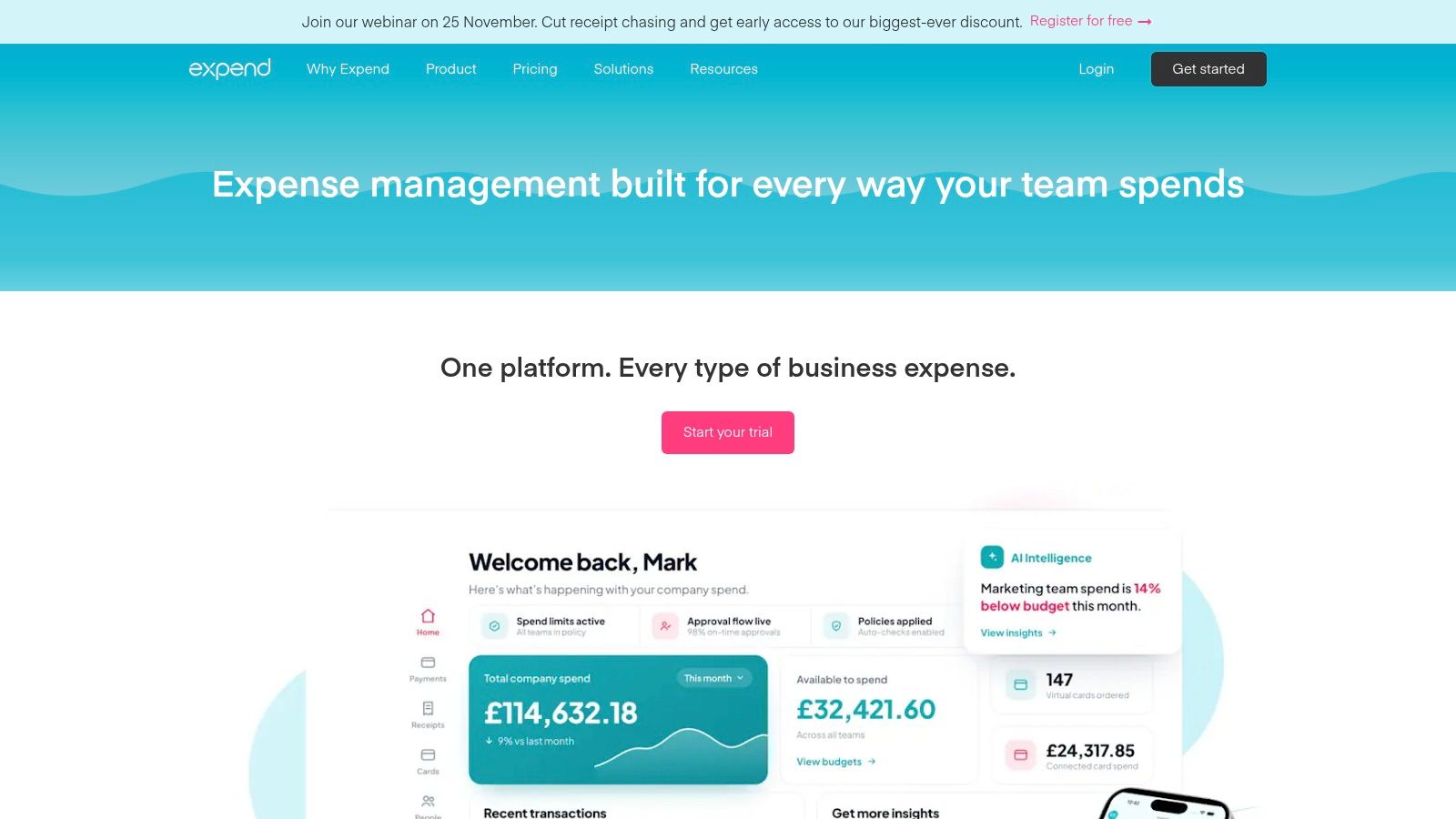
Expend is a UK-focused platform that tries to cover both sides of team spending, its own debit cards with spend controls, plus connected Visa or Mastercard transactions from cards you already hold. Receipt extraction and categorisation, mileage tracking and expense approvals run across both, which avoids forcing a full card switch on day one.
That connected-card route is worth more attention than it usually gets. Many businesses stall on adoption because replacing cards means new numbers, new direct debits and staff retraining. Connecting existing cards lets you test the workflow first and move spending over gradually.
Listed plans start at £33 per month for three users, and pricing rises with additional users and higher-tier features. So the entry price is really a small-team price, not a solo price, and you should model what ten users cost before you commit rather than anchoring on the headline. UK-based product and support is a plus if your queries are about UK tax treatment or mileage rules.
Expend suits a team that needs card controls and reimbursement claims together, managed in one place. It's more than a receipt inbox, so if that's all you need, you'll be paying for card infrastructure you won't use.
10. ExpenseOnDemand
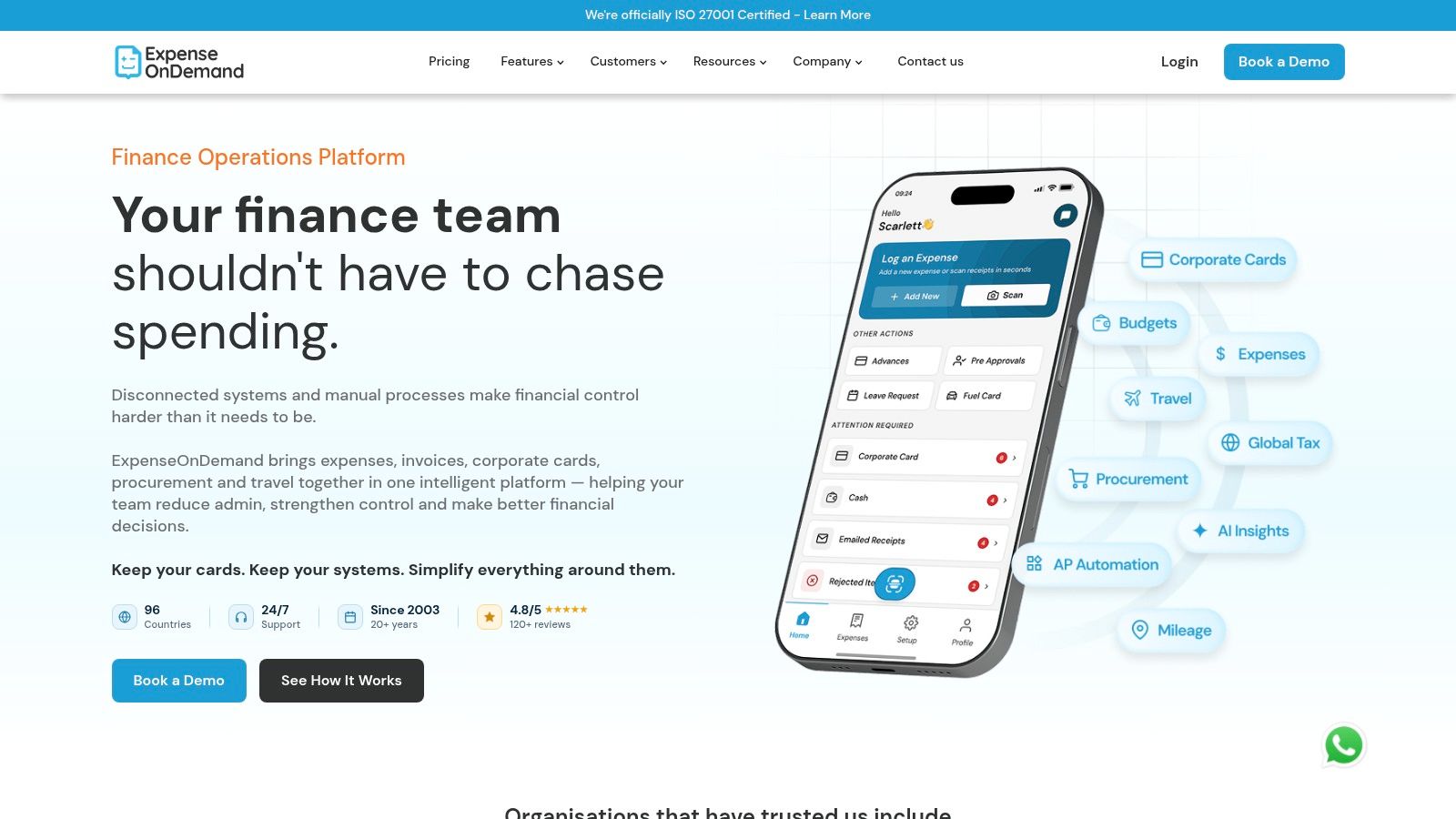
ExpenseOnDemand is built around claims and approvals, with duplicate checking, audit trails, custom reports and exports to Xero and QuickBooks. Optional modules extend it into invoices, procurement and travel, so it can grow into a wider finance platform if you want that.
Its pricing has a useful wrinkle. Annual pricing starts at £5.25 per active user per month for Essential and £7.35 for Premium, and Premium offers active-user pricing. If only a handful of your staff claim regularly and the rest submit twice a year, paying for activity instead of every named user changes the maths considerably.
Read the plan terms carefully, though. Some pricing models charge for all users in the plan, which removes that advantage entirely, and advanced integrations or extra modules add cost on top. Configurable policies and reporting are strong, but configuration is also work, and a small business with no written expense policy will need to write one before the tool can enforce it.
This fits businesses with uneven claiming patterns and a need for audit trails and duplicate detection. It's more elaborate than a small team needs if the entire process is currently one person approving their own receipts.
How the Expense Management Companies Compare on Price, Trials, Integrations, and Fit
Treat every entry price as a floor before users, cards, VAT, annual billing and transaction charges are counted. The sharper test is the receipt-to-ledger path: whether a document, card spend or claim reaches Xero or QuickBooks inside the tier you are pricing.
| Item | Starting Price (UK) | Free Option, Trial or Pricing Note | Accounting Integrations / Ledger Path | Best For |
|---|---|---|---|---|
| Snyp | From £19/month | Free trial | Receipts from WhatsApp, email or upload to Xero, QuickBooks | Freelancers and small businesses wanting simple receipt capture and reconciliation |
| Dext | From £24.17/month, excluding VAT | Headline excludes VAT | Document capture to Xero, QuickBooks | Small businesses and accountants managing bookkeeping documents |
| Pleo | From £8/user/month | Per-user pricing | Card capture feeding accounting integrations | Growing teams needing company cards and spend controls |
| Soldo | £21/month plus VAT | 30-day free trial | Ledger push from cards and wallets | Businesses managing employee spending with cards and wallets |
| Rydoo | From £8/user/month, billed annually | Annual billing | Xero and QuickBooks on Pro | Businesses managing employee claims, mileage, and approvals |
| Zoho Expense | Free plan for up to three users | Free plan and 14-day trial | Xero, QuickBooks, Zoho Books | Small teams seeking flexible expense controls |
| Expensify | Bundle-led: reports, capture, travel | Card-transaction import | Card-transaction import into expense reports | Businesses combining expense reports, receipt capture, and travel |
| Spendesk | Quote-based; fixed platform fee and variable transaction charges | Platform fee plus transaction charges | Xero, QuickBooks | Finance teams managing company-wide spending |
| Expend | From £33/month for three users | Three-user entry point | Card spend linked to expense claims | UK teams needing card controls and expense claims |
| ExpenseOnDemand | From £5.25/active user/month, billed annually | Active-user pricing on Premium | Xero, QuickBooks exports | Businesses seeking configurable claims and approval workflows |
The expensive surprises sit in the note column. VAT outside the headline, annual billing, a three-user entry point and quote-based transaction charges all change the monthly cost before the first receipt is approved.
Matching the Platform to Your Month-End Workflow
Start with what's piling up. If it's photos of receipts in WhatsApp threads and PDF invoices in your inbox, you need a capture-first tool, Snyp or Dext, that turns documents into ledger-ready data without asking anyone to learn new software. If it's staff spending you can't see until the statement lands, you need cards with controls, Pleo, Soldo, Expend or Spendesk. If it's claim forms, mileage and multi-step sign-off, look at Rydoo, Zoho Expense, Expensify or ExpenseOnDemand.
Adoption is the part buyers underestimate. The Findity summary of UK expense management research reported only 11% of workers used an expense app while 35% still used spreadsheets, and app use rose from 4.6% in micro-organisations to 18.1% in enterprises. Small teams don't fail at expenses because the software lacks features. They fail because nobody opens the app, which is why capture through channels people already use carries so much weight.
Cost traps are predictable if you know where to look. Check user minimums before the headline price, since several tools here start at three or five users. Check document and receipt-scan limits against your busiest month, not your average month. Then check whether the Xero or QuickBooks integration sits in the tier you're pricing, and whether card, foreign exchange or transaction charges apply on top.
Run one real month of your own receipts through a single trial and count how many records you had to correct by hand. That number tells you more than any feature checklist.
Trust questions deserve the same rigour as price. The OFX UK SMB report found security and data-privacy concerns were the leading challenge, cited by 49%, ahead of implementation cost at 44%. Ask who owns your documents, how you export everything if you leave, who gets accountant access, and what happens to your data on cancellation. A cheap tool your accountant has to rework isn't cheap.
That rework is where the time goes, and it's the same pressure online sellers feel when they find accounting tools for online stores to handle high transaction volumes. Poor categorisation doesn't disappear. It just moves to month-end, where someone senior fixes it at the most expensive hourly rate in the business.
For most readers, my recommendation is simple. Freelancers and sole traders should start with the simplest receipt-to-ledger path they'll use and pay only when volume justifies it. Small teams should decide cards versus claims first, then price the full headcount. Accountants should pick the tool clients will feed willingly, and test the sync into Xero or QuickBooks with real client documents before rolling it out across the practice.
If your month-end still starts with hunting through WhatsApp threads and email for receipts, Snyp gives you a direct route from WhatsApp, email forwarding or file upload to categorised expenses synced with Xero or QuickBooks. Start the free trial, put a real month of your messiest receipts through it, and judge it on how many records land ready to reconcile.