




10 AI Data Extraction Tools Compared for UK Businesses

It's Friday night. You're a sole trader photographing a pile of receipts, forwarding supplier invoices by email and trying to finish a bank reconciliation before your accountant calls on Monday. Some receipts are faded. An invoice has arrived twice. A card payment doesn't match the amount on the paperwork.
AI data extraction tools can take much of the typing out of that job. They turn document images into fields such as supplier, date, VAT and total. But extracting those fields isn't the same as deciding whether an expense belongs in the books or matching it correctly to a bank payment.
The practical differences start before extraction. Can you send documents through WhatsApp? Does the tool publish into Xero or QuickBooks? Does it check statement balances, or just produce a spreadsheet? Charges also differ between documents, pages, users and processing steps.
Receipt-focused apps suit everyday bookkeeping. General-purpose parsers suit unusual documents and custom workflows, but someone must configure the output. Specialist applications, including the medical record extraction insights from Ares, illustrate why the document type matters as much as the extraction engine.
I'd judge these tools by how much corrected, usable accounting data they deliver, not how impressive a clean sample invoice looks. The limitations below matter just as much as the capture features.
1. Snyp
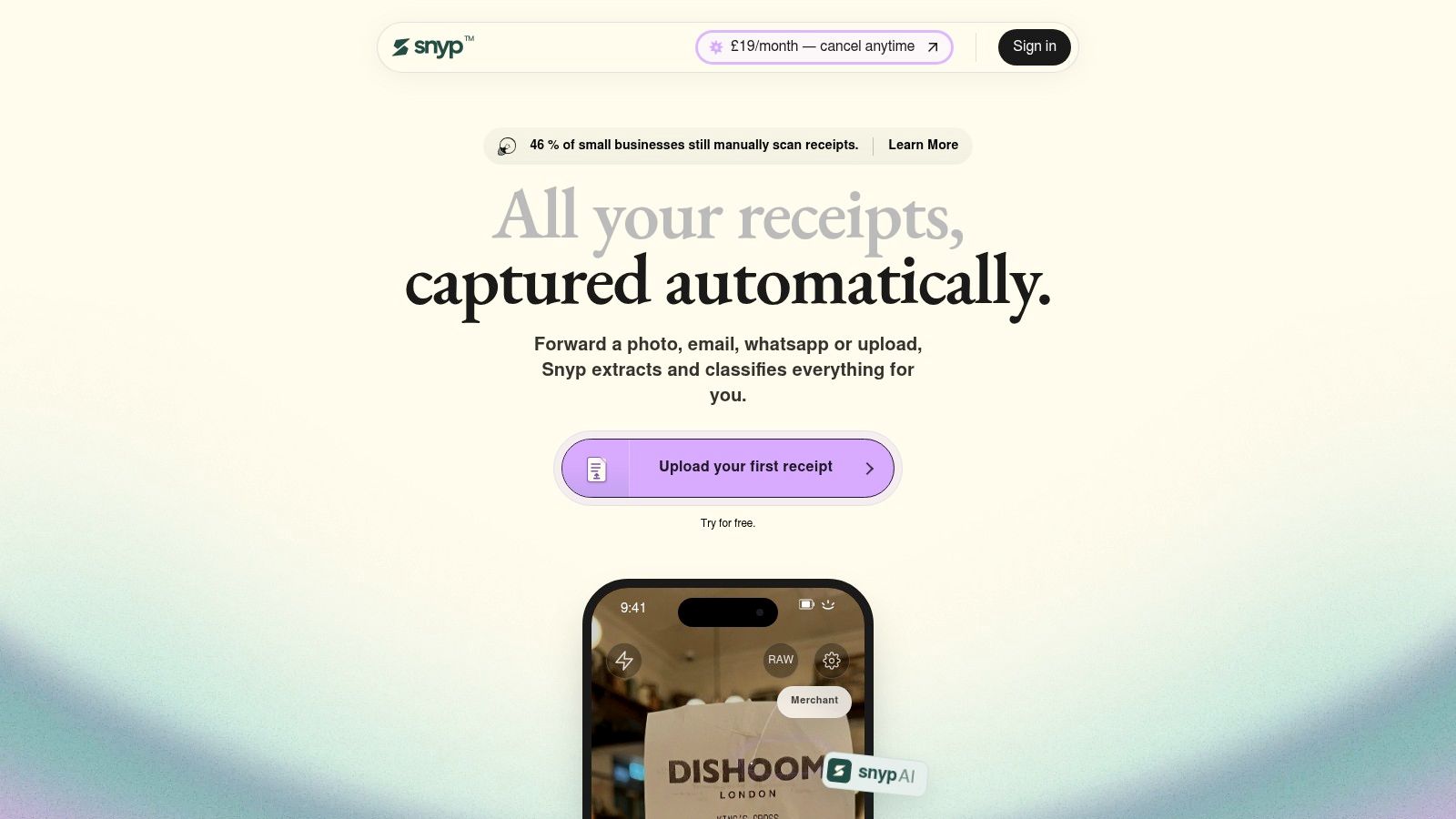
Snyp suits businesses whose receipts arrive through everyday messaging and email. A contractor can photograph a materials receipt and send it through WhatsApp. An office manager can forward an invoice rather than download it and open another application.
Snyp accepts JPEG, PNG and PDF uploads alongside those capture channels. It extracts merchant, amount, date, tax and currency, then categorises the expense. Its supported paperwork includes receipts, invoices, bank statements and purchase orders, with expense synchronisation to Xero and QuickBooks.
Where the workflow fits
The appeal is keeping capture close to the moment of purchase. That matters when the alternative is asking someone to empty a van's glovebox at month-end. Accounting teams can then concentrate on reviewing the records rather than collecting and typing the documents.
- Capture advantage: WhatsApp, forwarded email and direct upload accommodate different working habits.
- Accounting advantage: Extracted expense fields can move into the bookkeeping system rather than stop at recognised text.
- Review limitation: Unusual receipts and business-specific expense categories still need a person's judgement.
Snyp's website lists pricing from £19 per month, a free trial and cancellation at any time. Confirm the document allowance, overage charges and treatment of statement pages before calculating a per-document cost.
The public listing gives limited detail about plan-specific pricing and security controls. Ask for retention, access-control and deletion information before sending client documents. I'd also test whether source attachments and corrected fields arrive in the accounting system as expected.
Best fit: Freelancers, small businesses and practices that want straightforward receipt collection without building a document-processing workflow.
2. Dext
Dext is a bookkeeping workflow rather than just a receipt reader. It combines capture, extraction, categorisation and publishing, which makes it relevant when a practice needs staff to review documents before sending them to the ledger.
Its capture routes include web, mobile, email, Fetch and WhatsApp. Xero and QuickBooks connections support the next step, while duplicate checks and uncertain-field review help organise the work that still needs attention.
The Dext UK business listing publishes £24.17 per month when billed annually, excluding VAT, for 250 documents and five users, with a 14-day trial. That allowance gives buyers a starting point, but it isn't a complete cost forecast if the practice needs separately charged processing.
Check the allowances behind the subscription
Dext offers bank-statement and line-item extraction. Check their allowances independently rather than assuming every uploaded document consumes the same entitlement.
- Works well for: A practice collecting paperwork from clients through several channels.
- Watch the scope: Occasional receipt capture may not justify the broader workflow.
- Check before buying: Line-item processing and other additional allowances can change the effective document cost.
During a trial, send the same invoice through different capture routes and inspect the duplicate handling. Then publish an approved bill into the accounting system and check supplier matching, VAT treatment and the attached original.
Choose Dext when organised review and publishing matter as much as collection. Don't pay for a wider workflow unless your team will use it.
3. AutoEntry
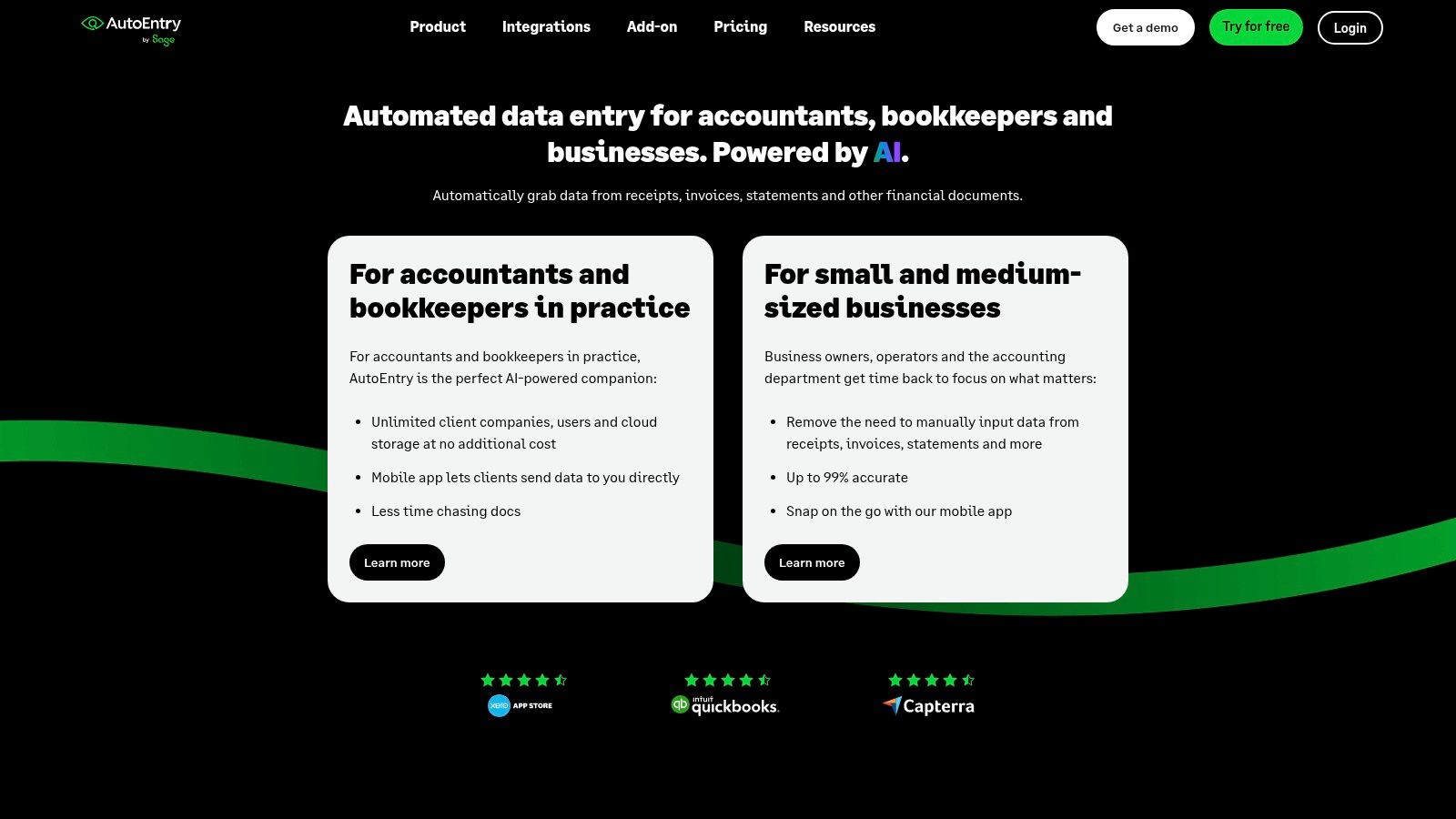
Bank statements change the comparison. A receipt app may capture a purchase neatly but leave a bookkeeper typing historical bank transactions. AutoEntry handles receipts, bills, sales invoices and bank or card statements, making it relevant to catch-up bookkeeping.
Web and mobile capture feed its extraction process, and accounting connections include Xero. Its credit-based charging needs more attention than a simple monthly document allowance.
AutoEntry offers a trial with 25 credits; credit requirements vary by document type and processing choice. Don't treat a credit as another word for a document.
Costing rule: Price the actual mixture of receipts, detailed invoices and statement pages. A receipt-only estimate won't describe a catch-up bookkeeping job.
For recurring supplier bills, compare the review and publishing process with other invoice capture software. The useful question is whether the extracted record reaches the correct supplier account with an accessible original.
AutoEntry's trade-off is cost predictability versus processing flexibility. Variable workloads can suit credits, but statement-heavy work needs a separate estimate. Allow time for staff to learn the interface and test the accounting connection before relying on it for a deadline.
It belongs on the shortlist when missing or historical transaction data creates more work than everyday receipt collection. Test statement output against the original, including payment direction, dates and balances, before importing anything.
4. Hubdoc
Check your Xero subscription before buying another capture tool. Hubdoc is included with eligible Xero business subscriptions, so an existing entitlement may cover the job.
Hubdoc collects bills and receipts through mobile upload, desktop upload and email. It extracts fields such as supplier, date, amount and invoice number, then creates transactions in Xero with the source document attached.
That direct route is its main attraction. A business already working in Xero doesn't necessarily need a more configurable extraction platform.
Start with a controlled publishing test
Supplier rules and auto-sync can reduce repeated work. Configure them only after checking how representative documents appear in Xero.
- Good starting point: A Xero business with straightforward bills and receipts.
- Main restriction: A workflow centred on Xero is less attractive when documents must feed broader destinations.
- Practical test: Check connection stability, field recognition and source attachments using your own paperwork.
Reported user concerns include disconnections and disappointing OCR. Those aren't reasons to reject an included tool automatically, but they are reasons to avoid enabling unattended publishing immediately.
Hubdoc also shouldn't be treated as a statement-reconciliation solution merely because it captures financial paperwork. Check the exact job you need it to perform.
I'd try it before adding a separate subscription where the requirements are modest. Keep it if the review burden is acceptable. Replace it if correction work or destination limits outweigh the saving.
5. Datamolino
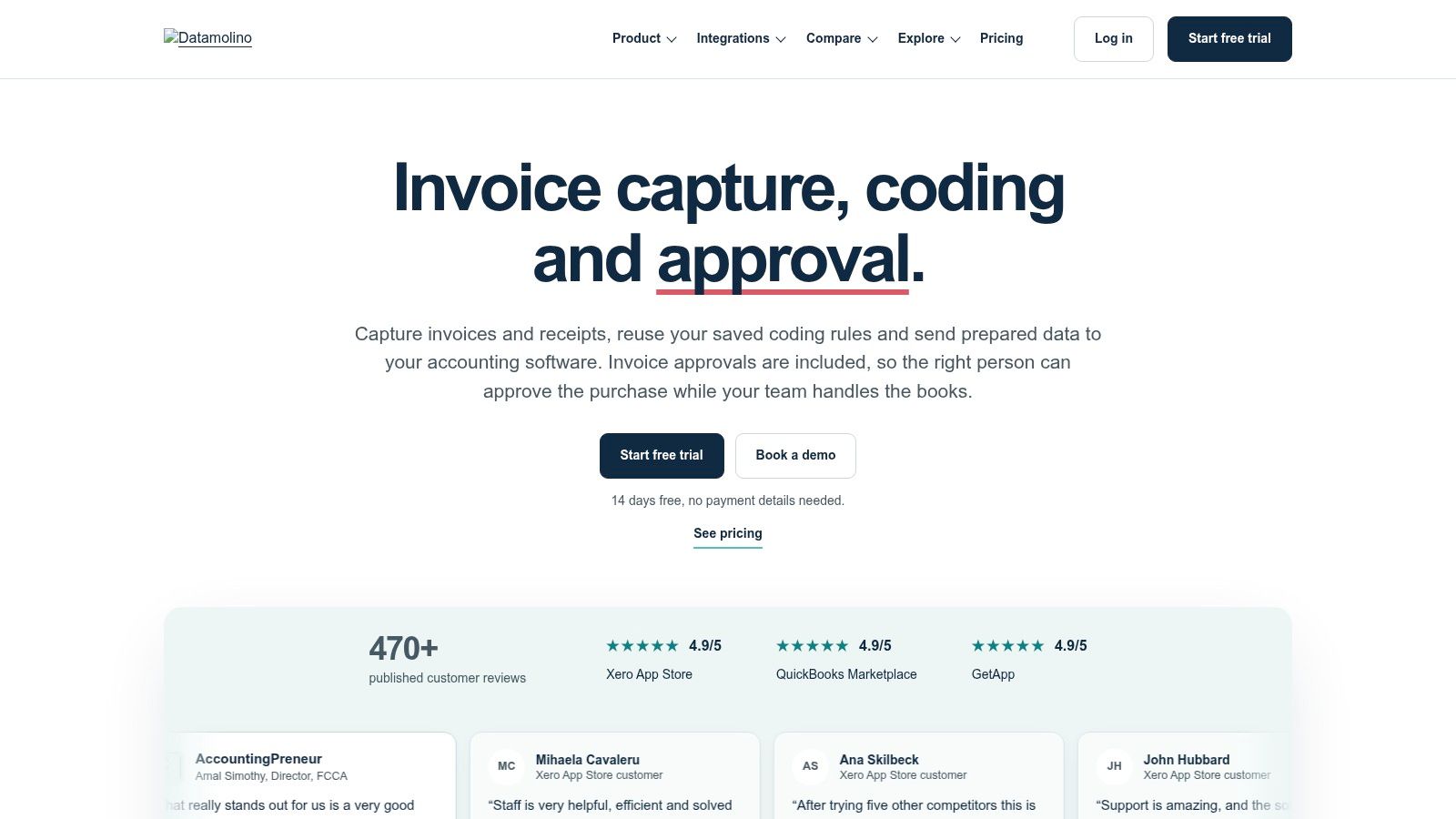
A supplier invoice can need more than a total and VAT figure. A practice may need descriptions and line items assigned to different projects, locations or departments. Datamolino suits that more detailed coding workflow.
It captures bills, receipts and bank statements through app, browser and email. Its features include line-item extraction, supplier rules, approvals and Xero integration, with support for multiple entities and locations.
Datamolino lists business plans from £17 per month excluding VAT for 100 bills and receipts, alongside a 14-day trial. Extra documents and bank-statement pages can add charges, so the headline allowance shouldn't be applied to every document type.
Rules need ownership
The strength is repeat processing after the coding has been configured. The cost is the setup and maintenance required to make those rules useful.
- Detailed invoices: Test whether descriptions and line items retain enough context for coding.
- Multiple entities: Check that documents reach the correct business before approving export.
- Approvals: Decide who can amend supplier rules and who can authorise publication.
Say a maintenance business buys materials for different jobs from the same merchant. A supplier-level rule alone won't establish which job each purchase belongs to. The reviewer still needs that context.
Choose Datamolino when detailed invoice coding and approvals are genuine requirements. For a sole trader who only needs merchant, date and total, configuring that structure may create unnecessary work.
6. Caelum AI
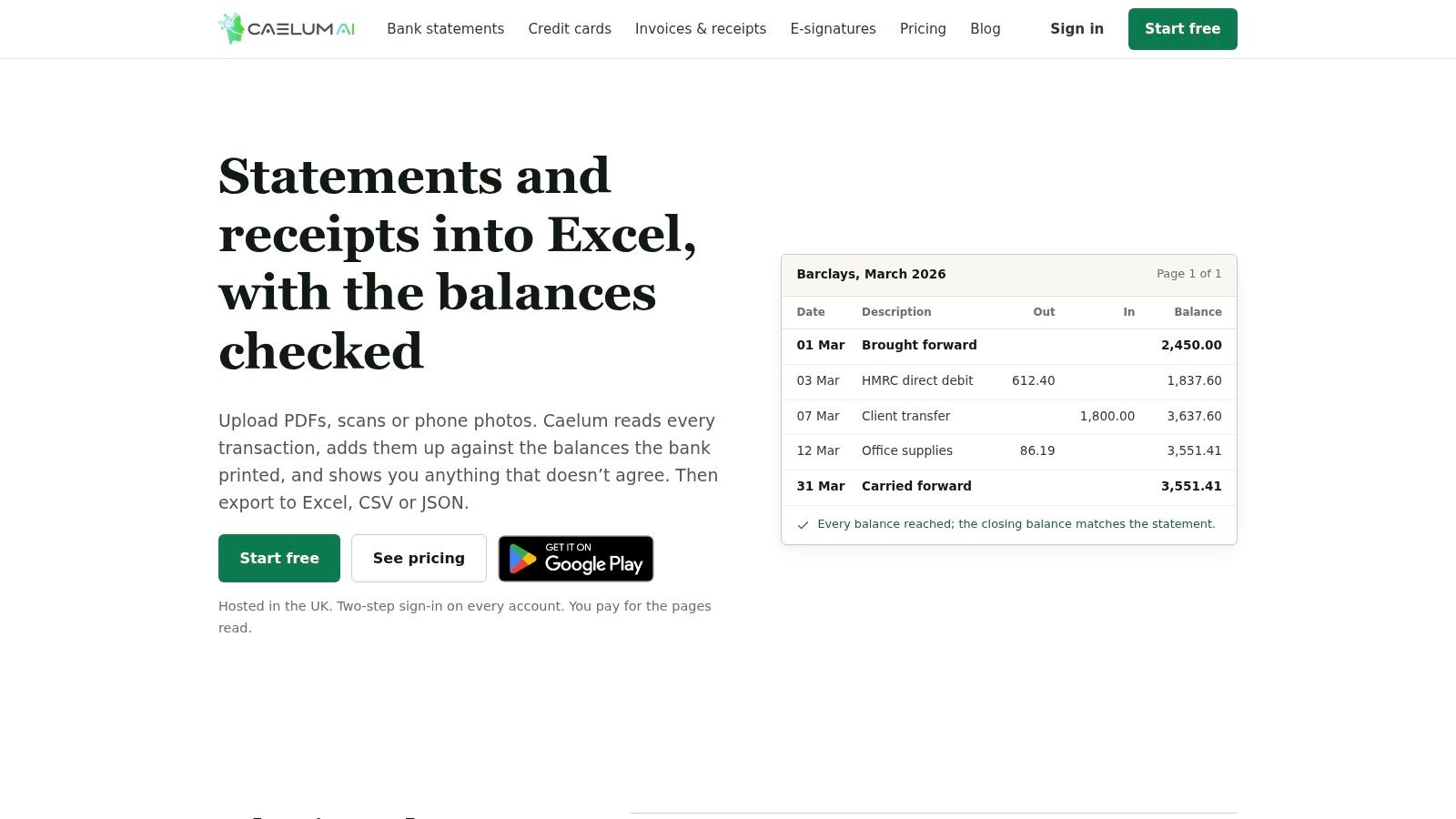
Caelum AI stands out for statement checking. It extracts financial documents and checks statement totals against opening and closing balances to flag possible omissions or misreads.
That addresses a different problem from collecting receipts. A spreadsheet containing plausible transactions still needs checking before a bookkeeper uses it for reconciliation.
The service handles invoices, receipts, bank statements and credit-card statements, including PDFs, photographs, batches and mixed-document bundles. Outputs include Excel, CSV and JSON, with API and webhook access for custom workflows.
Caelum AI publishes Starter at £27 per month and Professional at £52 per month, with page limits. UK hosting and free testing credits are also listed.
A statement that balances deserves further checking, not automatic acceptance. Confirm dates, transaction signs and descriptions before importing it.
Export isn't accounting sync
Spreadsheet and developer outputs are useful, but they aren't the same as a confirmed native Xero or QuickBooks publishing workflow. Establish how the exported transactions will enter your accounting process.
Its financial-document focus is a benefit for reconciliation work and a restriction for unrelated paperwork. Page allowances also need attention when statements are long or clients submit overlapping periods.
Best fit: A bookkeeper whose bottleneck is extracting and validating bank or card transactions. Choose it for that capability, rather than assuming it replaces a receipt collection app.
7. Veryfi
For project-based businesses, the expense total is only part of the record. Someone also needs to identify the customer or job. Veryfi combines extraction with expense-management features, including project and customer tracking.
Its mobile applications handle receipts, bills and invoices, including line items. Connections include Xero and QuickBooks, making it relevant to businesses that want expense records to support job costing.
The Veryfi expense-management listing quotes US$19.99 per active user per month, or US$17.50 per month with annual billing, and a 14-day trial. Those are US-dollar prices, not published pound-denominated charges.
Separate the app from the API
Veryfi also sells an extraction API. That's a different buying decision from subscribing to the expense application.
- App limitation: The expense app is limited to 10 line items per document, according to the same vendor listing.
- Upgrade distinction: Users needing more extensive line-item extraction are directed towards the API.
- Budget implication: API pricing and the expense-app subscription must be assessed separately.
A trades business should test detailed builders' merchant receipts, not just short fuel receipts. Check whether project information stays attached when the expense reaches the accounting platform.
Veryfi makes sense when employee expenses and job allocation belong in the same workflow. It's less straightforward when a business expects the app subscription to include unrestricted developer extraction or extensive line-item processing.
8. Nanonets
Nanonets is for building a document workflow, not just photographing receipts. Teams can combine document classification, extraction, validation, formatting and export.
That flexibility suits operations staff handling documents that don't fit a standard bookkeeping app. Email, cloud-storage integrations and API access provide different ways to receive and move the results.
Nanonets lists US$50 in starting credits without a card and prices complex AI blocks, including extraction, at US$0.30 per run. A workflow can contain different chargeable steps, so a run price isn't necessarily the cost of processing a complete document.
Build the smallest useful workflow
Start with the fields the destination needs. Add validation where an incorrect value would create operational or accounting work.
- Useful flexibility: Combine extraction with checks and downstream actions.
- Setup cost: Someone must define, test and maintain the workflow.
- Commercial restriction: Growth and enterprise pricing is quote-based.
For a small practice, the comparison with OCR software should include configuration effort, not just recognition capability. A more configurable platform isn't automatically the better bookkeeping purchase.
Enterprise deployment options include private cloud, on-premises deployment and data-residency choices. Confirm which options belong to the proposed contract.
Choose Nanonets when unusual documents or routing requirements justify ownership of a custom process. For straightforward receipt-to-ledger work, that responsibility can outweigh the flexibility.
9. Docparser
Recurring layouts are a sensible reason to consider Docparser. A team receiving similar supplier documents can configure parsers and send the extracted fields into a spreadsheet-led process.
Supported inputs include PDFs, Word files, spreadsheets, text, XML and images. Outputs include Excel, CSV, JSON and XML, with integrations such as Google Sheets.
Docparser publishes monthly plans from US$39 for 100 parsing credits, with a 14-day trial without a credit card. Compare its page and credit limits with the documents you receive.
A parser needs maintenance
Configurable templates and AI-assisted features give teams control over the output. They also make someone responsible for checking what happens when a supplier changes a layout.
- Strong fit: Repeated documents feeding a defined spreadsheet or connected system.
- Weak fit: A business expecting ready-made expense coding and accounting publication.
- Trial priority: Test unfamiliar layouts alongside the regular supplier documents.
For example, extracting an invoice reference into Google Sheets can be useful for operational tracking. It doesn't establish the correct VAT treatment or create a reconciled purchase ledger.
Don't assume an export is equivalent to native Xero or QuickBooks sync. Check the complete route from parsed fields to approved accounting records.
Docparser is worth considering when output control matters more than receipt collection convenience. The trade-off is ongoing parser configuration rather than a dedicated bookkeeping review process.
10. Parseur
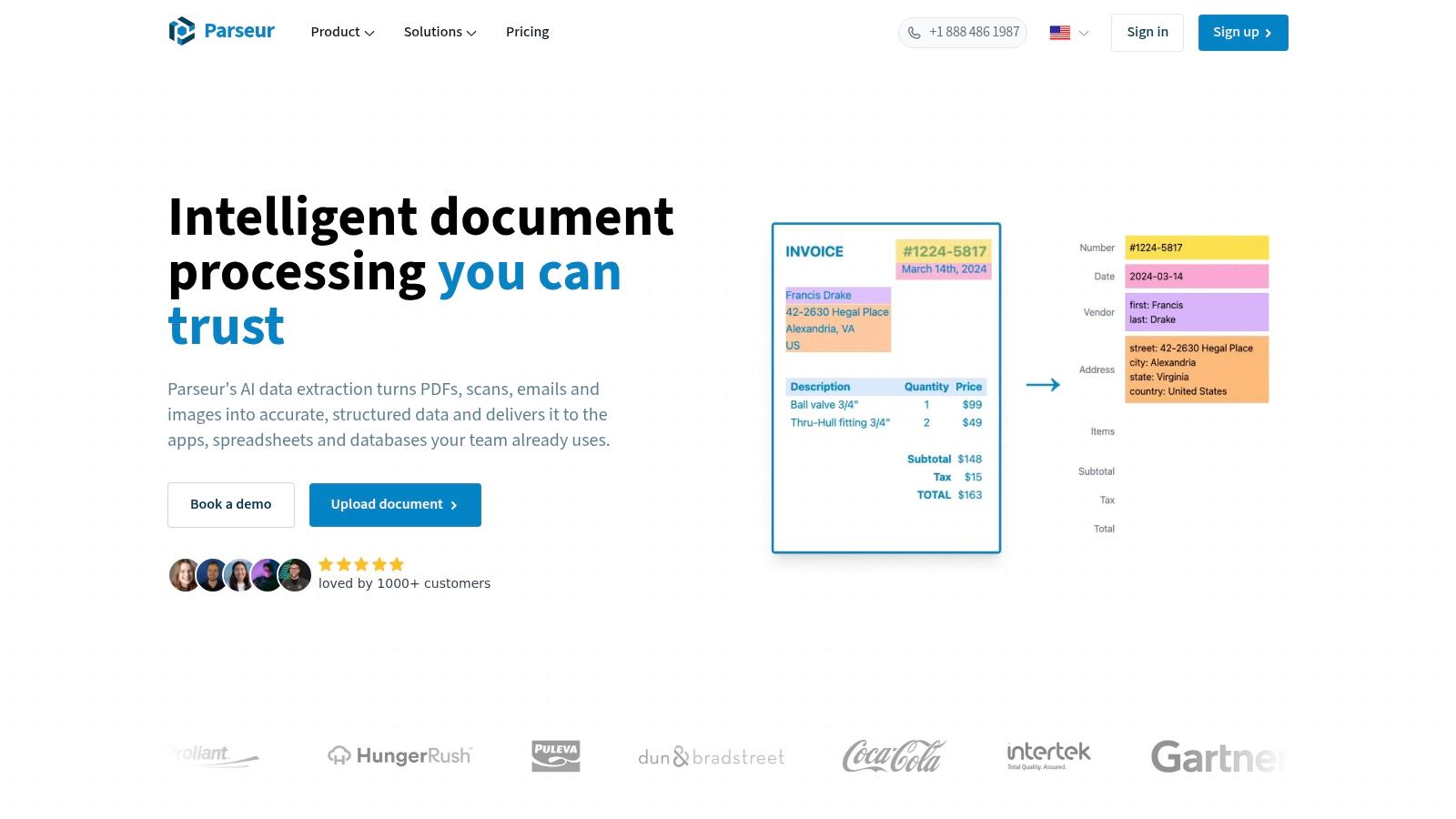
An inbox can contain useful data outside attachments. Order details, booking information and operational instructions may sit in the email itself. Parseur suits email-led document extraction beyond bookkeeping.
It extracts defined fields and tables from emails, PDFs and other documents, then sends structured results to connected systems. That broader scope makes it relevant when accounts and operations share an incoming-document process.
Parseur publishes a free tier with 20 credits per month and paid UK plans from £49 per month for 100 credits. Credits are counted by page, so document length directly affects the allowance.
Count pages before comparing prices
A short receipt and a lengthy attachment aren't equivalent workloads. Use representative documents when estimating usage.
- Practical advantage: Email and attachment processing can support more than expense capture.
- Setup requirement: Define the fields, tables and destination workflow.
- Cost limitation: Multi-page documents consume page-based credits.
The useful distinction in automatic extraction systems is between obtaining structured data and completing a business process. Parseur can provide the former, but the receiving system and approval controls still need attention.
If Xero or QuickBooks is the destination, establish the exact integration route before subscribing. Don't assume a general parser includes the same supplier matching and expense review as a bookkeeping-focused application.
Choose Parseur when email content itself is part of the job. For ordinary receipt collection alone, its broader configuration may be unnecessary.
How the 10 AI data extraction tools compare on price, trials and fit
| Item | Published starting price | Free trial or free tier | Best for | Key limitation |
|---|---|---|---|---|
| Snyp (recommended) | £19/month | Free trial | Receipt capture and bookkeeping sync for small businesses | AI-extracted details may need review |
| Dext | £24.17/month, billed annually; excludes VAT | 14-day free trial | UK businesses and accounting practices | Some features have separate allowances or costs |
| AutoEntry | Credit-based; pricing varies by region and document type | Free trial with 25 credits | Bookkeepers processing varied document types | Credit usage can be difficult to estimate |
| Hubdoc | Included with eligible Xero business subscriptions | Included with eligible subscriptions | Businesses already using Xero | Centred on Xero and has mixed user feedback |
| Datamolino | £17/month; excludes VAT | 14-day free trial | Businesses and accounting practices needing approvals or line-item capture | Extra documents and statement pages can add charges |
| Caelum AI | £27/month | Free credits for testing | UK-hosted financial document extraction | Page limits apply; focused on financial documents |
| Veryfi | $17.50/month with annual billing or $19.99 monthly | 14-day free trial | Project-based expense tracking | Expense app is limited to 10 line items per document |
| Nanonets | $0.30 per run for complex AI blocks, including extraction | $50 in credits to start, no card required | Custom document-processing workflows | Costs depend on workflow steps; setup may be involved |
| Docparser | $39/month for 100 parsing credits | 14-day trial, no credit card required | Recurring document layouts and spreadsheet workflows | Parser setup and credit limits require consideration |
| Parseur | £49/month for 100 credits | Free tier with 20 credits per month | Email and document parsing beyond bookkeeping | Credits are counted by page, so multi-page documents use more |
Choosing the Right Extractor for Your Paperwork
Choose the workflow before choosing the extraction engine. Receipt capture, statement checking and general document parsing are different jobs. Buying a flexible parser won't fix missing client receipts, and buying a convenient capture app won't necessarily solve statement reconstruction.
For documents arriving through phones and email, shortlist Snyp or Dext. If you already use Xero, test your Hubdoc entitlement before adding another subscription. For statement-heavy work, compare AutoEntry's processing with Caelum AI's balance-checking approach.
Match the subscription to the bottleneck
Datamolino deserves attention when detailed coding and approvals create the work. Veryfi is relevant when expenses need project or customer allocation. Nanonets, Docparser and Parseur belong on the shortlist when document structures or downstream processes justify configuration.
The same discipline applies when you compare stock screener filters for 2026. Select for the decision you need to make, rather than the longest feature list.
Run a trial on a real month's paperwork. Include blurred photographs, duplicate invoices, credit notes, foreign-currency receipts and statements with awkward page breaks.
- Count corrections: Record changes to supplier, date, total, VAT, currency and category separately.
- Test the destination: Confirm attachments, corrected values and supplier matching survive publication or export.
- Calculate actual cost: Include users, pages, credits, additional processing and staff review time.
Review principle: Automate collection freely. Allow accounting publication only within rules you can explain and check.
A high-confidence extraction still doesn't decide whether a purchase is wholly business-related or whether VAT should be reclaimed. Route uncertain values and unusual documents to a reviewer, and retain the original alongside the approved record.
Privacy also belongs in the buying decision. The Information Commissioner's Office guidance on AI says organisations must identify and justify an appropriate lawful basis for distinct AI processing activities. Ask vendors about processing agreements, sub-processors, retention, model training, access and deletion.
The right tool leaves you with less correction work and better evidence. Choose the one your staff and clients will use, then verify that its output supports reconciliation rather than creating another import task.
Snyp captures receipts through WhatsApp, forwarded email and direct upload, extracts expense details and syncs them with Xero or QuickBooks. Visit Snyp to try your own receipt pile and check the extracted fields, review process and accounting handoff before committing.