




Small Business Accounting Reviews: 7 Trusted Guides
Which accounting reviews can you trust when so many search results recommend the same familiar platforms without showing how they reached their verdicts? A polished comparison table doesn't tell you whether the reviewer tested bank reconciliation, checked UK tax requirements or looked beyond an introductory discount.
Useful small business accounting reviews should help you distinguish a good product from a good fit. That means examining the reviewer's testing method, UK relevance, pricing transparency and willingness to explain limitations, not accepting its highest-rated platform without question.
The resources below include six comparison guides and Snyp, an expense-capture tool addressing the work those guides can overlook. Snyp publishes this article, so its inclusion should be understood in that context: it's a complementary tool, not an independent review publisher or a replacement for accounting software.
Use the guides to build a shortlist, verify prices and plan limits directly with vendors, then test how receipts reach your chosen ledger. Software is only useful when you can keep its records current.
1. Snyp
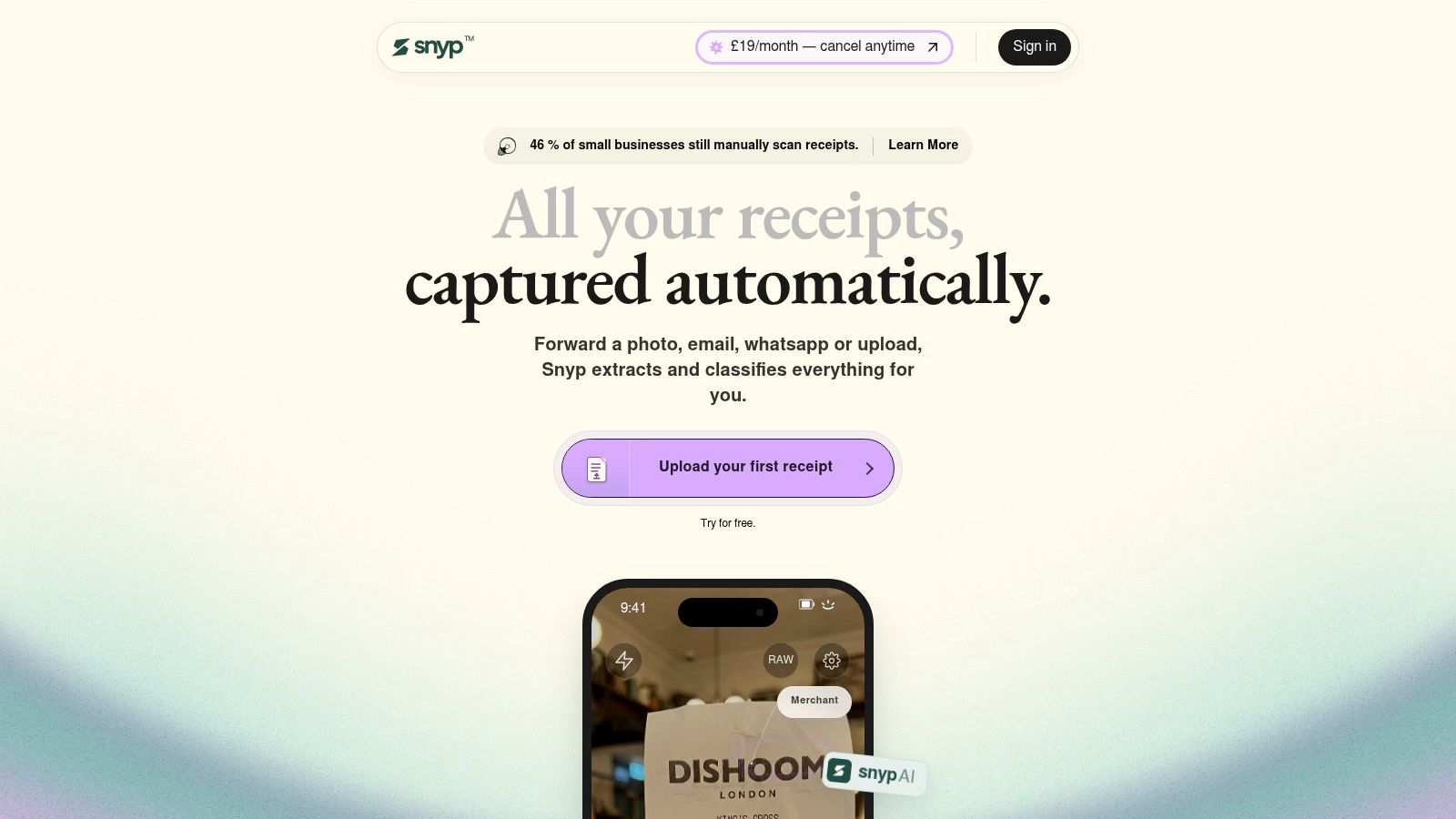
Best for freelancers, field-service businesses and bookkeepers using Xero or QuickBooks who struggle with scattered receipts.
The review guides in this roundup rate ledgers. None of them collect the paperwork those ledgers depend on, and that gap is where Snyp sits. It accepts receipts through WhatsApp, email forwarding and file upload, including JPEG, PNG and PDF documents, then extracts merchant, amount, date, tax, currency and category details for accounting review.
The problem it addresses is common. In research published by Sage in 2024, 49% of UK small-business owners stored receipts using old-fashioned methods such as a box or plastic bag.
Where it helps and where to check
For a contractor buying materials between jobs, sending a receipt through WhatsApp fits an existing habit. For a bookkeeper, structured expense details synced to Xero or QuickBooks provide a better starting point than chasing attachments across messages.
- Strength: Multiple intake routes let owners submit documents without saving everything for a bookkeeping session.
- Strength: Automated extraction and categorisation reduce repetitive typing, and each expense can be reviewed and corrected before it reaches the ledger.
- Limitation: The advertised integrations focus on Xero and QuickBooks. Don't assume another ledger is supported.
- Buying check: Confirm trial terms, document allowances, plan features and security arrangements before connecting business accounts. Pricing starts from £19/month, so weigh the document allowance at that tier against your typical monthly receipt volume.
Practical rule: Judge receipt automation by how easily you can inspect and correct an expense. Extraction speed alone proves nothing about accuracy.
Snyp isn't a substitute for checking VAT treatment, business purpose or reconciliation. During a trial, submit a clear receipt, a faded receipt and an invoice with an unusual tax treatment, then inspect the resulting records in your accounting platform. The useful outcome is less preparation work without losing human oversight.
2. Startups.co.uk
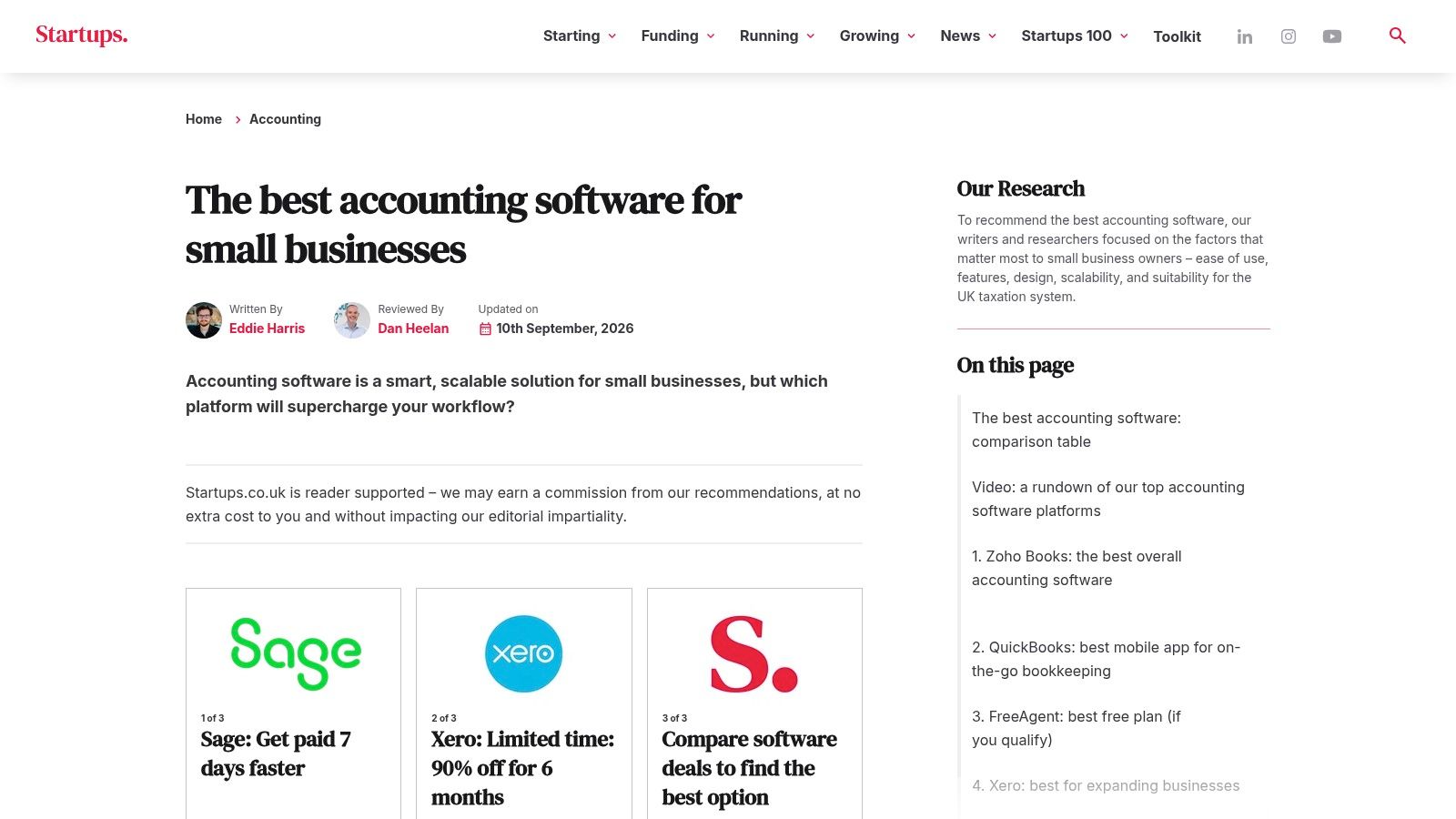
Start with Startups.co.uk if you're choosing your first accounting platform and want an explained shortlist rather than a directory. Its small-business accounting software guide describes hands-on testing and assessment categories covering accounting tasks, usability, productivity, support and value.
The distinction matters. A feature list can establish whether software offers invoicing, but practical testing gives you more context about creating an invoice, finding the payment and correcting a mistake. Its use-case recommendations also make it easier to separate a freelancer's priorities from those of a growing company.
How to read its recommendations
Treat its weighting as an editorial judgement, not your purchasing formula. If your accountant already works in Xero, collaboration and migration effort may matter more than the usability advantage another product receives.
- What works: An explained assessment framework gives readers something to interrogate beyond a final score.
- What needs caution: The publisher may earn commission from recommendations, and its selection doesn't represent every UK option.
- Pricing test: Compare the recommended plan with the vendor's ongoing price, not just the offer displayed beside it.
For an early-stage business, pair the guide with a clear account of your requirements. Snyp's guide to accounting software for startups can help frame that decision around the work you need to complete.
My recommendation: Use Startups.co.uk to identify plausible candidates, then repeat the same invoice, expense and reconciliation tasks in each trial. Don't choose solely because one product finishes first overall.
3. TechRadar
Say you understand what accounting software should do, but want to know whether you'll dislike using it. TechRadar is a useful second opinion for usability, particularly when you follow its roundup through to the individual product reviews.
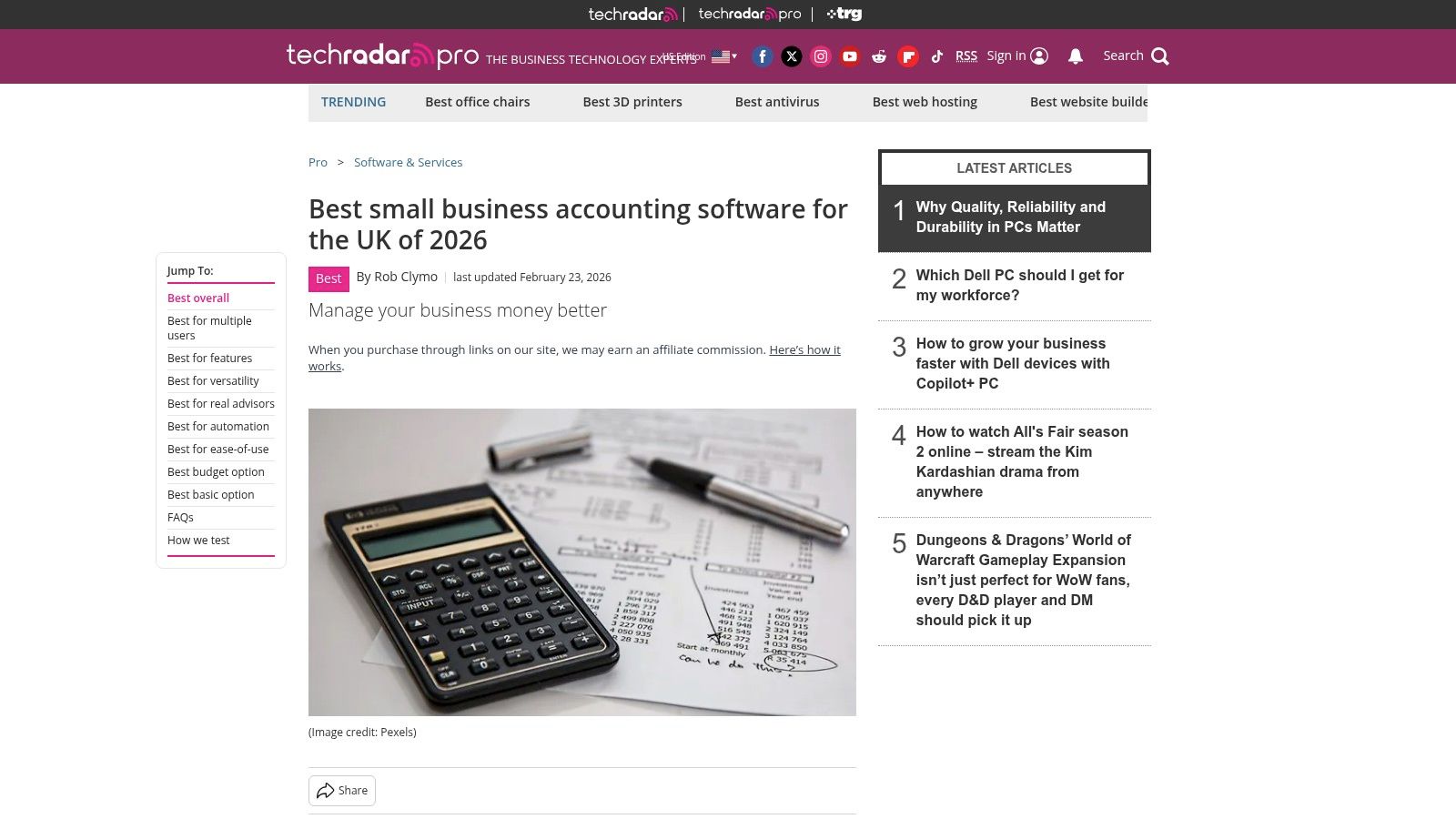
Its UK small-business accounting software guide discusses functionality, everyday use and Making Tax Digital relevance, and states that products are trialled over time. That provides a different lens from a comparison built mainly around subscription features.
A pleasant dashboard isn't proof of a workable bookkeeping process. Test the awkward correction, not just the clean demonstration.
Best for technology-conscious owners
TechRadar suits owners who want to understand the interface and broader software experience before committing. Its individual reviews offer somewhere to investigate a shortlisted product beyond the roundup's brief recommendation.
The trade-off is depth in specialist accounting detail. Don't expect a general technology review to settle unusual VAT treatment, complex reporting needs or the exact permissions your bookkeeper requires. Use it to assess usability, then ask the vendor and your accountant about the accounting edge cases.
There's a reason to keep those questions separate: HMRC's technical note on Making Tax Digital reported that 80% of businesses said compatible software was easy to use. Ease of use is valuable, but it doesn't establish suitability for your particular records.
Pricing transparency needs a separate check. Confirm when the relevant review was updated and whether the described functionality belongs to the plan you're considering.
4. Small Business UK
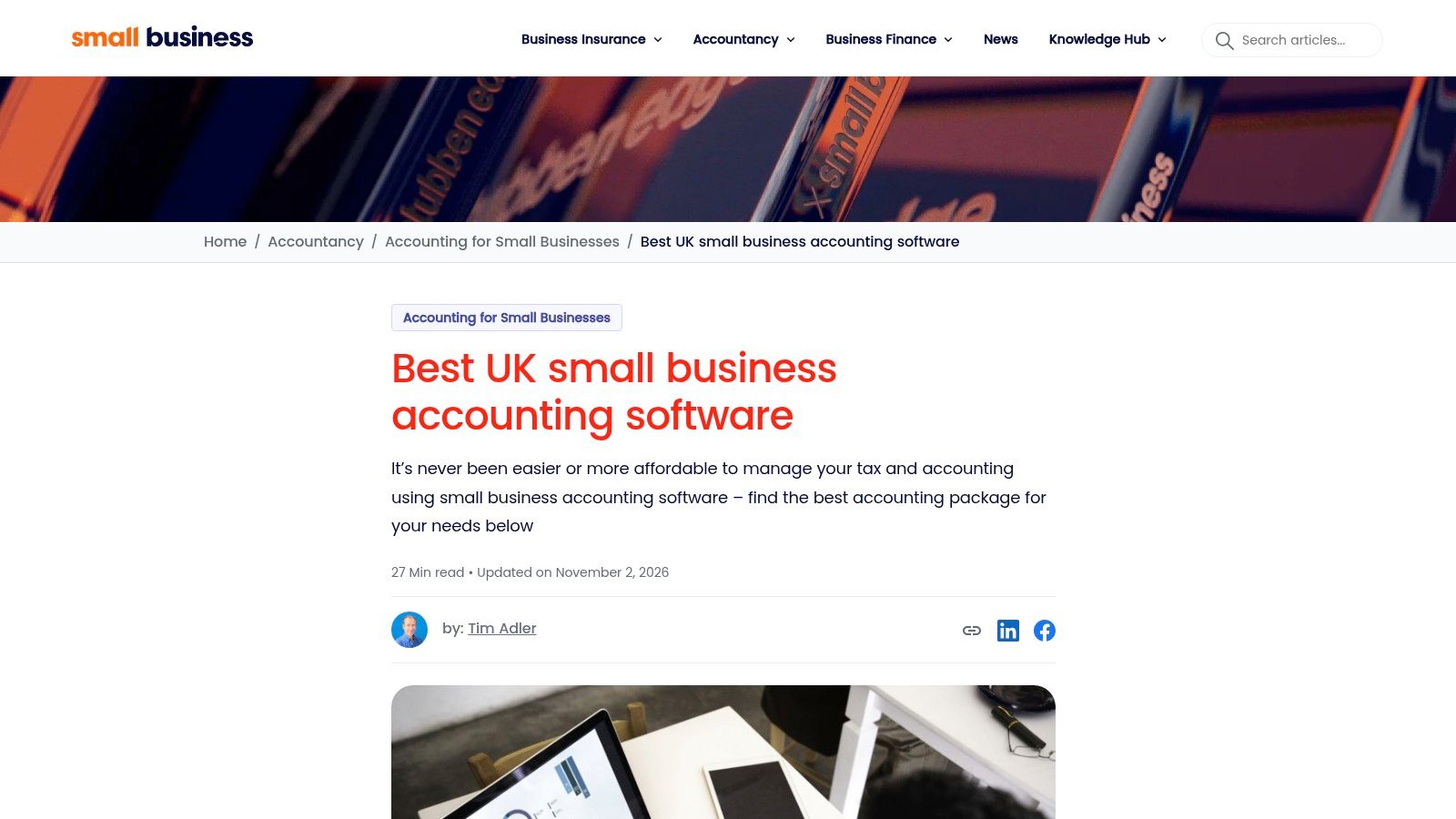
Small Business UK is the practical scanning option. Its UK accounting software review guide combines a comparison table with provider write-ups, features, pros and cons, and monthly pricing presented excluding VAT.
That format is helpful when you already recognise the main platforms but need to organise the differences. A sole trader can scan for relevant invoicing and expense features without reading every product's full marketing site.
The price presentation is useful, but it still needs interpretation. Compare like-for-like billing terms, check whether discounts expire and establish whether the functions you need require an add-on or higher plan.
Use it to eliminate unsuitable options
Rather than asking which provider has the longest feature list, look for a reason to remove each candidate. A missing workflow or restrictive plan allowance is more useful to your decision than a broad claim about value.
- Best use: Quickly compare familiar products through a UK small-business lens.
- Main limitation: The publisher acknowledges that its guide doesn't cover the whole market.
- Evidence boundary: A concise comparison is useful for screening, but shouldn't be treated as proof that every workflow has been tested.
If subscription cost is your main constraint, also examine free small-business accounting software options. Assess the work a free plan leaves you doing manually, not just the absence of a subscription charge.
Best match: Freelancers and sole traders with straightforward requirements who want an accessible starting point. Businesses with stock, specialist reporting or complicated approval processes should investigate those workflows separately before switching.
5. Business Accounting Basics
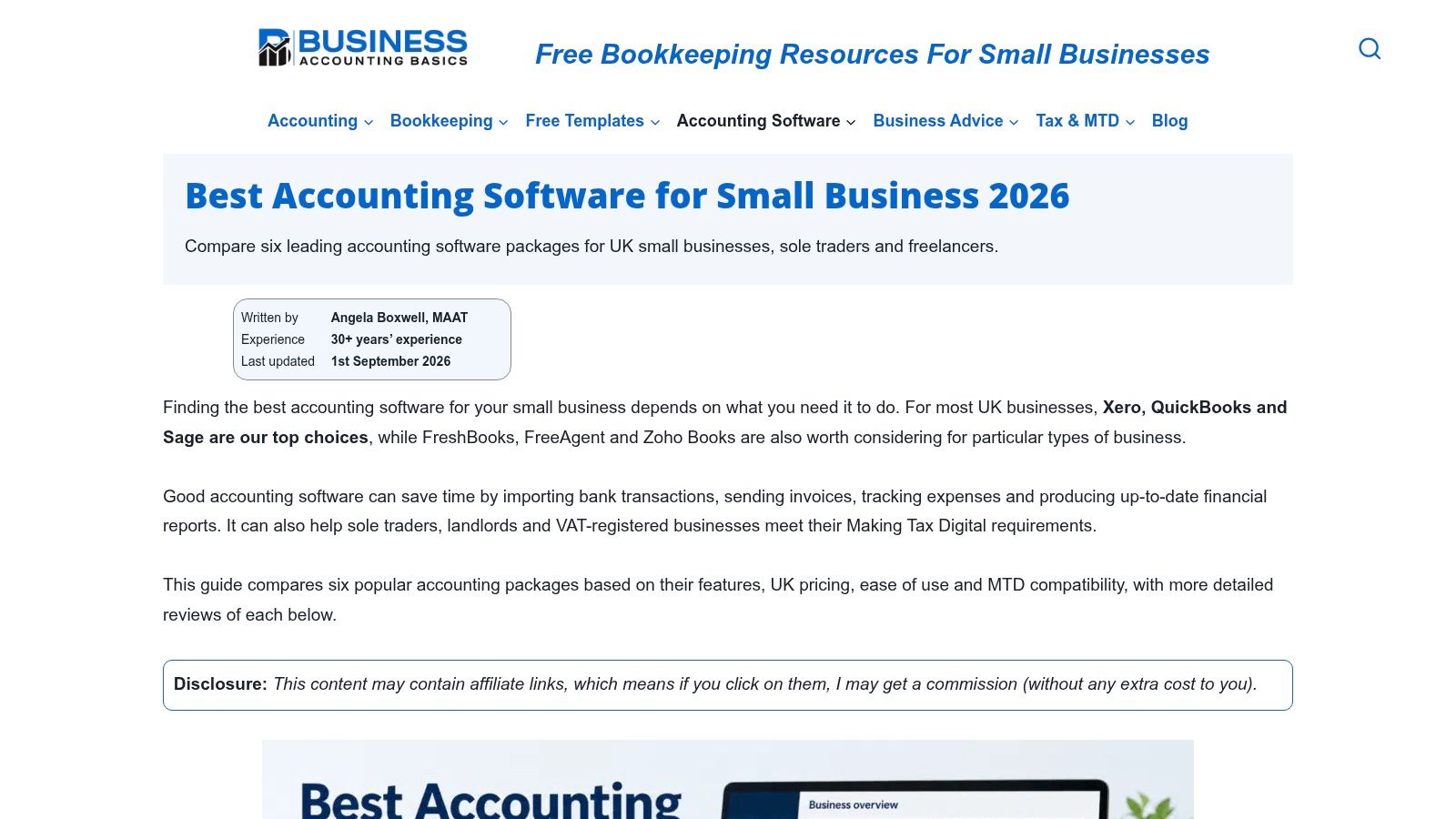
For a self-employed owner, UK compliance fit should come before dashboard preference. Business Accounting Basics compares familiar accounting platforms on pricing, ease of use, features and Making Tax Digital compatibility, with both small businesses and self-employed users in view.
That focus gives the guide a job many roundups skip: connecting a software shortlist to bookkeeping obligations rather than repeating marketing claims. Its stated price-check information is worth inspecting, though a date on a guide doesn't guarantee a promotion or plan entitlement is still available.
Read MTD claims precisely
Making Tax Digital isn't a single interchangeable feature. A review's reference to VAT compatibility shouldn't be read as confirmation that the same plan supports every Income Tax workflow you may need.
HMRC's Making Tax Digital for Income Tax guidance sets the rollout at 6 April 2026 for qualifying income above £50,000, with further phases scheduled for above £30,000 from April 2027 and above £20,000 from April 2028. Check the requirements that apply at your income level directly rather than relying on a generic MTD badge.
Buying judgement: Ask the vendor to demonstrate the relevant record-to-submission process. Compatibility language alone isn't enough.
A sole trader who also receives property income should ask how the product handles those income sources and any later corrections. A simple invoicing demonstration won't answer that question.
Define your small-business accounting needs before comparing plans, including who maintains records and who approves submissions. Business Accounting Basics is strongest as an accessible UK-oriented starting point for screening candidates, with specialist advice still needed for an unusual setup.
6. AccountingCompare
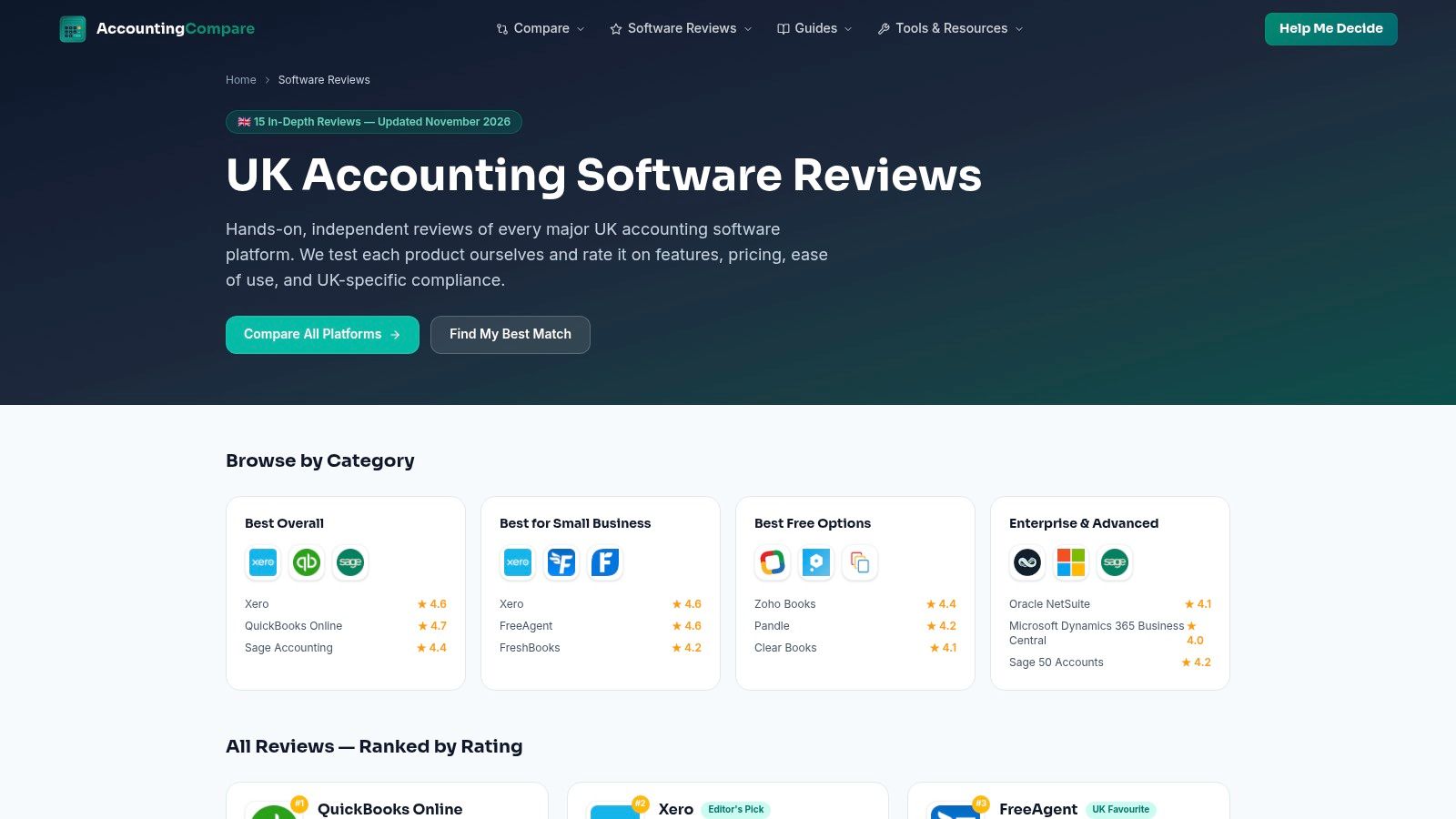
Use AccountingCompare after you've narrowed the field. Its accounting software review directory provides individual pages for platforms including QuickBooks Online, Xero, FreeAgent and Sage, covering usability, features, pricing and UK compliance.
The advantage is continuity. You can investigate candidates within the same publication instead of comparing unrelated reviews that apply different standards and leave different questions unanswered.
Its comparative ratings are useful for orientation, but they aren't a universal verdict. A rating reflects the site's priorities, and your business may place far more weight on accountant access, expense handling or a particular report.
Turn ratings into questions
Read the explanation behind each score. Where a review praises reporting, identify the actual reports discussed; where it praises value, establish which subscription and assumptions support that judgement.
- For the owner: Check whether routine invoicing, credit notes and expense corrections are explained clearly.
- For the bookkeeper: Look for detail on reconciliation, document access and correcting imported transactions.
- For the buyer: Confirm current prices, plan allowances and any required extras directly with the vendor.
A consultant and a retailer can reasonably reach different decisions after reading the same review. The consultant may prioritise project billing, while the retailer needs to investigate stock-related workflows in much greater depth.
The limitation is methodological certainty. Don't infer extensive hands-on testing because a page contains a precise-looking rating. Use AccountingCompare to deepen product research, then ask for demonstrations wherever the review doesn't show enough detail to support your decision.
7. SME Compare
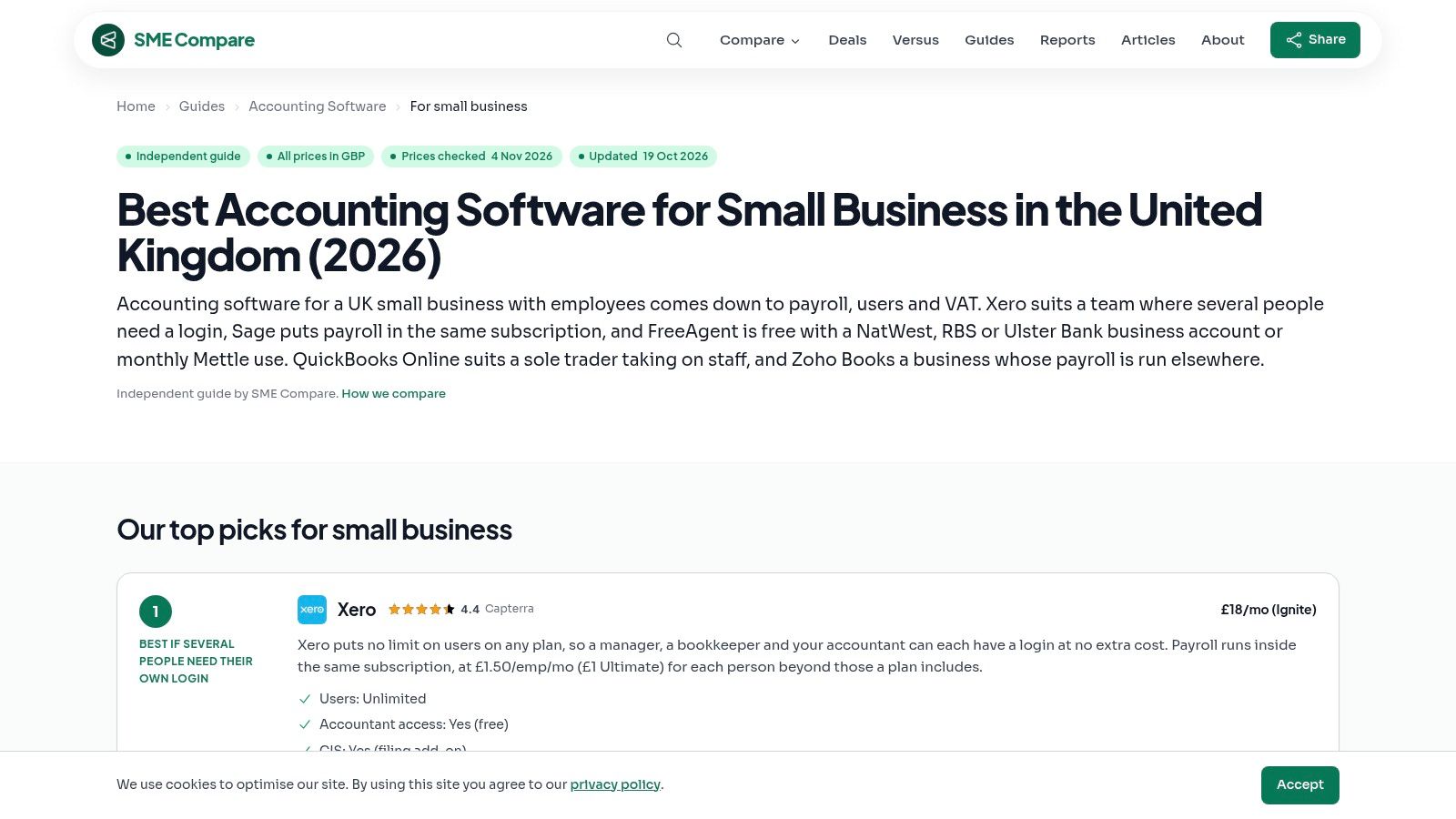
A growing team needs a different comparison from an owner who sends invoices alone. SME Compare is most useful when payroll, VAT, user access and plan limits start affecting the decision.
Its small-business accounting software guide connects features with operational requirements and offers use-case recommendations. That approach helps readers ask what happens when another employee needs access or the business outgrows its current subscription.
Test the roles, not just the features
Say your office manager prepares invoices, employees submit expenses and an external accountant reviews the books. You need to know what each person can access, which tasks require another subscription and how approvals work in the proposed setup.
- Strength: Operational comparisons make plan restrictions easier to connect with everyday responsibilities.
- Limitation: The guide covers a selected group of providers, so it shouldn't be mistaken for a complete market assessment.
- Pricing caution: Treat listed GBP prices and stated checking dates as prompts for verification, not binding quotations.
The distinction between owning software and using it consistently matters. The UK government's 2025 Longitudinal Small Business Survey found that 74% of SME employers used technology or web-based software to sell or manage the business. That measure doesn't establish whether staff maintain complete accounting records.
Best match: Employers and growing teams comparing the practical consequences of plan choice. Use its recommendations to prepare a role-based demonstration request, then confirm permissions, payroll arrangements and pricing with the provider before migrating.
The 7 Best Small Business Accounting Review Resources at a Glance
| Resource | Best for | UK focus | Stands out because |
|---|---|---|---|
| Snyp | Automating receipt capture and expense data entry | Some UK relevance, with pricing in pounds | Accepts receipts via WhatsApp, email, or upload and syncs with Xero and QuickBooks |
| Startups.co.uk | Building a shortlist of small-business accounting software | Strong UK focus, including tax suitability and support | Reports hands-on testing and recommendations by use case |
| TechRadar | Comparing software usability and everyday features | Covers UK needs, including Making Tax Digital | Says products are trialled over time and links to individual reviews |
| Small Business UK | Quickly scanning providers, prices, and pros and cons | UK small-business focus with prices excluding VAT | Combines a comparison table with individual provider reviews |
| Business Accounting Basics | Comparing options for small businesses and self-employed users | Strong compliance focus, including Making Tax Digital | Covers pricing and features with a stated check date |
| AccountingCompare | Moving from a shortlist to product-specific research | UK-oriented reviews include local compliance | Provides dedicated reviews and comparative ratings |
| SME Compare | Matching software features to operational needs | UK-focused, with prices in GBP | Connects requirements such as payroll, VAT, and user access to business needs |
Choosing the Right Reviews and Making Your Software Work for You
The most useful small business accounting reviews aren't necessarily the ones with the most products or the most confident winner. They're the ones that help you identify a suitable plan, expose a limitation and test the work your business performs.
Freelancers and sole traders should start with Business Accounting Basics and Small Business UK for accessible, UK-oriented comparisons. Teams with employees should use SME Compare to examine payroll, VAT and access requirements, and separately find a payroll provider that fits if payroll needs extend beyond the accounting package.
Make the shortlist prove itself
Buyers wanting testing context should read Startups.co.uk and TechRadar, paying attention to what the reviewers tested. Readers ready for deeper product research can use AccountingCompare to investigate individual platforms and turn rating explanations into vendor questions.
Then take these actions before committing:
- Verify the full price: Ask vendors about ongoing subscription costs, VAT, billing commitments, add-ons and the plan required for your intended workflow.
- Check the relevant MTD support: Confirm compatibility for your VAT scheme and any applicable Income Tax requirements. Ask your accountant to check the proposed setup where treatment or eligibility is unclear.
- Test receipt capture alongside the ledger: Try Snyp's WhatsApp or email intake feeding Xero or QuickBooks, then inspect extracted details, categories and the resulting review process.
Don't migrate because a review names a winner. Use trials where available, confirm cancellation and payment terms, and run representative transactions before moving live records.
The best review matches your workflow, and the best trial tests its weakest point. If collecting receipts is what keeps your books behind, changing the accounting platform alone won't fix it. Choose a workable ledger and a capture process you'll maintain.
Snyp captures receipts through WhatsApp, email forwarding or file upload and prepares structured expense data for review in Xero or QuickBooks. Visit Snyp to explore its trial and test your own receipts alongside the accounting software you're considering.