




Online Bookkeeping Software: 10 Best Tools in 2026
The receipts live in three places at once: a shoebox on top of the fridge, a wedge of paper in the van's glovebox, and about forty emails flagged to sort later. The accounting subscription renews every month and you haven't opened it since February. Nothing is broken. You bought the ledger and skipped the part where the paperwork gets into it. Plenty of UK small businesses pay for accounting software and still hand a carrier bag of receipts to an accountant in January.
Most roundups rank these tools by feature count. That misses where the work sits, because there are two decisions rather than one. First, where the books live: Xero, QuickBooks, FreeAgent, Zoho Books, Pandle, QuickFile, Clear Books, Sage or KashFlow. Second, how receipts and invoices get into that ledger without losing a Sunday to typing, and whether UK VAT and Making Tax Digital obligations are handled for you or left on your desk.
Nine of the ten tools below answer the first question. Snyp answers the second, feeding categorised expenses into Xero or QuickBooks. Each entry covers what the tool handles badly alongside what it does well, since the gap between the two is where the admin hours go. Once the DIY stage ends, accounting support for growing businesses becomes the third decision.
1. Snyp
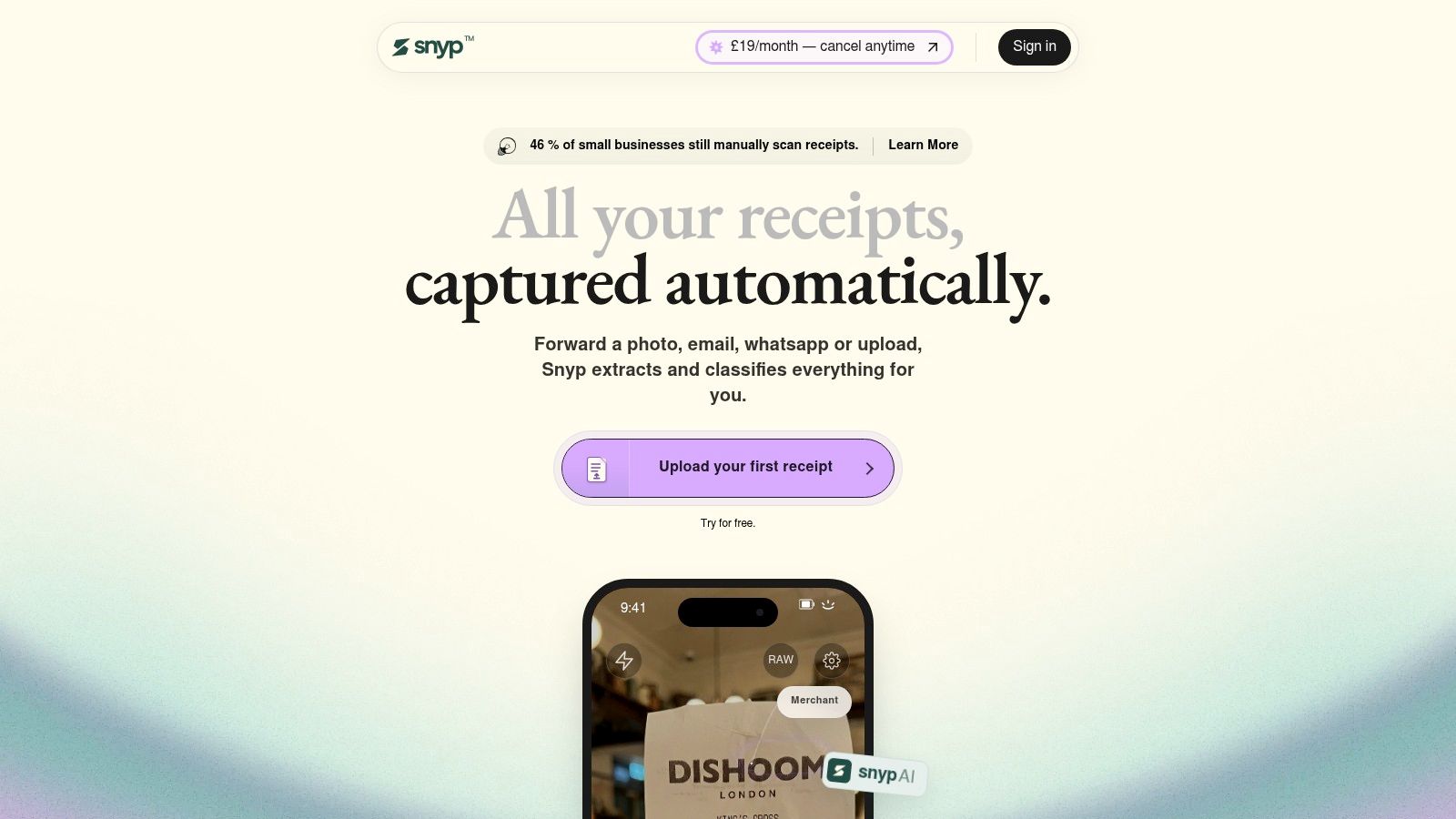
Snyp does the job the ledger assumes is already done: getting the receipts into it. A receipt goes in by WhatsApp, by forwarded email, or by dragging a photo or PDF into the web dashboard, several at a time. The AI then extracts the vendor, date, line items with quantities and prices, VAT, total, payment method and currency, and assigns the most appropriate expense category from your own chart of accounts. UK categories and VAT rules work out of the box, so Meals & Entertainment, Fuel & Vehicle and Software & Subscriptions land where they should, and receipts in any language and format are accepted.
Beyond the paper receipt
The intake covers more than till slips. Snyp reads invoices, bank statements and purchase orders, and it handles multi-line professional invoices properly. A solicitor's bill with time entries, hourly rates and disbursements arrives as the full breakdown rather than one unexplained number, and legal fees, accounting fees and consulting fees land in separate categories. Approved items sync to Xero or QuickBooks with the correct nominal code attached, and foreign currency amounts keep their currency code through to the ledger.
A review step sits between extraction and sync, and I'd keep it on in week one rather than trust the AI blind. If you want a second pair of eyes, send your accountant a review link; they check the data without needing a Snyp account. Plans start at £19 per month, billed monthly, with a trial to get started, and web, email and WhatsApp intake all sit inside that price.
The buying pattern backs the case for an intake layer. An Open Banking survey of 904 cloud accounting users found 87% intended to keep using their package and 79% rated it good value, while 75% had started within the previous three years and 36% within the past year. The habit is still forming, and it breaks exactly where a receipt has to be typed in by hand.
The limit is the ledger itself. Snyp syncs to Xero and QuickBooks, so if your books run on FreeAgent, Sage or Zoho Books, check the connection before you commit.
2. Xero
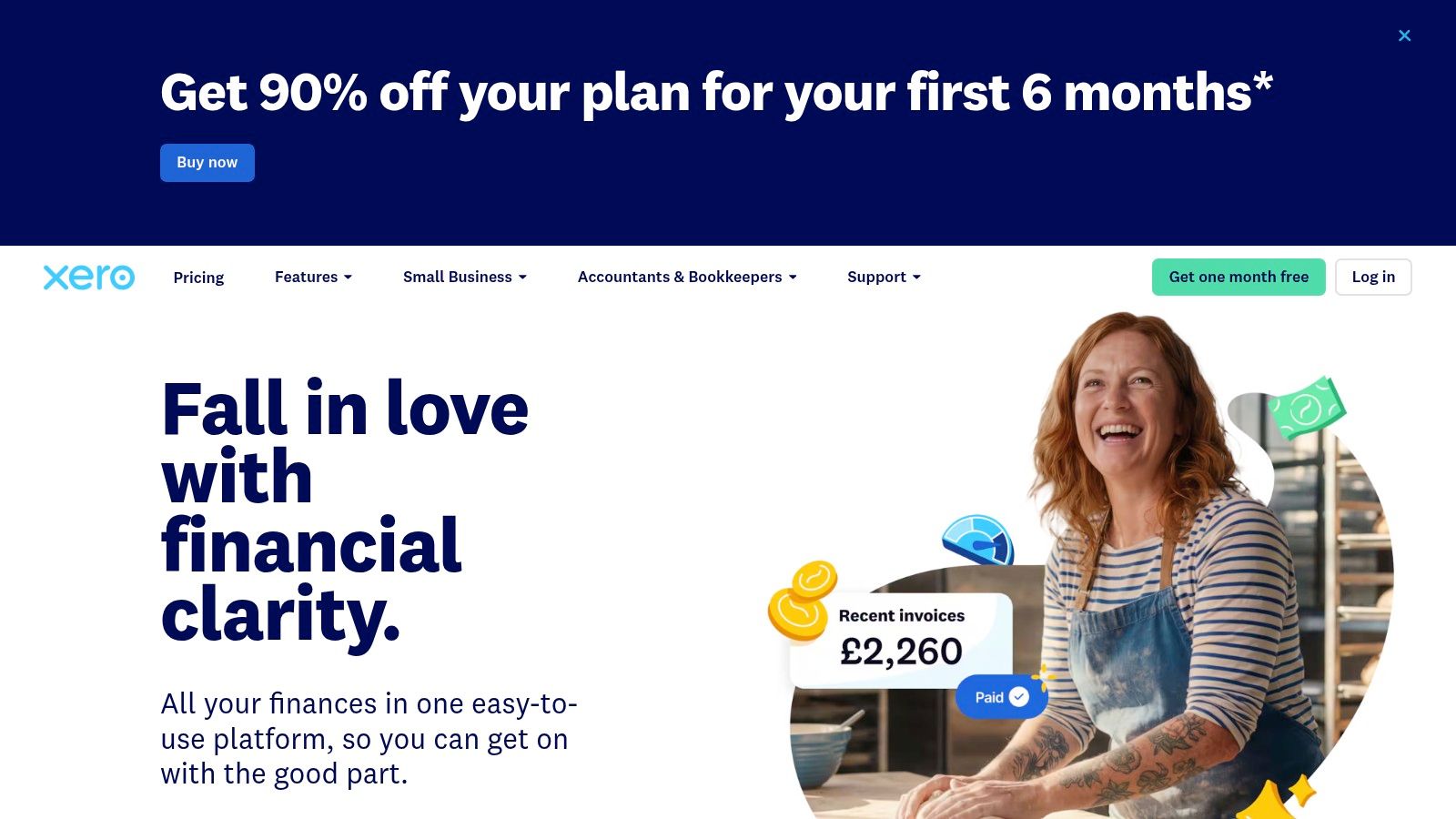
Xero is the platform your accountant most likely already knows, and that single fact decides more outcomes than any feature comparison. Bank feeds, transaction matching, invoicing, bills, VAT workflows and reporting sit in one place, the mobile app covers the basics on the move, and the integration list is wide enough that payroll or stock rarely needs a separate system.
The compliance case is measurable. HMRC's final evaluation of Making Tax Digital for VAT found that among businesses required to join in 2019, 48% kept VAT records continuously up to date compared with 38% beforehand, and 97% updated records at least quarterly (HMRC evaluation).
Where Xero bites is setup. Chart of accounts, VAT codes, bank rules and opening balances all need configuring, lower tiers cap how many invoices and bills you can raise, and document capture exists on some plans without ever becoming a frictionless intake channel. Xero pricing in the UK steps up faster than expected, so match the tier to your invoice volume rather than the feature badges. Current plans sit on the Xero UK site.
3. QuickBooks Online
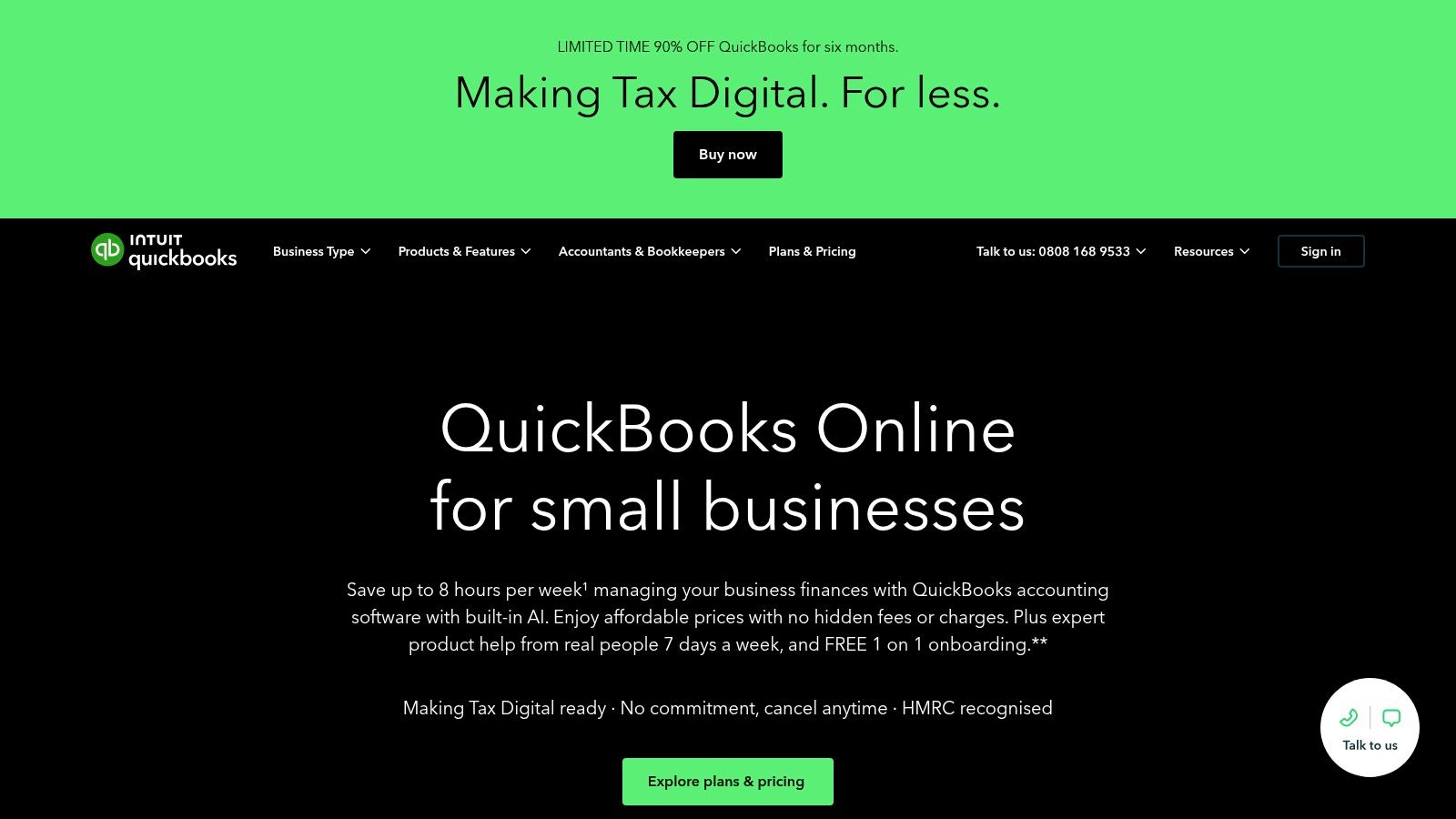
QuickBooks is the one I'd point at a sole trader who wants a price before a demo. According to the QuickBooks UK site, list prices start at £10 per month for Sole Trader Plus and £16 per month for Simple Start, both excluding VAT, and the promotional rate you see first is rarely the one you pay at renewal. Bank connections, transaction categorisation and reconciliation, invoicing and expense management come as standard, along with receipt capture through the mobile app and Making Tax Digital-ready VAT features.
A discounted first year is a pricing decision before it is a product one. Compare the renewal rate against the platform you will actually keep for three years.
The trade-offs are familiar to anyone who has cleaned up a set of books in April. Prices climb between tiers, several functions sit behind a higher plan or an add-on, and the headline number rarely survives contact with a growing business. Automated categorisation still produces duplicates when the same supplier invoice arrives twice from two email addresses, and it needs review rather than blind trust.
Receipt capture deserves a second look before you rely on it. The app reads a photographed receipt well enough, but the intake depends on you remembering to photograph it, which is exactly where paperwork piles up.
Accountants work in it constantly, which lowers the cost of collaboration later. If you want to test it without paying, the free QuickBooks trial covers the setup period where many people give up.
4. FreeAgent
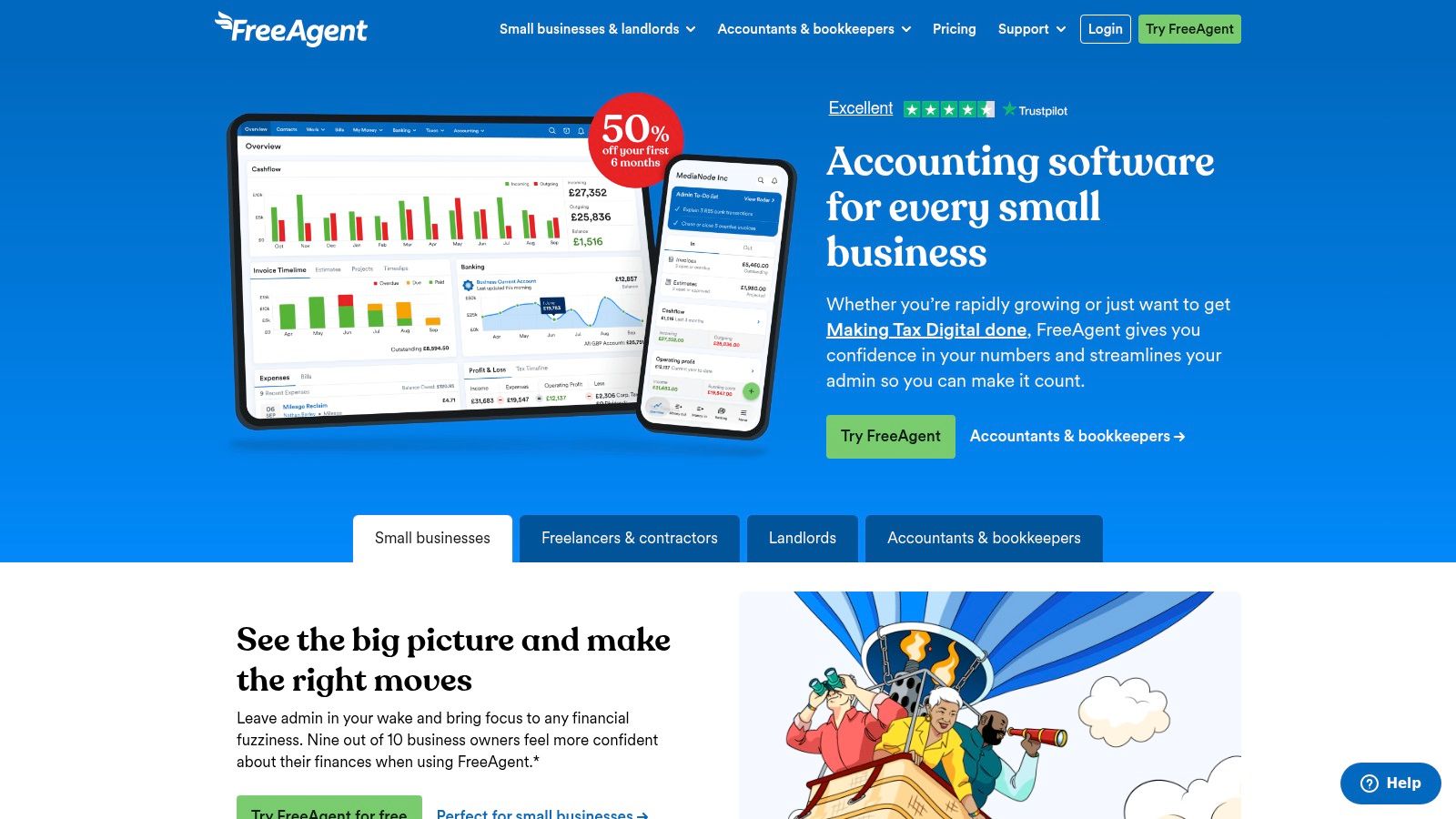
A sole trader with qualifying income above £50,000 has a date on the calendar: 6 April 2026, when the first Making Tax Digital for Income Tax cohort must use the system. HMRC counted 7.0 million individuals with landlord or self-employed sole trader businesses in 2023-24, 864,000 of them in that first cohort, and software use is already the norm among them, with 63% of businesses above £50,000 submitting their 2023-24 Self Assessment return that way (HMRC business population statistics). The qualifying threshold falls in stages after that first wave, so freelancers and landlords currently under it are buying time, not exemption.
Day to day it behaves the way a UK freelancer's ledger should. Income, expenses, invoices, projects and bank transactions sit together, and the tax and cash-flow views answer the question self-employed people ask, which is how much to set aside this quarter. A 30-day trial is standard, and customers of eligible partner banks can get access without a subscription.
Three limits deserve a look before you commit:
- Smart Capture caps: receipt and bill capture is included up to a point, and unlimited capture is a paid add-on.
- Eligibility strings: free access depends on holding a qualifying partner bank account, so confirm yours before building a workflow around it.
- Growth ceiling: inventory and deeper finance controls are outside what it is built for.
Details are on the FreeAgent site.
5. Zoho Books
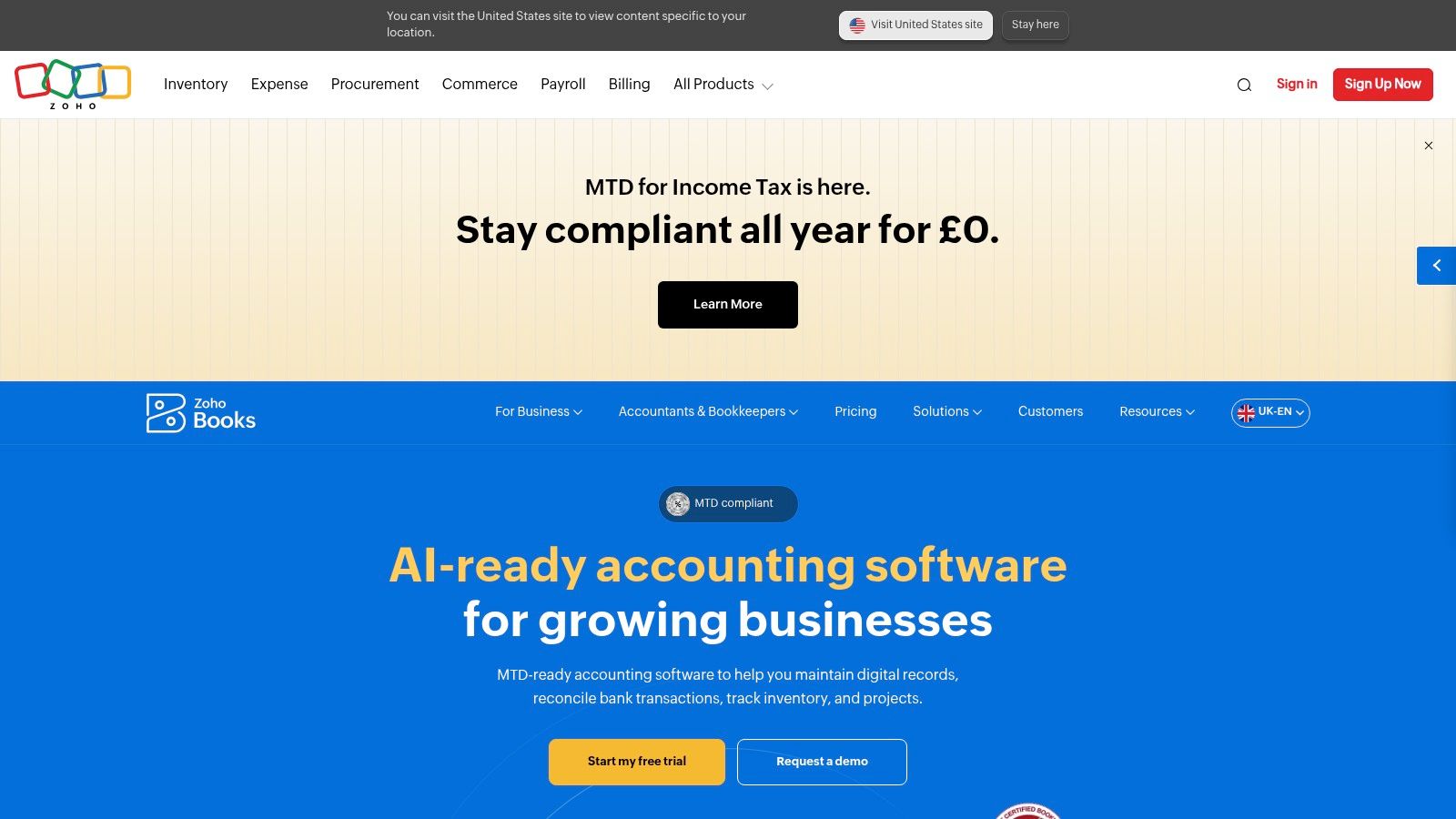
A free plan that handles Making Tax Digital VAT filing is a rare thing, and that's Zoho Books' opening line. Receipt autoscans, VAT tracking and MTD VAT filing are listed on the entry tier, while UK paid plans start from £12 per month, or £10 per month billed annually, excluding local taxes. Invoicing, expenses, journals, bank reconciliation and reports cover the core, and higher plans add bank feeds, multi-currency, inventory and purchase controls.
Configurability is the main draw. If you already run Zoho CRM or Zoho People, the single sign-on and shared data model save genuine time, and a business with unusual approval routes can usually bend the workflow rather than change software.
The price of that flexibility is configuration. User counts and capabilities move together across the plan grid, so two people on a small plan often need a bigger one for reasons that have nothing to do with transaction volume. Advanced inventory and analytics sit on the expensive tiers, and anyone outside the Zoho ecosystem should budget a couple of evenings for setup before deciding it's simple. Details are on the Zoho Books UK site.
6. Pandle
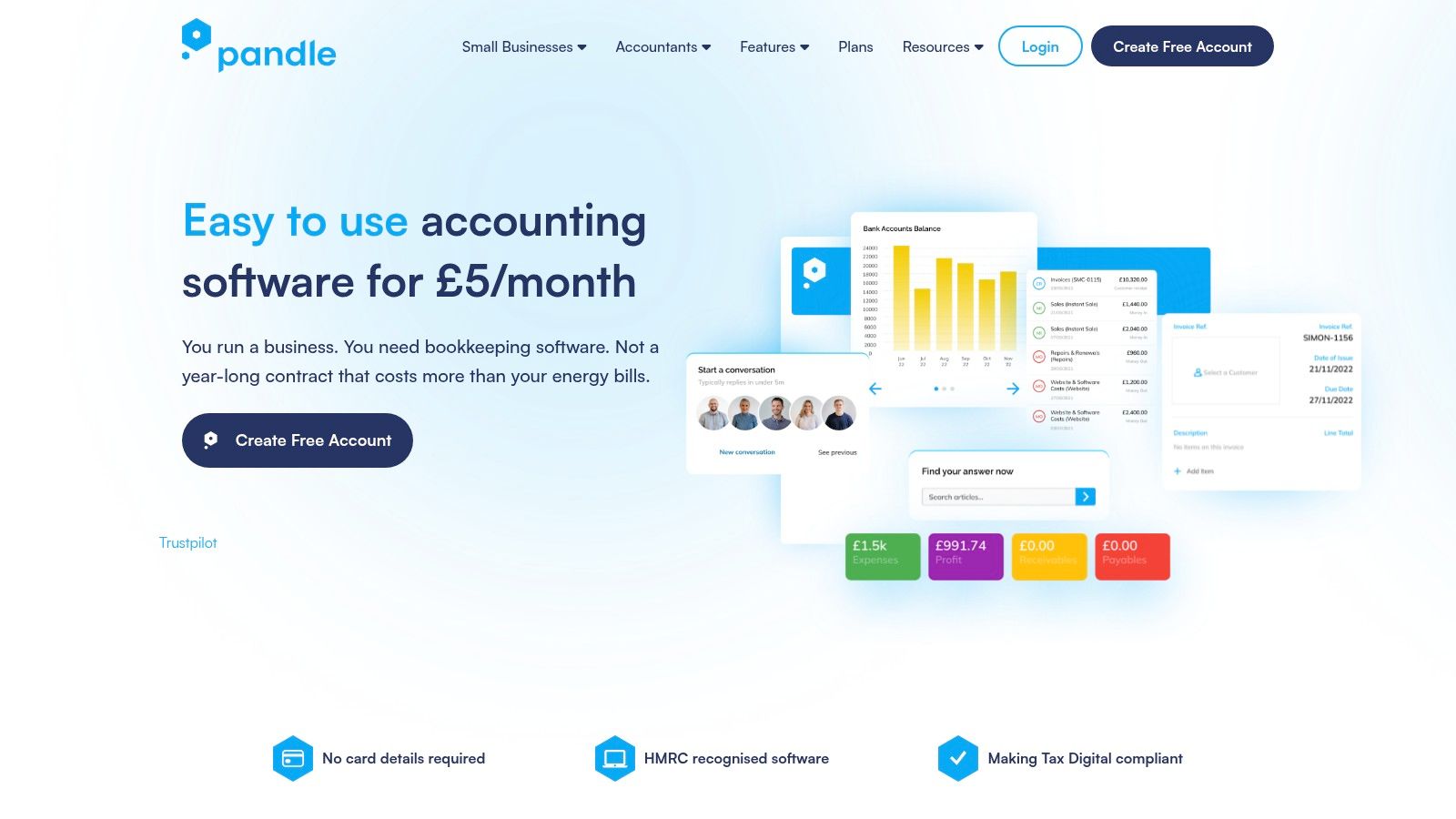
Pandle Pro costs £5 per month plus VAT with a 14-day trial, the lowest paid entry here, and a permanent free plan sits underneath it. Invoicing, quotes, business reports and transaction management are the basics; Pro adds bank feeds, receipt uploads, bank rules, cash-flow forecasting, mileage tracking, multi-currency and MTD submissions.
Practical rule: a free tier is a trial with no expiry date. Confirm what happens to your records if you never upgrade, and check which filing functions sit on the free plan before you move your VAT there.
That cash-flow view earns its place with a trade audience. If you invoice for work and wait to be paid, forecasting matters more than a dashboard of last month's spending, and the same is true for anyone running a van and claiming mileage.
The honest limits are support and ecosystem. The free tier drops automation and some help options, and the integration list won't satisfy a business wiring together a CRM, stock system and payroll. It's a strong answer for a sole trader with simple needs and a tight budget, and a poor fit for a company already outgrowing a one-person finance function. Plans are listed at the Pandle site.
7. QuickFile
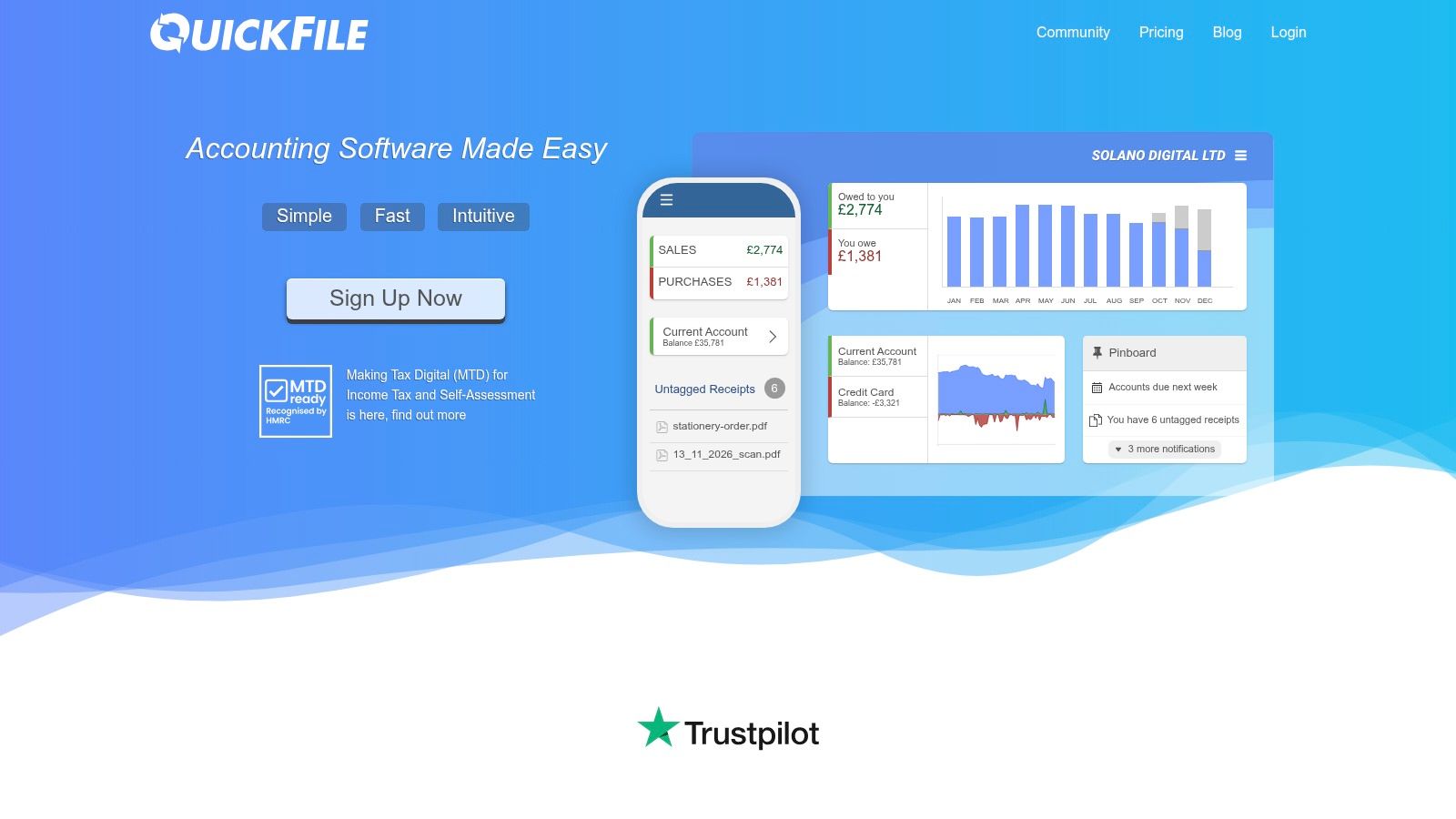
Where most tools in this list bill monthly, QuickFile bills by the year. Power User access is listed at £60 plus VAT annually, and below that a free tier runs up to a ledger-entry threshold, so a quiet set of books can cost nothing at all. Invoicing, purchase and receipt management, banking automation, MTD-compatible VAT returns, multi-currency and a wide integration set are all in the box. That is a lot of ledger for very little money, and it answers the "where the books live" question rather than the "how the paperwork gets in" one.
A price that low still earns scrutiny before you move your records across. HMRC's guidance on choosing Making Tax Digital software is a sensible starting point, but the search tools around it tend to return long lists with few ways to filter for ease of use, value, support, pricing structure or backup capability.
Cheap software is only cheap until you need to leave it.
Three questions sort that out before you commit.
- Can I export everything? Every invoice, receipt image and journal, in a format another tool can import.
- What happens if the subscription lapses? You need read access to your own records, not a locked door.
- Who answers in April? Support quality matters more in filing week than any feature list.
The interface sits a generation behind the newer platforms, and some features are gated behind Power User, so check which tier your workflow lands on before assuming the free plan covers it. For a business with modest volumes and a spreadsheet temperament, the trade is usually worth it. See the QuickFile site for the current threshold.
8. Clear Books
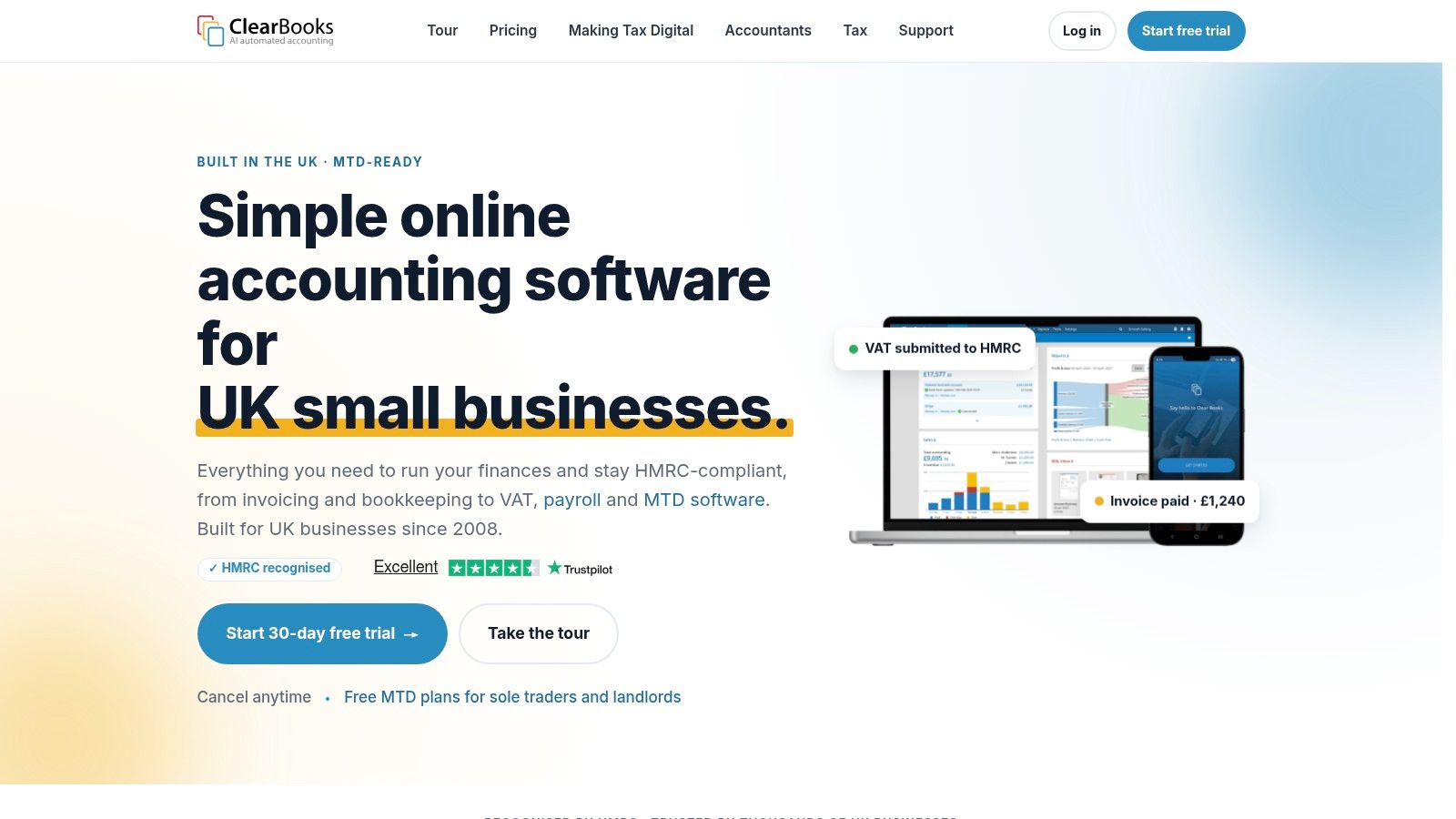
Clear Books keeps free plans available for eligible sole traders and property users, which makes it one of the few UK products where a landlord with a single property can file without a subscription. Paid plans cover organisations and heavier bookkeeping needs, and they come with a 30-day trial. Invoicing, bookkeeping and financial reporting are the core, with optional payroll, Auto Bills and instant bank payments on top.
Where it earns a recommendation is transparency. Add-on pricing is described openly rather than hidden in a quote, and the free entry points are aimed at exactly the people Making Tax Digital for Income Tax will pull in first.
The caveats matter. Not every feature is in the free plans, payroll and automation cost extra, and the right plan depends on your business structure, so a partnership shouldn't assume a sole trader route applies. Worth checking whether the filing workflow you need is on the tier you're looking at before you start loading transactions. Plans are listed on the Clear Books site.
9. Sage Accounting
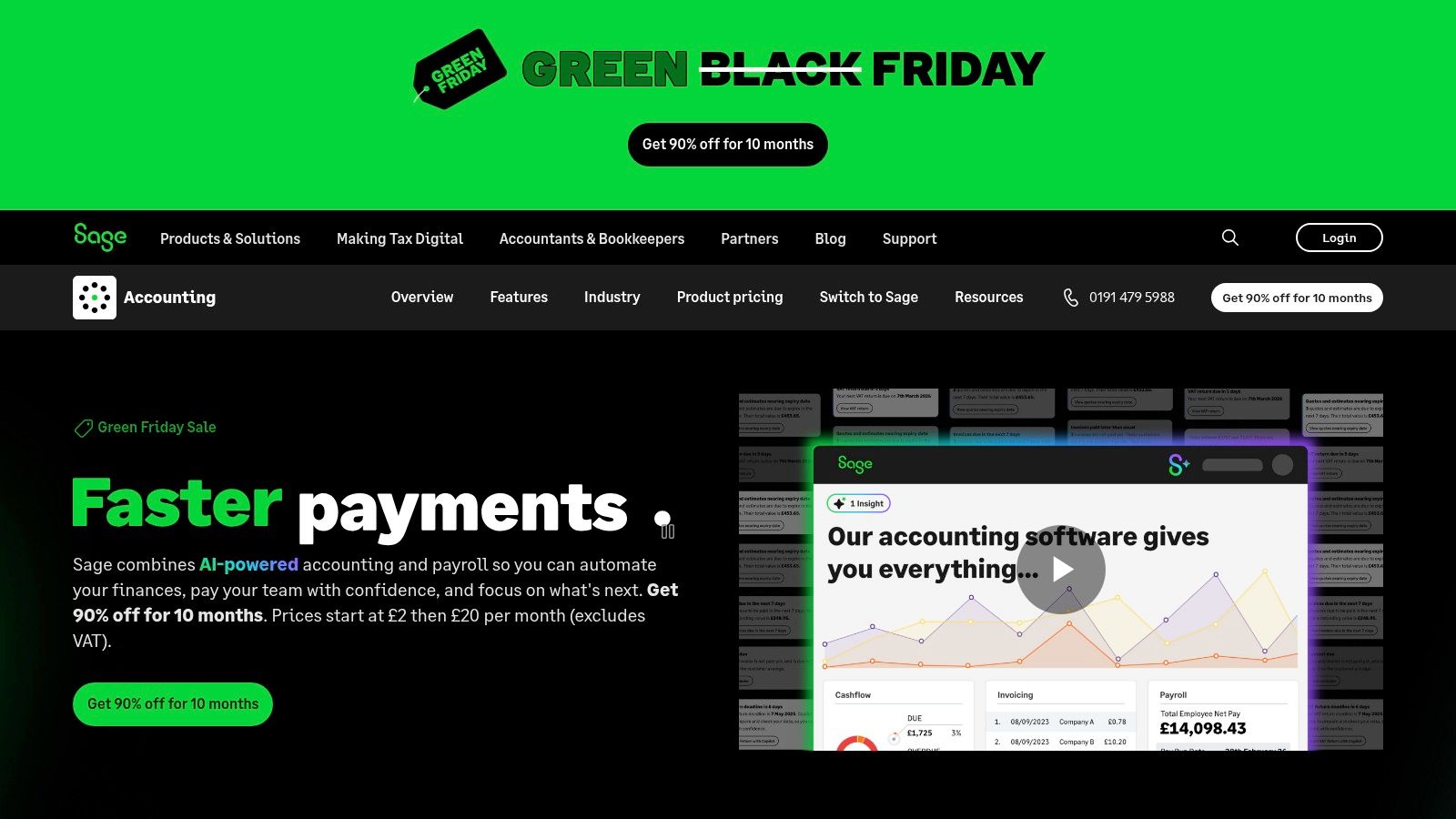
Sage is the incumbent, and that cuts both ways. Current Accounting plans cover invoicing, expense tracking, bank reconciliation and VAT calculations, with receipt and invoice data capture built in, and payroll plus the Copilot assistant listed as included. Higher tiers add supplier management, CIS, inventory and multi-currency, which is why so many trades and contractors end up here.
What adoption doesn't fix is the paperwork behind it. The Administrative Burdens Advisory Board reported that only 49.4% of respondents used an MTD-compatible accounting package, while 22.6% still used spreadsheets and 10.4% used another accounting package, and the government's business systems integration summary found cost the most frequently cited barrier to joining systems up. Buying a package doesn't remove the manual work; it moves it.
The practical risks are pricing and range. Standard prices differ considerably by tier once promotional periods end, several features are tier-locked, and the Sage family is large enough that people buy the wrong product. Know which one you're on before you compare it to anything else, and use this explanation of what Sage Accounting covers to check. Plans are on the Sage UK site.
10. KashFlow
KashFlow sells annual Starter and Business plans at a lower first-year new-customer rate, with current prices listed on the KashFlow site. Treat that opening figure as a discount, then price the renewal before deciding it is cheap.
The feature set is ledger-first: invoicing, expenses, purchase management and bank feeds are standard, with online VAT management and submissions, receipt capture, mileage tracking, mobile access and UK-based data storage.
Setup check: before paying annually, ask three questions. Can I export every record? What happens at cancellation? Who answers support in filing week?
Business is the plan to price seriously, because it adds multi-user access and unlimited bank transaction reconciliation. Starter caps both invoices and bank transactions, which suits a one-person consultancy but will pinch anyone billing weekly.
Choose it when the books themselves are the priority: a UK-centred ledger with the VAT workflow in place. Expect fewer app-ecosystem and interface comforts than the bigger platforms, and keep the paperwork question separate from the ledger question. For a VAT-registered sole trader, the issue is less whether it can invoice and more how much typing remains after bank feeds and receipt capture have done their part.
How the 10 tools compare at a glance
The useful split is intake versus ledger. Snyp sits apart because it captures and categories receipts and invoices, then syncs approved data to Xero or QuickBooks. The other rows are where the books live.
| Item | Starting price | Free option | Use it when |
|---|---|---|---|
| Snyp | £19/month | Free trial | Receipt capture and expense data extraction |
| Xero | None listed | Small businesses needing full accounting | |
| QuickBooks Online | £10/month for Sole Trader Plus, excluding VAT | No free plan listed | Sole traders and small businesses wanting built-in receipt capture |
| FreeAgent | Free for eligible partner-bank customers | 30-day trial | UK freelancers, contractors and small businesses |
| Zoho Books | From £10/month billed annually, excluding taxes | Free plan | Businesses wanting configurable workflows and Zoho integrations |
| Pandle | £5/month plus VAT for Pro | Permanent free plan | Budget-conscious small businesses |
| QuickFile | £60/year plus VAT for Power User | Free up to a ledger-entry threshold | Small businesses seeking broad features at low cost |
| Clear Books | Free for eligible sole traders and property users | Free plans for eligible users | UK sole traders and property users |
| Sage Accounting | No free plan listed | UK businesses needing accounting and compliance tools | |
| KashFlow | £97/year plus VAT for Starter, new-customer offer | No free plan listed | UK sole traders and growing businesses |
Blank entry prices mean the tier and offer decide the first bill, so shortlist on free access, VAT handling and day-to-day fit before comparing headline cost.
Pick the Ledger, Then Kill the Data Entry
Work through the two decisions in order. Start with the ledger, because switching accounting platforms mid-year costs more than any subscription difference. Choose the platform your accountant already works in, confirm it handles the VAT and Making Tax Digital obligations that apply to you, and check that the tier you're buying matches your invoice volume rather than a feature grid. A survey of more than 600 UK accounting and bookkeeping professionals found 95% had adopted cloud software to some extent, and practices using it across multiple tasks reported a 75% increase in profits against 39% among those using it for a single task (Xero's UK accounting industry report). Breadth is where the value sits.
Don't outsource the understanding. HMRC research found that 21% of UK accounting agents said their clients understood the requirement to use Making Tax Digital-compatible software in July 2025, up from 10% in December 2024 (HMRC research into agent preparedness). The obligation is yours, not theirs, and the reader who understands it makes better buying decisions and asks sharper questions.
Then attack the intake. Built-in receipt capture on most platforms still means opening an app, photographing a slip, checking a suggested category, and fixing the ones the model got wrong. It's better than nothing and worse than a workflow, because the work doesn't stop when the photo is taken. Match the intake method to how documents reach you: WhatsApp photos from site, PDFs from suppliers, forwarded invoices from a bookkeeper, a carrier bag from the accountant at quarter end. If you can't describe that flow in one sentence, no platform will fix it.
That's the gap an automated intake layer fills. Snyp takes what arrives, extracts the detail, and syncs clean, categorised expenses into Xero or QuickBooks from £19 a month with a trial, so reconciliation starts from structured data instead of an image gallery.
My advice: pick two candidates, run a fortnight of real receipts through each alongside your existing accounting platform, and only then commit to an annual plan. Test the export before you need it, get your accountant's view on the review step, and check what happens to your records if you cancel. The right answer is the one that survives a busy week, not the one with the longest feature page.
Receipts that reach your books in seconds change the whole equation: Snyp turns a WhatsApp photo, a forwarded email or a drag and drop PDF into categorised, VAT-aware expense data, with a review step before anything lands in Xero or QuickBooks. If the bottleneck in your bookkeeping is the pile rather than the platform, send it a week's worth of receipts and see what reconciliation looks like without the typing. Start the free trial at Snyp, with plans from £19 per month, billed monthly and cancelled at any time.